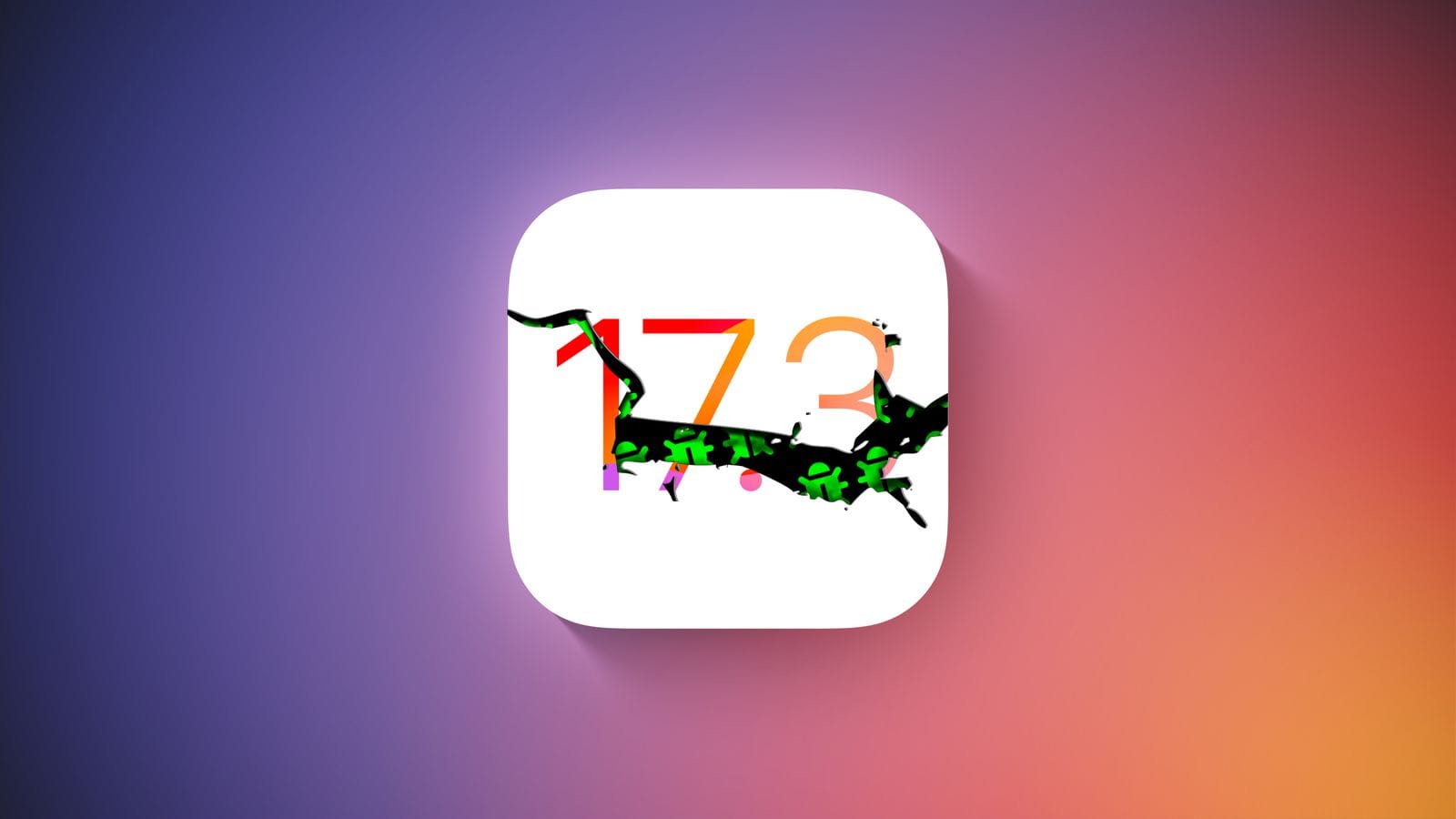
Hold off on updating any of your devices if you’re a member of Apple’s developer program. A few hours after going live, Apple removed the most recent iOS 17.3 Beta 2 update. Why? Some iPhones were reportedly bricked by the update, resulting in endless boot loop problems for the impacted devices.
The second iOS 17.3 beta was quickly taken down from the developer’s center and over-the-air channel. It did not specify when users would be able to access the software once more. But it’s probably already fixed, and before returning it to testers, more firmware testing will be done.
For those interested in learning more, numerous customers have reported on various channels that some iPhones are not functioning properly due to the second beta of iOS 17.3. Some people reported that their iPhone 15 (review) was stuck with a flashing cogwheel, while others reported an endless reboot loop. The problem also seems to impact older iPhone models, such as the iPhone 14, and its underlying cause is said to have enabled the Back Tap gesture.
How to fix an iOS 17.3 Beta 2 boot loop on your iPhone
It was noted that the issue cannot be resolved with a hard reset. Instead, users must download the iOS 17.3 Beta 1 in IPSW file format after plugging their iPhone into a laptop or MacBook to start it in recovery mode. After that, third-party applications like Finder or iMazing can be used to install the firmware.
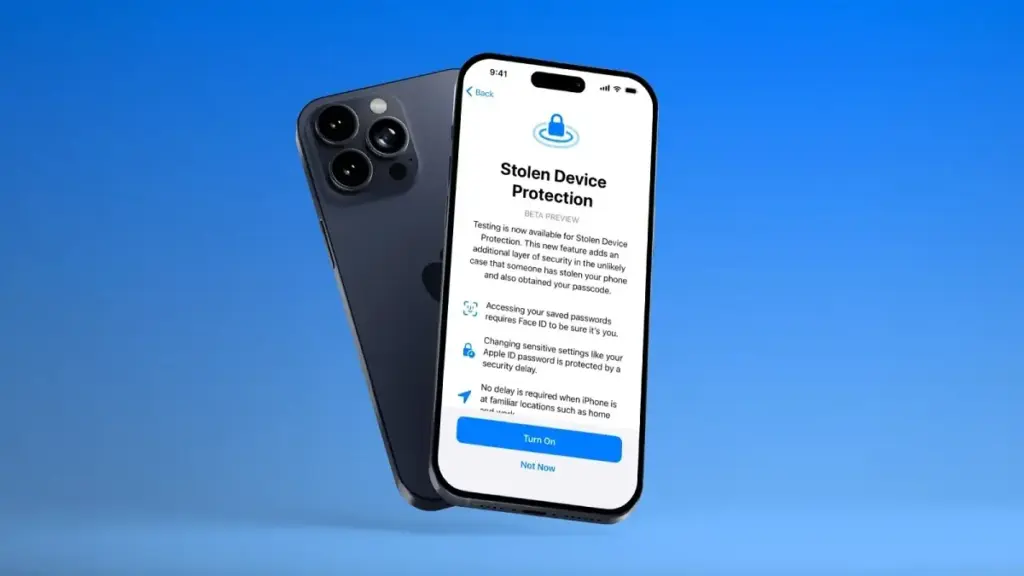
To begin with, a Stolen Device functionality was present in the previous iOS 17.3 beta edition. This is an improved security technique to stop people from fully taking control of stolen iPhones with exposed passcodes. When using Apple Pay and gaining access to Apple accounts and passwords, it adds additional procedures like Face ID.
The Journal app and Spatial Video mode for the iPhone 15 Pro and iPhone 15 Pro Max, which were first released in iOS 17.2, are anticipated to be updated in iOS 17.3. Although it was removed from the iOS 17.2 RC edition, Apple Music’s collaborative playlists functionality will also return.
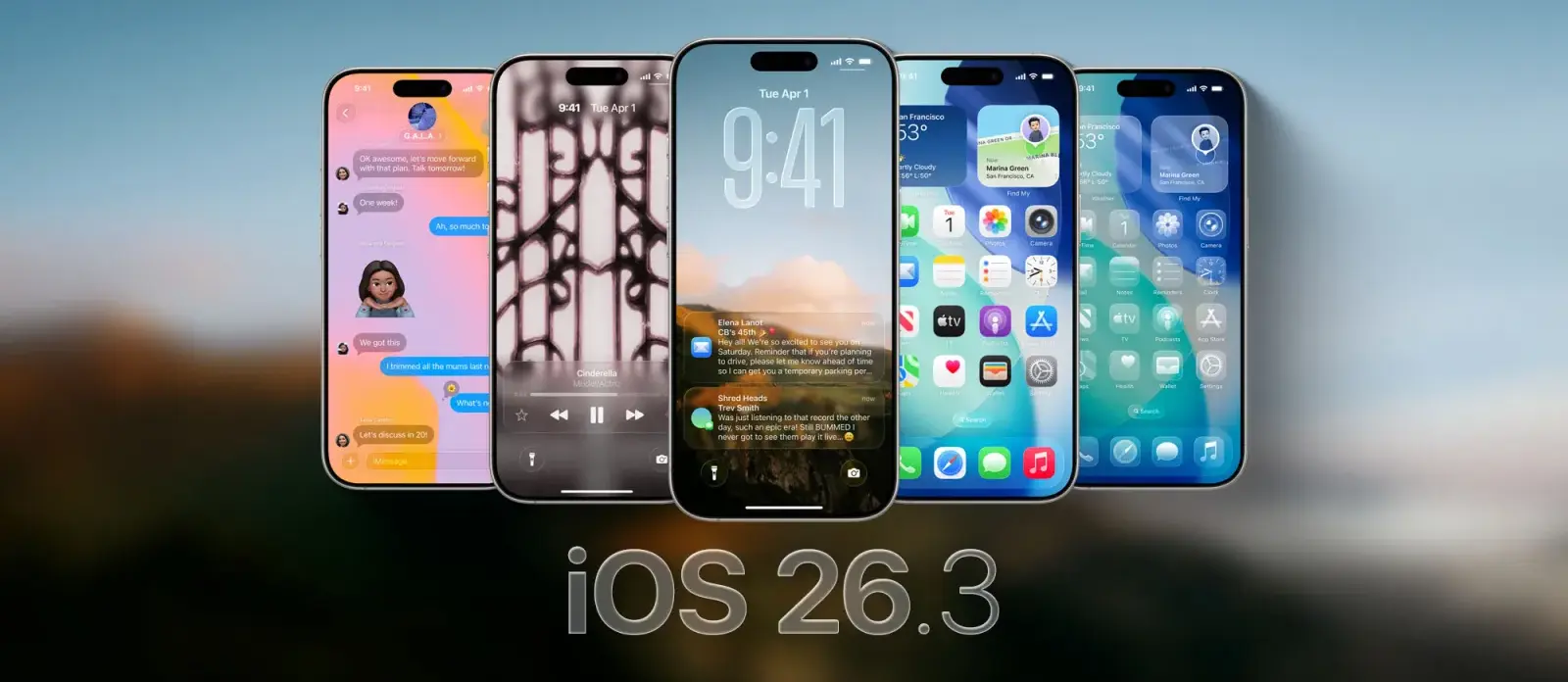
The first public beta for iOS 26.3 is now accessible less than a week after the release of iOS 26.2. Although it lacks some of the features of the previous update, there are still a number of potentially important changes.
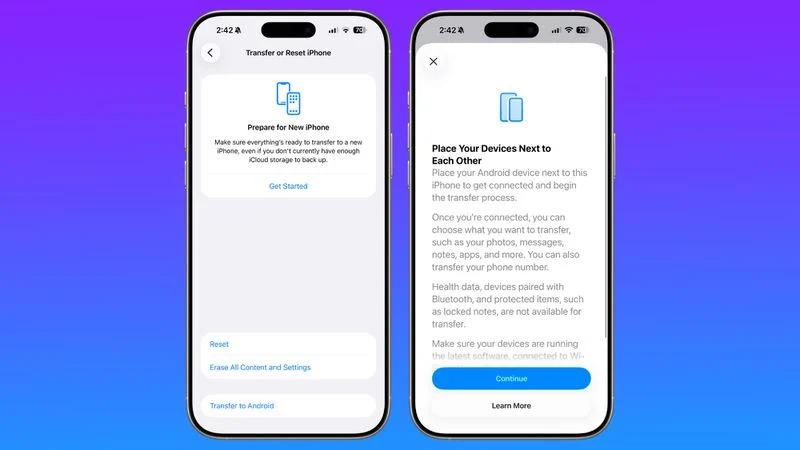
According to MacRumors and others, the most significant of these is a tool that facilitates the conversion from iOS to Android.
By just placing your iPhone next to an Android device, you will be able to transfer content including notes, photographs, messages, apps, passwords, and your phone number. Health information and secure objects, like locked notes, won’t be sent, but this is done wirelessly without the need for additional apps.
This should benefit everyone, though, as Google is putting in place a similar mechanism that makes switching from Android to an iPhone simple.
New features spotlight in iOS 26.3: weather wallpapers and notification forwarding
As well as that, this iOS 26.3 beta also includes changes to the wallpaper gallery.
Now, the ‘Weather & Astronomy’ section has been split into two sections, one for ‘Weather’ and the other for ‘Astronomy’. That weather section has also gained some new wallpapers.
Finally, as spotted by 9to5Mac, this beta also includes an interface for notification forwarding, so that third-party devices can access your notifications.
In order to improve compatibility between non-Apple smartwatches and iPhones, a new regulation in the EU mandates that this feature be available.
Although the functionality isn’t completely operational yet, we can tell from the UI of this beta that you can only pass alerts to one associated item at a time and that notifications won’t show up on a paired Apple Watch when notification forwarding is enabled.
That’s all that has been discovered thus far in this beta, while it’s possible that there are further things to be discovered. However, because it’s almost time for the holidays and they don’t want to deal with too many bugs, Apple typically publishes rather feature-light betas at this time of year.
The next iOS 26.3 beta and the release of the final version are likely to be delayed until early next year due to this timeframe.
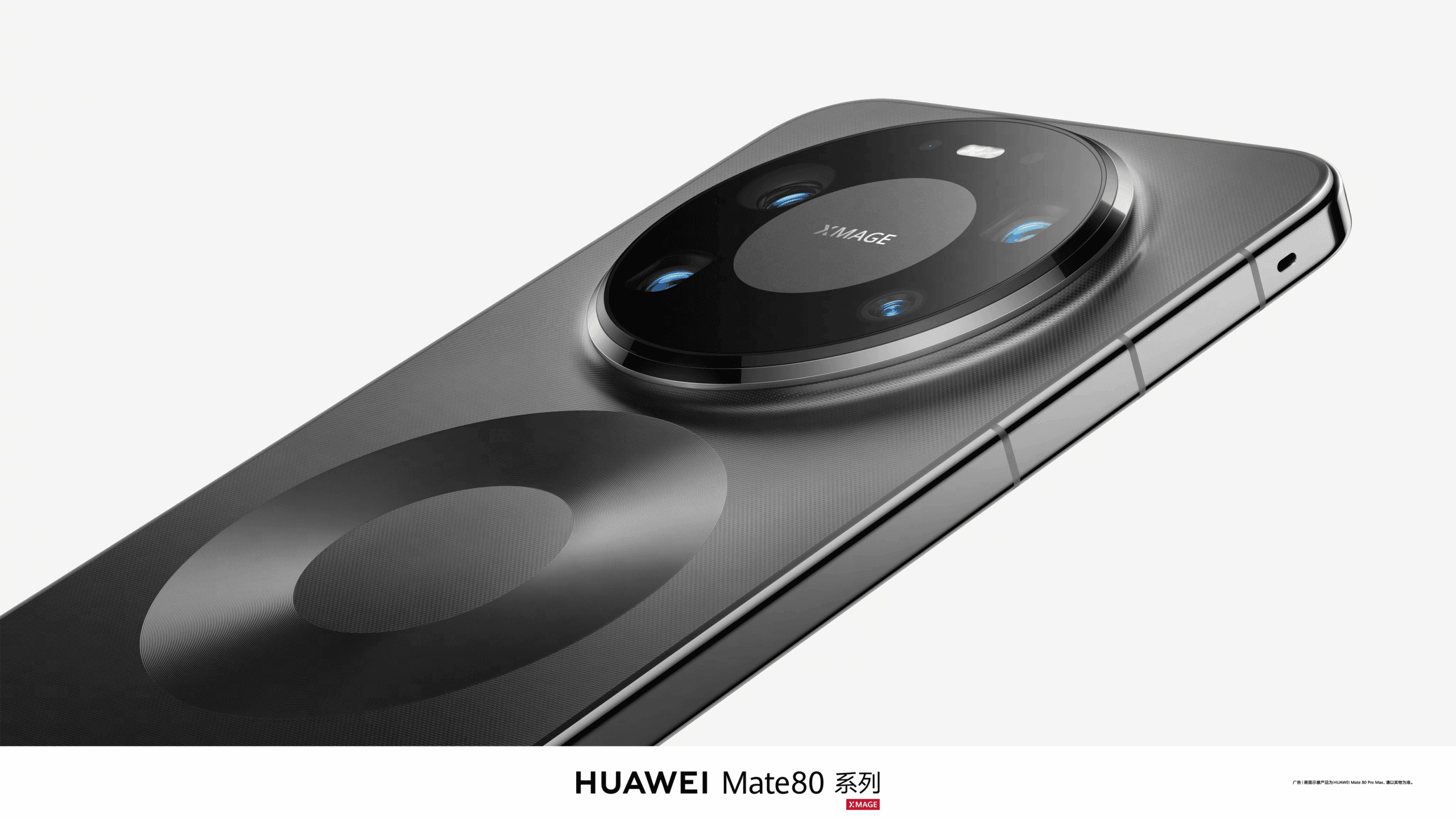
Thanks to some of its most cutting-edge features, the Huawei Mate 80 Pro Max is one of the greatest flagship smartphones of 2025. No, we’re talking about the unique features that are worth your consideration rather than the ultimate specs!
With the Mate 80 Pro Max and its state-of-the-art features, Huawei has addressed every issue, including performance and photography. Let’s examine each of these attributes of the new flagship in greater detail.
Design: the best look!
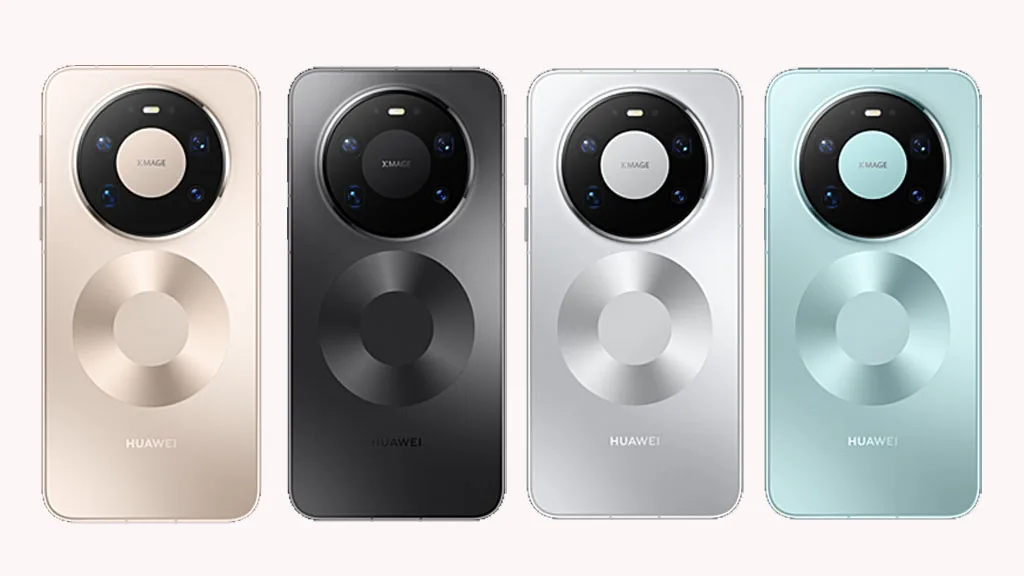
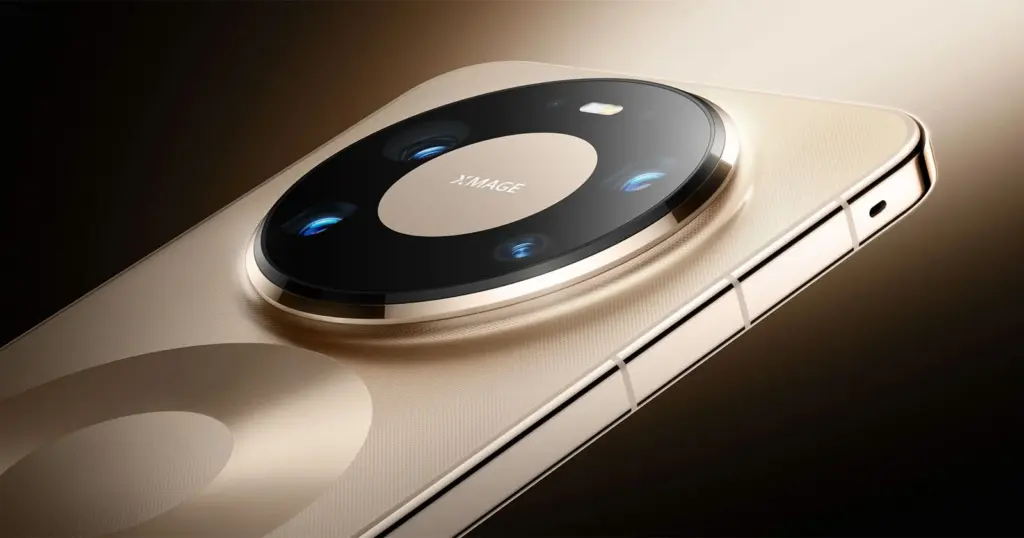
Are you tired of the same old circle camera design on the back? The Mate 80 Pro Max has an infinite appearance because the manufacturer recognizes your feelings.
This specific design strategy alludes to the new smartphone’s limitless, remarkable features. In order to highlight the device’s name and make it seem more auspicious, it also reflects the number “8.” It’s amazing how MATE is integrated into the lens architecture.
In the meantime, your smartphone’s all-metal body guarantees that it will be safe and secure throughout its life, regardless of any drops, water falls, or scratches.
Screen: Brightness like never before
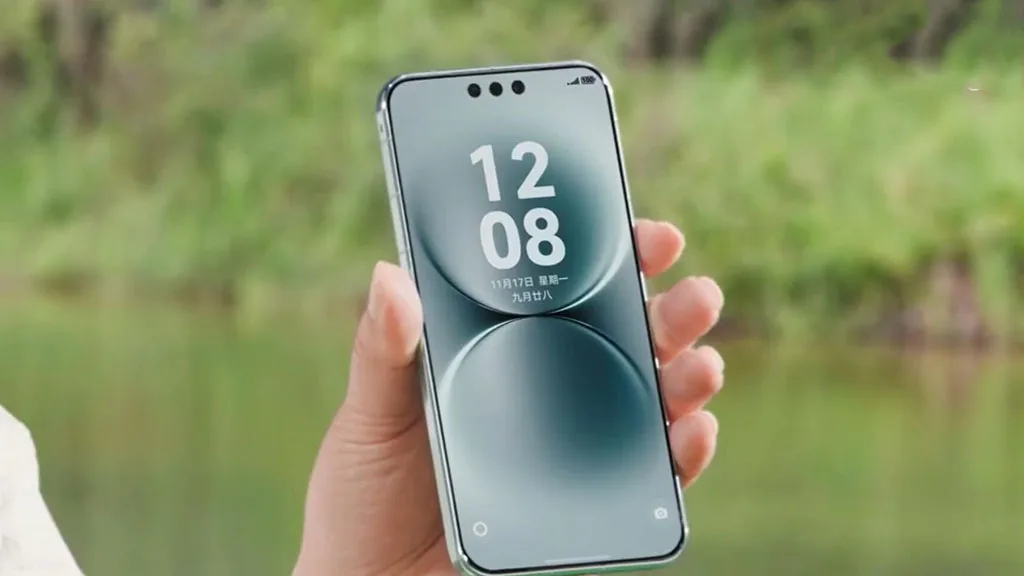
The screen of the Mate 80 Pro Max is the result of some unique work by Huawei. In contrast to previous Mate phones, the 2025 model has a dual-layer OLED panel that lowers battery usage while also increasing brightness.
What’s unique, though? This time, it’s the maximum brightness, which is 8000 nits. The Mate 80 Pro Max is the first phone with this level of brightness, outperforming the iPhone 17 Pro Max and Galaxy S25 Ultra and establishing a new standard for premium models in 2026.
When watching videos or playing games, the screen eventually stays clear even in direct sunshine, and the content’s colors are crisp and vibrant.
Celia AI – the AI assistant
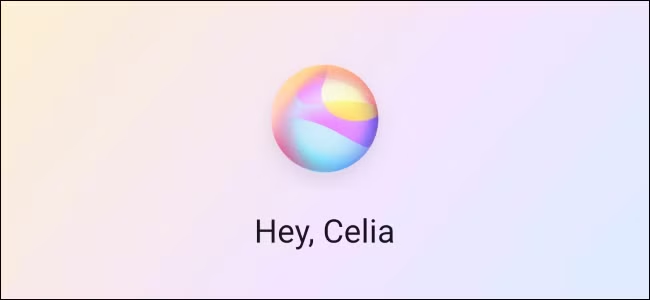
Huawei joined the smartphone market with its Celia AI assistant, competing with Gemini and Siri. It is now a human friend with certain dynamic capabilities rather than an artificial intelligence model.
With just a single utterance, you can now use Celia’s AI assistant to order new products, place restaurant orders, book flights, and perform a number of other tasks.
Tell Celia, for example, if you want to order an outfit or something to eat while playing your favorite game. Additionally, it will take you straight to the payment stage. You can complete the transaction without exiting the game, so don’t worry. Additionally, the app will use your voice to verify the payment.
Connectivity: weak signals become a thing of the past
With antenna breaks on all four sides of the frame (the phone’s rear panel), this would likely be the first gadget. What does that signify? The device will provide seamless communication regardless of how you handle it.
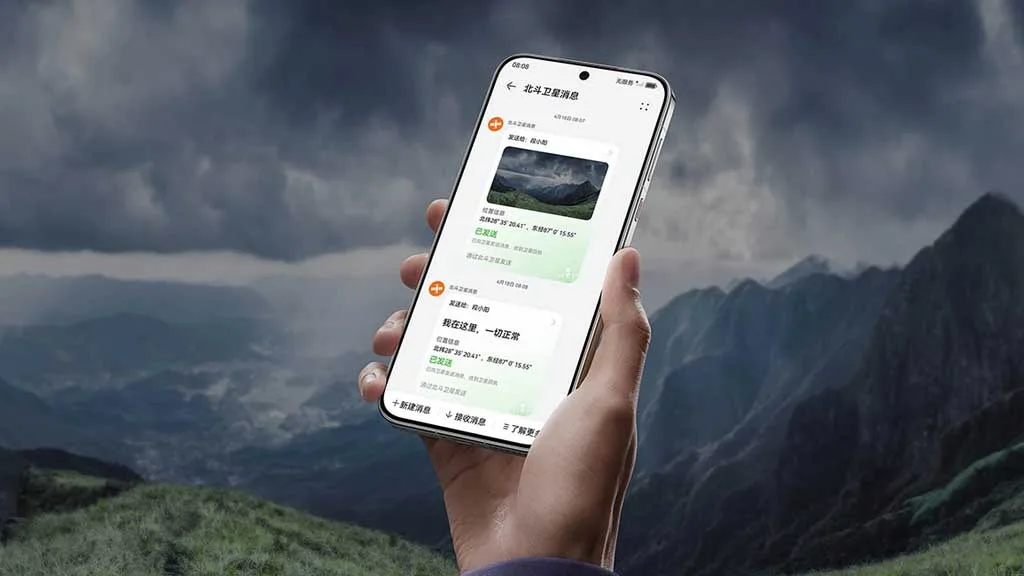
Apps like Beijing Metro Line 10, which gained popularity because to its poor signal, now offer lag-free, uninterrupted video playback. Users may even monitor the weather without internet access thanks to dual-satellite connectivity.
Three barriers can be penetrated and 13 kilometers can be covered via 700MHz wireless communication. As a result, you can communicate with other users even in places where there is absolutely no service.
With its outdoor mode, the Huawei Mate 80 Pro Max’s battery lasts for 14 days. Hiking tracks for some well-known routes can be recorded, imported, or even downloaded with its assistance. Additionally, you identify the rising trend and indicate risk appropriately.
Camera – top tier
Mate phones are not so much imaging devices as they are performance-based ones. However, Huawei has perverted this theory this time. With five potent sensors, including the second-generation multispectral lens, the Mate 80 Pro Max boasts an amazing camera package.
The gadget features a 50MP ultra-high dynamic primary camera, a 40MP ultrawide angle camera, a 50MP super-focus macro telephoto lens, a 50MP super telephoto sensor, and an improved multispectral lens for legendary image and video capture.
The new multispectral camera increases color reproduction accuracy by 43% when paired with the 9th-generation ISP. They are more colorful than ever, regardless of whether the photo needs to be taken underwater, in strong light, or in a gloomy environment.
Thus, these are the incredible qualities of the Huawei Mate 80 Pro Max that truly need your consideration. To improve the overall user experience, additional features include 5A Speed and smart grip.
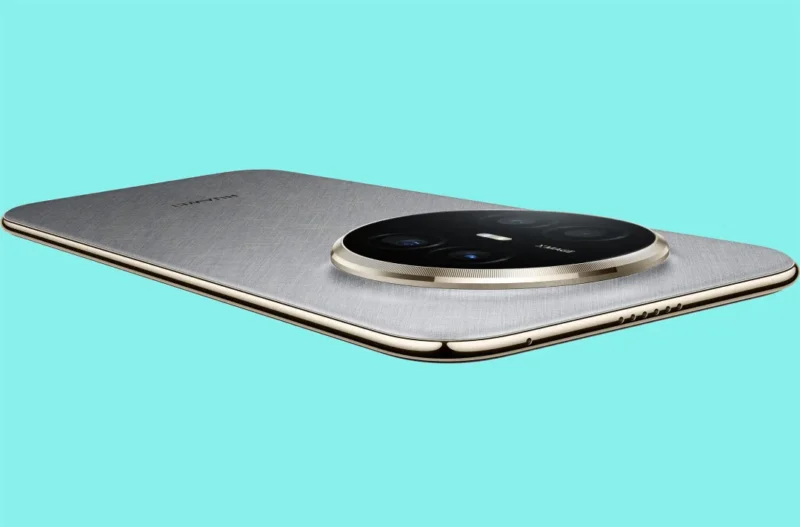
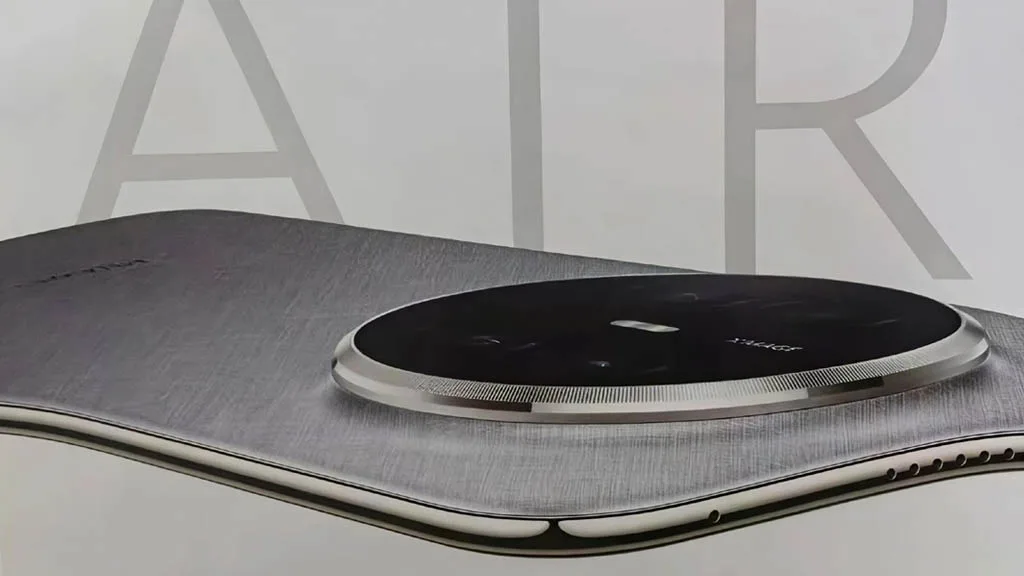
In the battery war, the Huawei Mate 70 Air has defeated the iPhone Air and the Galaxy S25 Edge. The gadget has performed exceptionally well in the area where most brands attempt to make compromises in favor of appearance, although it may be a few millimeters behind in the battle for slimness.
One of the device’s most crucial components is the battery. If it’s a decent one, you won’t have to worry about using a charger for a few days. However, a low-density cell hinders your enjoyment in addition to using more power.
Samsung and Apple devices have excellent features and specifications. However, the battery life is something that these firms are continuously working to improve.
Huawei Mate 70 Air comes with a huge battery
Apple and Samsung are unable to incorporate a higher-density battery into their top phones despite no technological limitations. The batteries of phones such as the Galaxy S25 Ultra and the iPhone 17 Pro Max are 5000mAh and 4823mAh, respectively.
Therefore, it is unrealistic to expect these brands’ thin gadgets to have larger battery capacities. Slimness frequently results in less space for the device’s internal parameters.
Therefore, in order to achieve that ideal tiny profile, tech manufacturers must either reduce the battery capacity or other specifications like camera sensors and more.
It’s interesting to note that the Huawei Mate 70 Air has demonstrated to the manufacturers of the iPhone and Galaxy that a handset can still have a huge battery while still maintaining its thin form.
A 6500mAh ultra-thin silicon-carbon anode battery powers the Mate 70 Air’s remarkable battery life. Additionally, it offers a 66W fast cable charger that quickly charges the tablet without interfering with your video or gaming.
As a result, the Huawei Mate 70 Air smartphone offers flagship-quality battery life in addition to a fully functional experience. You can choose between a thin model with a full power pack or one that is only skinny.
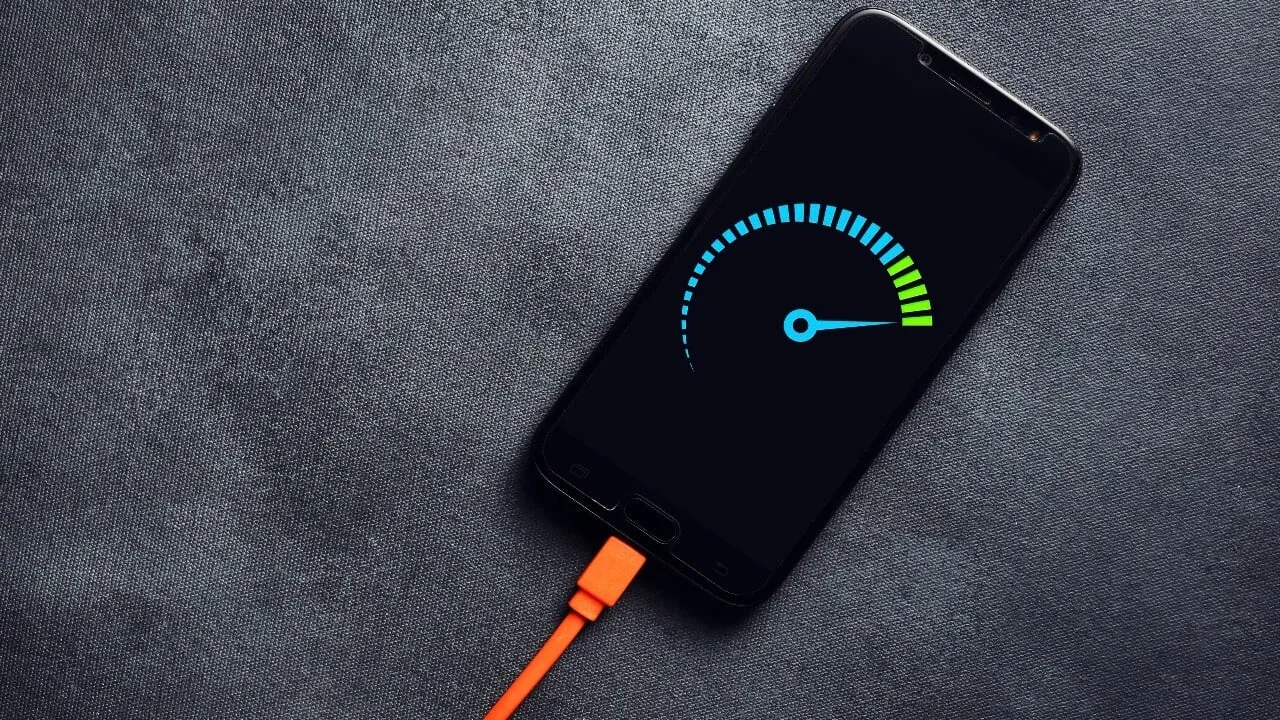
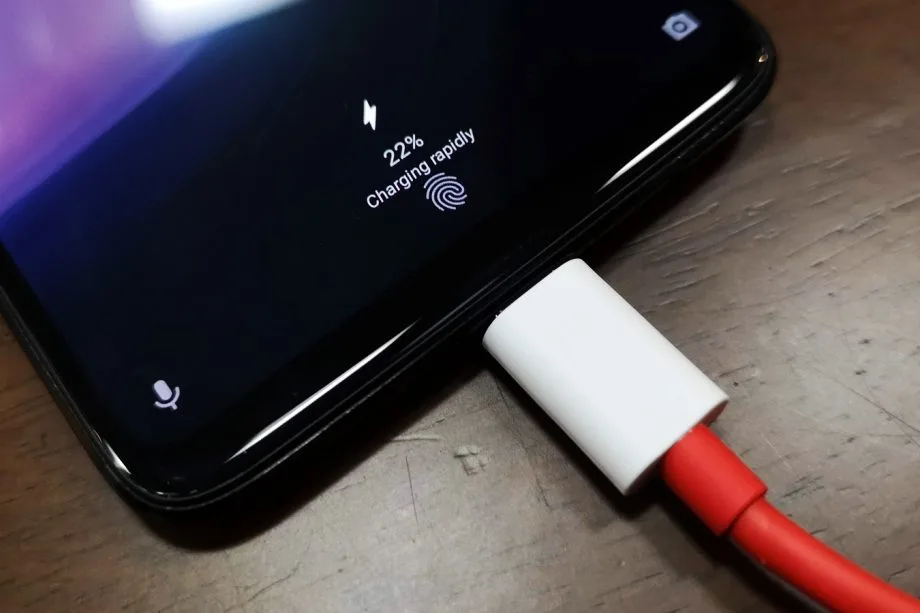
30 minutes to fully charge the battery? A growing number of cellphones can be fully charged in less than an hour. Does this rapid charging, however, harm the battery? This has been examined in an experiment, which yields an unexpected result.
30 minutes to fully charge the battery? A growing number of cellphones can be fully charged in less than an hour. Does this rapid charging, however, harm the battery? This has been examined in an experiment, which yields an unexpected result.
A Chinese do-it-yourself team called HTX Studio looked into this precise subject. After purchasing ten identical iPhones and ten Android devices, the do-it-yourselfers split them up into groups. A fast-charging power supply unit was used to charge one group, while a slow charger was used for the other. We finally have a response after 500 full charges and six months.
How did they do it?
Two groups of iPhones were created. Apple’s 40-watt power supply was used to charge three gadgets, while the outdated 5-watt power supply was used for the remaining three. To ascertain the typical aging of the battery over time, a second iPhone was left completely uncharged as a control group.
For the Android cellphones, the configuration was the same. The iQOO7, which is unavailable in this nation, was utilized twice: once with 18 watts and once with the maximum power of 120 watts.
The smartphones are fully charged by self-programmed software, which then uses up the battery once again until it is only five percent. After that, the charging procedure resumes. In this way, 500 charging cycles were carried out over a few months.
Is fast charging bad for your phone’s battery?
The enthusiasts looked at the batteries both before and after the experiment. This is due to the fact that not all smartphones have the same battery capacity when they are manufactured. There may be slight variations of less than one percent. The batteries were inspected once more after 500 cycles, and the amount of capacity they had lost was calculated:
iPhone (slow charge): 11.8%
iPhone (fast charge): 12.3%
Android (slow charge): 8.8%
Android (fast charge): 8.5%
The outcomes are unexpected. Faster charging caused the batteries in iPhones to lose 0.5 percent of their capacity, but the batteries in Android cellphones even lost 0.3 percent. Only in a lab can these variations be quantified. Therefore, the service life of your battery is essentially unaffected by fast charging.
How to take care of your battery
For the longest potential service life, batteries should be kept between 30 and 80 percent charged, according to another battery myth. For mobile cellphones, some manufacturers even include an 80 percent charge cap.
In order to test this notion, the Baster team charged another set of cellphones to 80% capacity before draining the battery to 30%. The experiment was repeated 1000 times because this was only half of a charging cycle.
iPhone (30-80 percent): 8.3%
Android (30-80 percent): 6.0%
Therefore, you are actually doing your smartphone’s battery a favor if you never charge it to more than 80%. However, the difference in day-to-day living is negligible even here. Therefore, the experiment demonstrates that you should just charge your smartphone whenever it is most convenient for you rather to spending a lot of time and effort doing so.