Tag: ios

  • Warning: iOS 17.3 Beta 2 may brick iPhones, but there’s an easy solution

    Warning: iOS 17.3 Beta 2 may brick iPhones, but there’s an easy solution

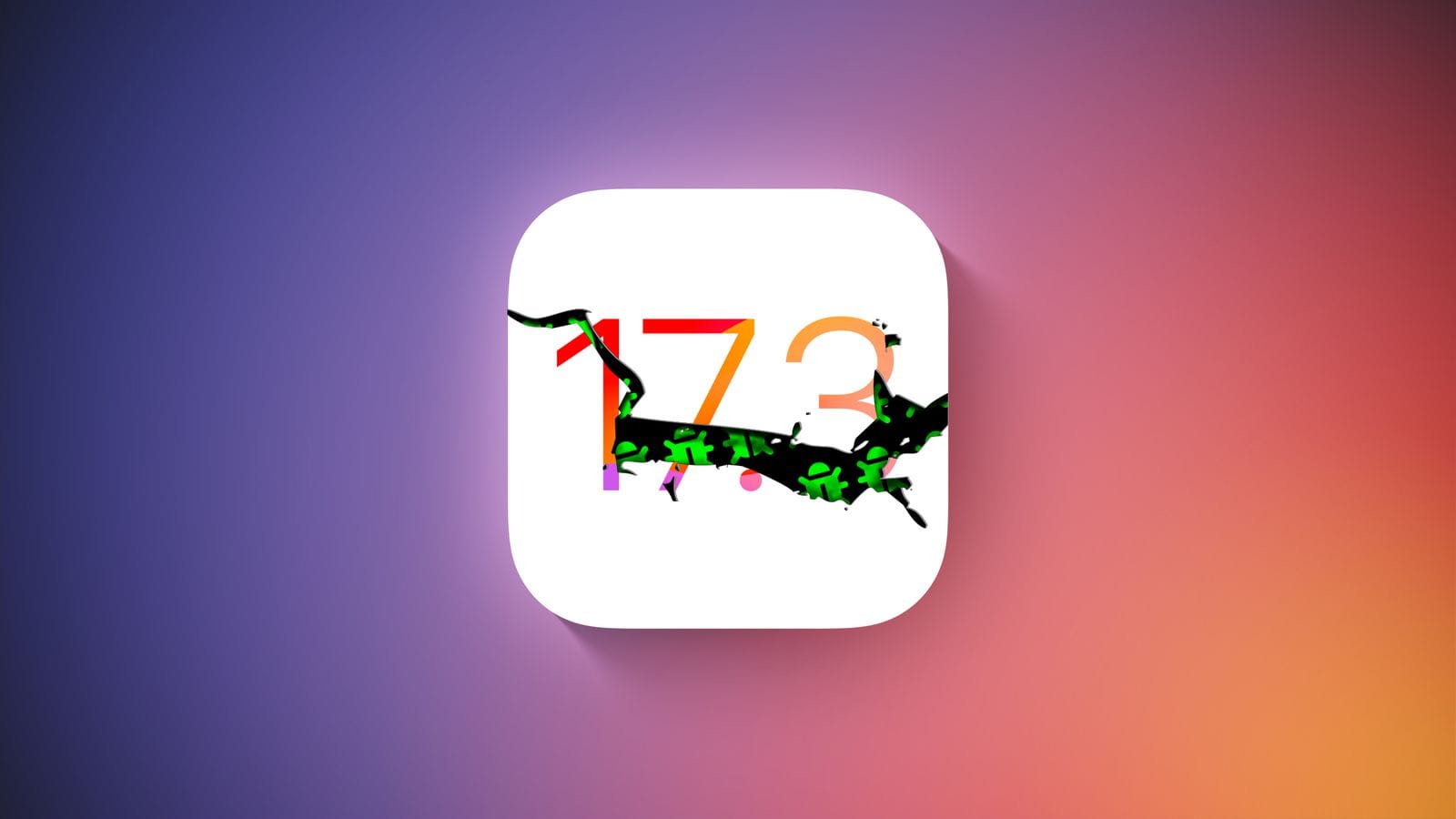
    Hold off on updating any of your devices if you’re a member of Apple’s developer program. A few hours after going live, Apple removed the most recent iOS 17.3 Beta 2 update. Why? Some iPhones were reportedly bricked by the update, resulting in endless boot loop problems for the impacted devices.

    The second iOS 17.3 beta was quickly taken down from the developer’s center and over-the-air channel. It did not specify when users would be able to access the software once more. But it’s probably already fixed, and before returning it to testers, more firmware testing will be done.

    For those interested in learning more, numerous customers have reported on various channels that some iPhones are not functioning properly due to the second beta of iOS 17.3. Some people reported that their iPhone 15 (review) was stuck with a flashing cogwheel, while others reported an endless reboot loop. The problem also seems to impact older iPhone models, such as the iPhone 14, and its underlying cause is said to have enabled the Back Tap gesture.

    How to fix an iOS 17.3 Beta 2 boot loop on your iPhone
    It was noted that the issue cannot be resolved with a hard reset. Instead, users must download the iOS 17.3 Beta 1 in IPSW file format after plugging their iPhone into a laptop or MacBook to start it in recovery mode. After that, third-party applications like Finder or iMazing can be used to install the firmware.

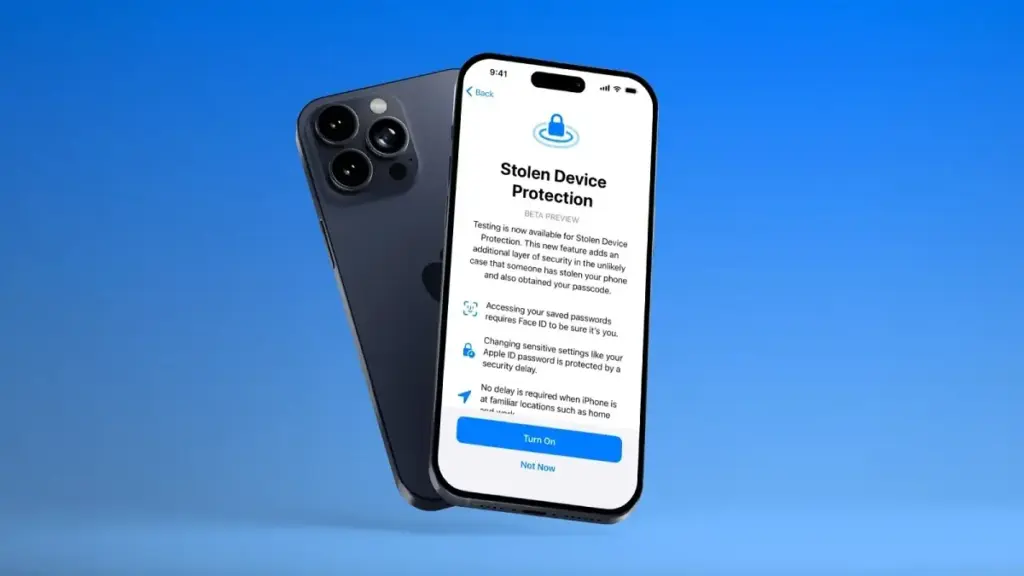
    To begin with, a Stolen Device functionality was present in the previous iOS 17.3 beta edition. This is an improved security technique to stop people from fully taking control of stolen iPhones with exposed passcodes. When using Apple Pay and gaining access to Apple accounts and passwords, it adds additional procedures like Face ID.

    The Journal app and Spatial Video mode for the iPhone 15 Pro and iPhone 15 Pro Max, which were first released in iOS 17.2, are anticipated to be updated in iOS 17.3. Although it was removed from the iOS 17.2 RC edition, Apple Music’s collaborative playlists functionality will also return.
  • Apple releases iOS 26.3 beta with three upcoming iPhone features

    Apple releases iOS 26.3 beta with three upcoming iPhone features

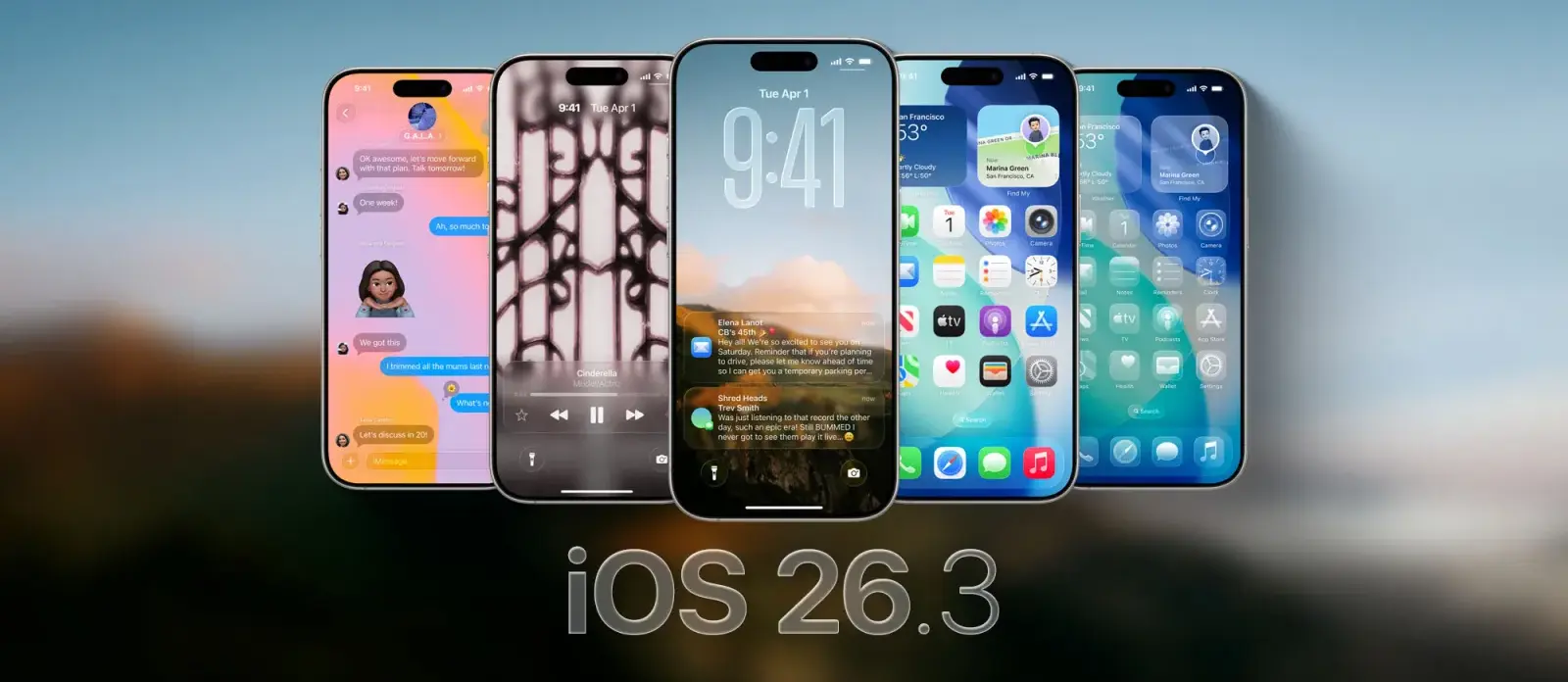
    The first public beta for iOS 26.3 is now accessible less than a week after the release of iOS 26.2. Although it lacks some of the features of the previous update, there are still a number of potentially important changes.

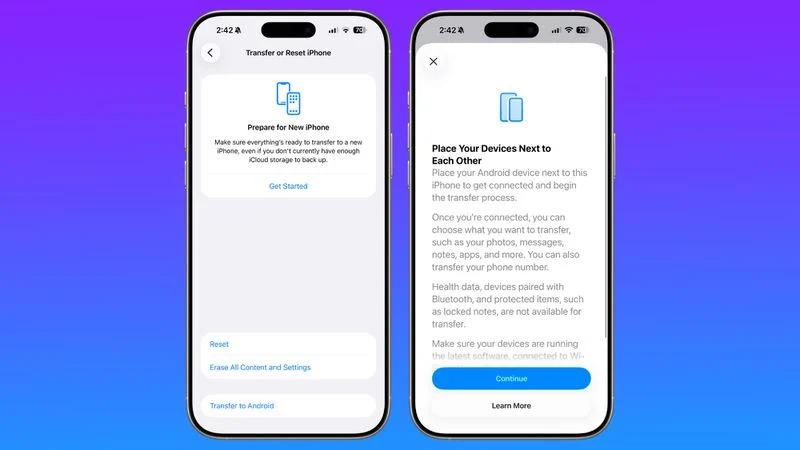
    According to MacRumors and others, the most significant of these is a tool that facilitates the conversion from iOS to Android.

    By just placing your iPhone next to an Android device, you will be able to transfer content including notes, photographs, messages, apps, passwords, and your phone number. Health information and secure objects, like locked notes, won’t be sent, but this is done wirelessly without the need for additional apps.

    This should benefit everyone, though, as Google is putting in place a similar mechanism that makes switching from Android to an iPhone simple.

    New features spotlight in iOS 26.3: weather wallpapers and notification forwarding

    Apple releases iOS 26.3 beta with three upcoming iPhone features

    As well as that, this iOS 26.3 beta also includes changes to the wallpaper gallery.

    Now, the ‘Weather & Astronomy’ section has been split into two sections, one for ‘Weather’ and the other for ‘Astronomy’. That weather section has also gained some new wallpapers.

    Finally, as spotted by 9to5Mac, this beta also includes an interface for notification forwarding, so that third-party devices can access your notifications.

    In order to improve compatibility between non-Apple smartwatches and iPhones, a new regulation in the EU mandates that this feature be available.

    Although the functionality isn’t completely operational yet, we can tell from the UI of this beta that you can only pass alerts to one associated item at a time and that notifications won’t show up on a paired Apple Watch when notification forwarding is enabled.

    That’s all that has been discovered thus far in this beta, while it’s possible that there are further things to be discovered. However, because it’s almost time for the holidays and they don’t want to deal with too many bugs, Apple typically publishes rather feature-light betas at this time of year.

    The next iOS 26.3 beta and the release of the final version are likely to be delayed until early next year due to this timeframe.

  • HyperOS 3: Xiaomi Confirms Poco Phones Eligible for the Android 16 Update

    HyperOS 3: Xiaomi Confirms Poco Phones Eligible for the Android 16 Update

    Xiaomi is closing out the year with fresh Poco flagships and a huge HyperOS 3.0 update based on Android 16. From new phones to a revised UI, here’s what’s rolling out and when you can expect it on your smartphone.

    Xiaomi has more phones to release this year. The worldwide versions of the Poco F8 Pro and F8 Ultra were just released. The company has revised the HyperOS 3.0 deployment schedule, which is now expected to reach over a dozen Poco phones and tablets, in tandem with the surge of new hardware.

    The new Poco F8 Pro and Poco F8 Ultra flagships ship with Android 16 out of the box. Other models will be released on a staggered schedule.

    Xiaomi Confirms Poco Phones Eligible for the Android 16 Update

    Which Poco devices are confirmed to get HyperOS 3.0

    For the initial group of Poco devices, the deployment started in October and will last until the end of November. The Poco F7 and X7 series from the previous year, including its Ultra variants, are at the top of the list. Some users outside China have already reported receiving the software. However, it’s not uncommon for other devices to only receive notifications in the upcoming days, depending on variations.

    The Poco F6 (Pro), Poco X6 Pro, Poco M7, Poco M6 (Pro), and Poco C75 will lead the following batch in December.

    Between December 2025 and March 2026, a broader release that includes the Poco F5 (Pro), Poco X6, Poco M7 Pro, and Poco C85 is scheduled. Poco’s Android tablets, such as the Poco Pad, Poco Pad X1, and Poco Pad M1, will join these. Regretfully, Xiaomi has not disclosed the timing for every device.

    What’s new in HyperOS 3.0?

    HyperOS 3.0 is built on Android 16, which adds its own set of new features and customizations. Xiaomi’s version offers a substantial user interface overhaul, increased security, and superior optimization for longer battery life and smoother performance.

    The most noteworthy graphic modification is Super Island, inspired by iOS’s Dynamic Island. As a native feature of Android 16, it is integrated into the punch-hole camera region and shows live updates and dynamic widgets.

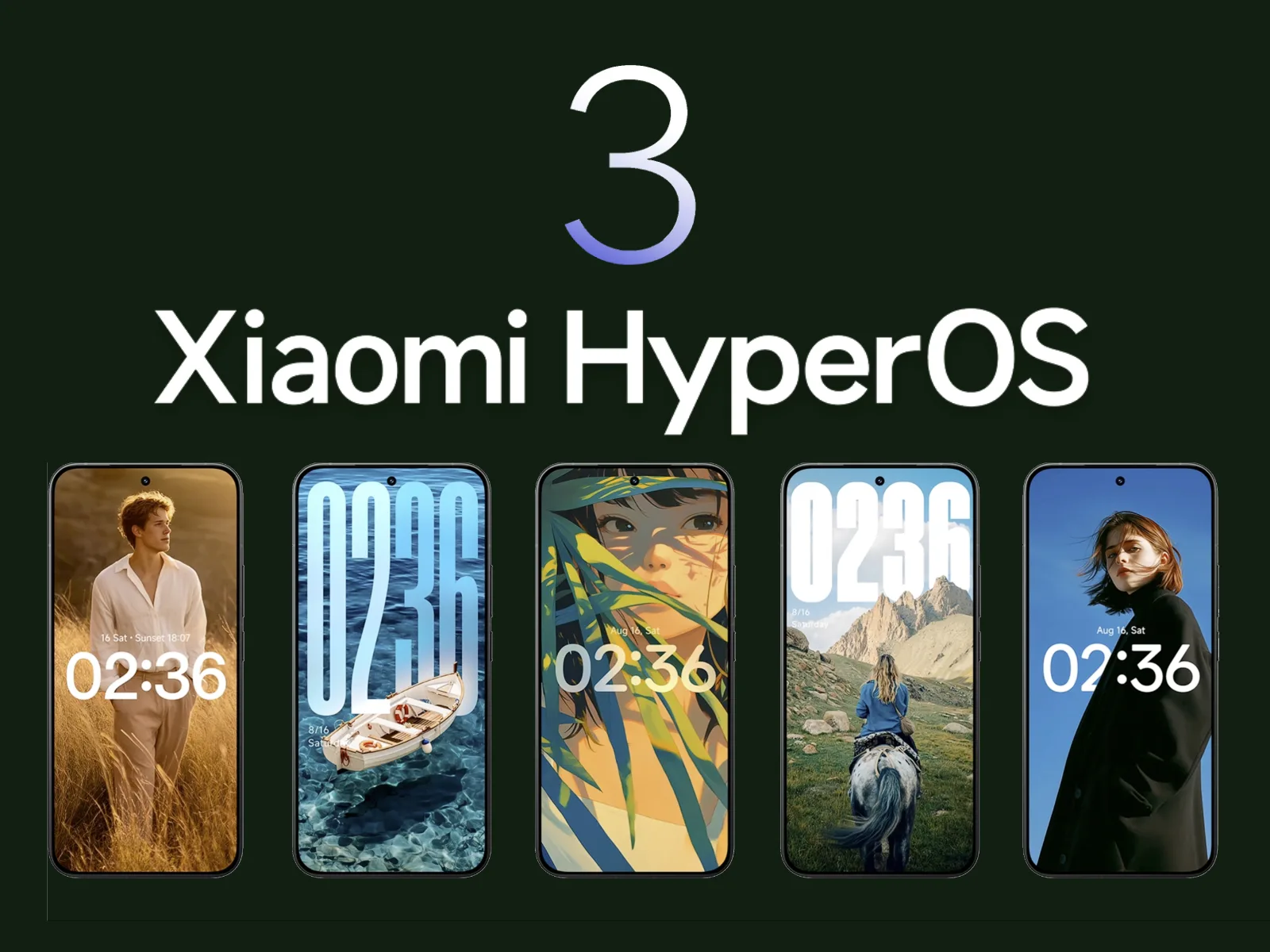
    The main UI has also been overhauled with transparent parts, blurred backgrounds, and redesigned app icons. Users receive new styles on the lock screen, like as live effects and AI-generated wallpapers.

    Additionally, Xiaomi promises enhanced usability and performance. Multitasking and app switching are stated to be snappier, while overall responsiveness is quicker.

    Permission limits and improved data protection have improved security. In other areas, HyperOS 3.0 provides closer connection with Xiaomi’s wider range of products.