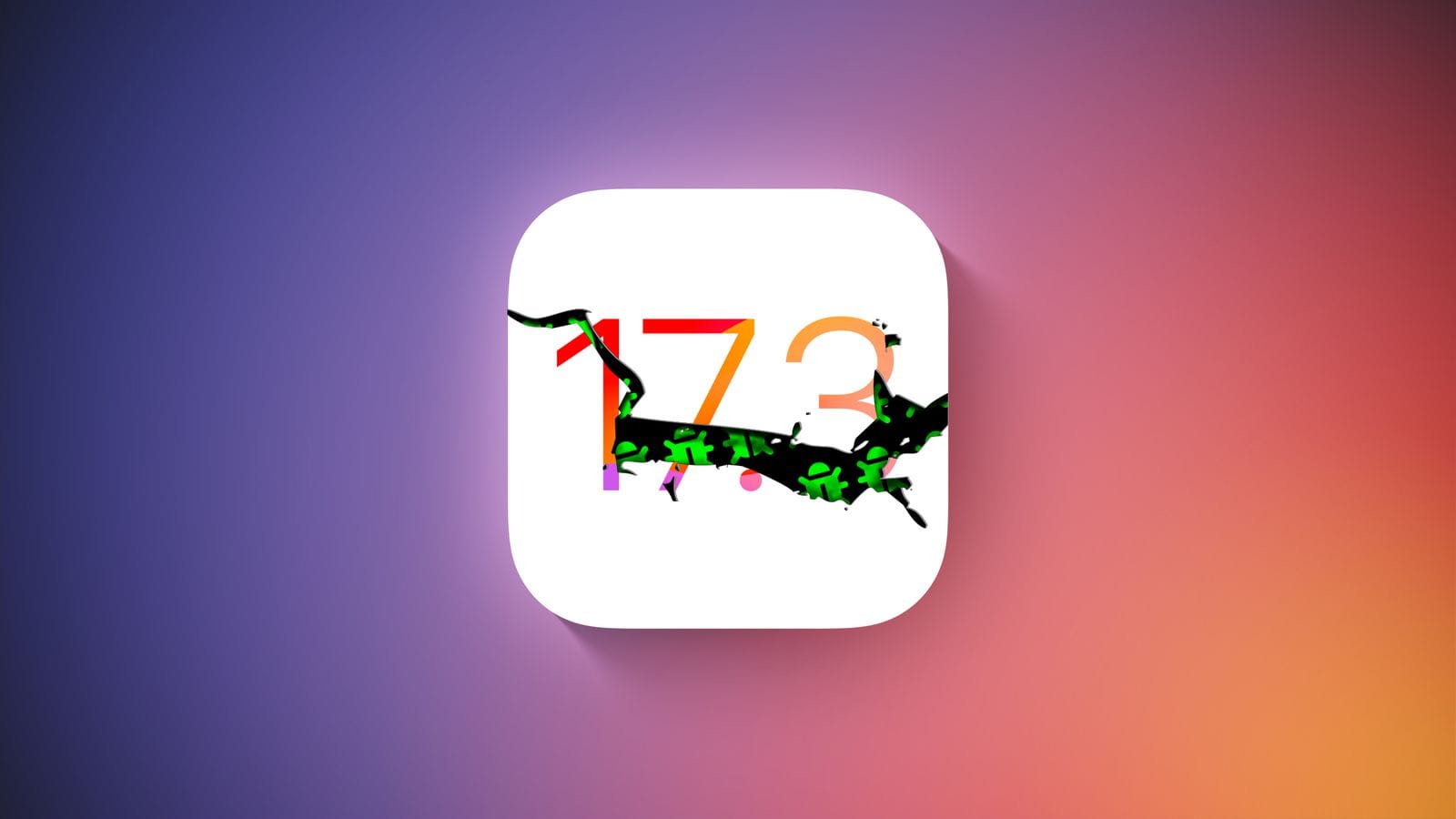
Hold off on updating any of your devices if you’re a member of Apple’s developer program. A few hours after going live, Apple removed the most recent iOS 17.3 Beta 2 update. Why? Some iPhones were reportedly bricked by the update, resulting in endless boot loop problems for the impacted devices.
The second iOS 17.3 beta was quickly taken down from the developer’s center and over-the-air channel. It did not specify when users would be able to access the software once more. But it’s probably already fixed, and before returning it to testers, more firmware testing will be done.
For those interested in learning more, numerous customers have reported on various channels that some iPhones are not functioning properly due to the second beta of iOS 17.3. Some people reported that their iPhone 15 (review) was stuck with a flashing cogwheel, while others reported an endless reboot loop. The problem also seems to impact older iPhone models, such as the iPhone 14, and its underlying cause is said to have enabled the Back Tap gesture.
How to fix an iOS 17.3 Beta 2 boot loop on your iPhone
It was noted that the issue cannot be resolved with a hard reset. Instead, users must download the iOS 17.3 Beta 1 in IPSW file format after plugging their iPhone into a laptop or MacBook to start it in recovery mode. After that, third-party applications like Finder or iMazing can be used to install the firmware.
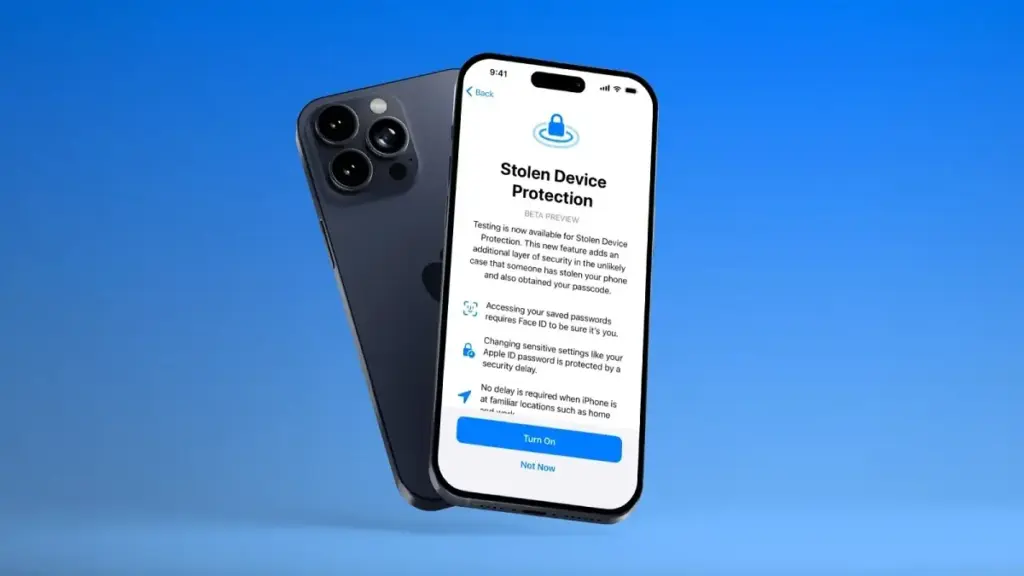
To begin with, a Stolen Device functionality was present in the previous iOS 17.3 beta edition. This is an improved security technique to stop people from fully taking control of stolen iPhones with exposed passcodes. When using Apple Pay and gaining access to Apple accounts and passwords, it adds additional procedures like Face ID.
The Journal app and Spatial Video mode for the iPhone 15 Pro and iPhone 15 Pro Max, which were first released in iOS 17.2, are anticipated to be updated in iOS 17.3. Although it was removed from the iOS 17.2 RC edition, Apple Music’s collaborative playlists functionality will also return.
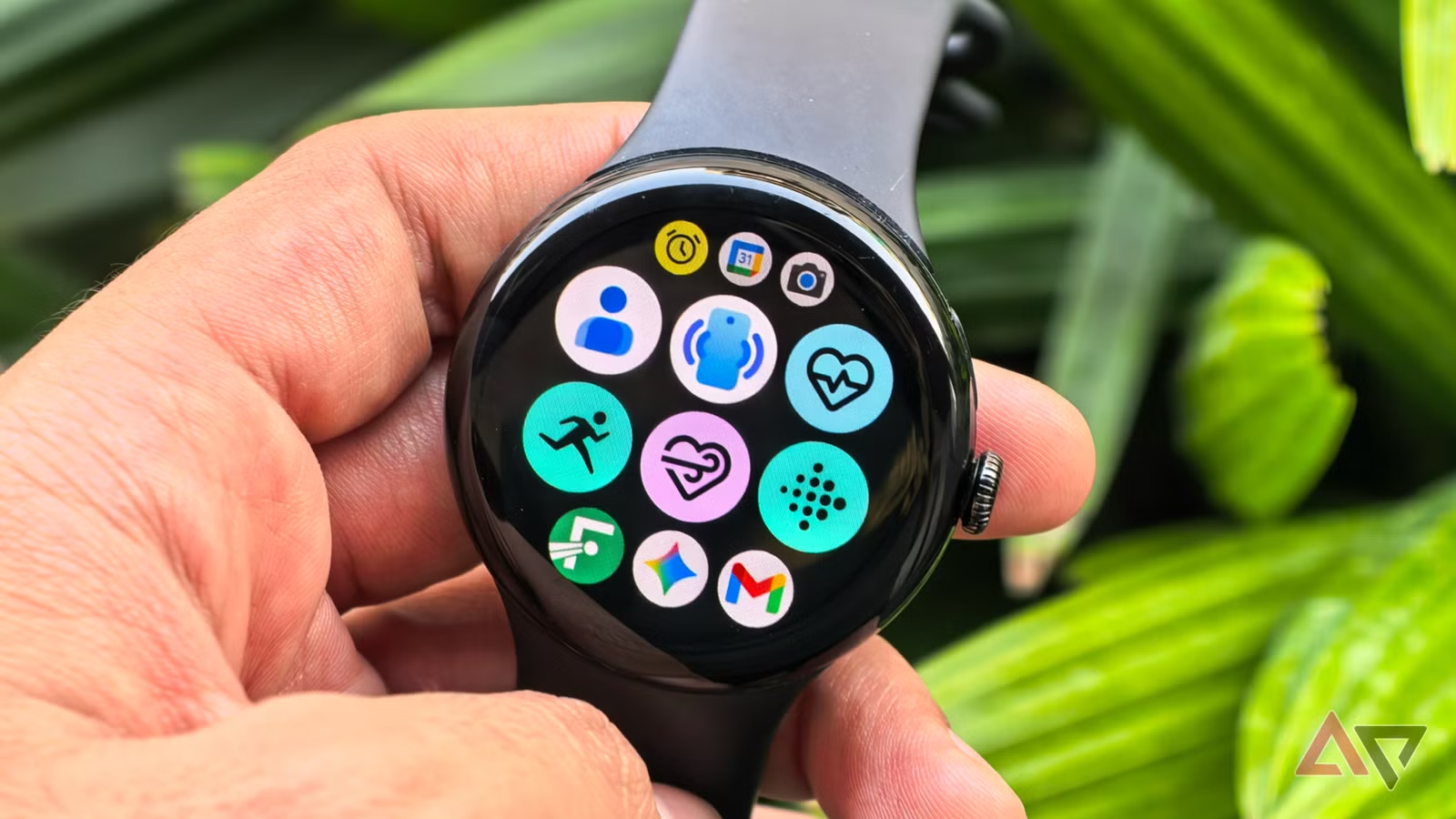
The sheer number of options in the Play Store can be daunting when you first buy your new Android smartwatch. However, downloading everything at once will quickly clutter your watch face and deplete battery life, so it’s best to resist the temptation. How helpful—or annoying—your first week with your smartwatch is largely determined by the apps you install early on.
Starting with a limited selection of essential programs like Google Gemini, Google Keep, and Strava can help you maximize your investment right away. When taken as a whole, they address the fundamental pillars of the wearable experience: everyday ease, communication, productivity, and tracking fitness and health.
There isn’t a single “proper” order to download the hundreds of Android smartwatch apps that are accessible. Although personal tastes will always come into play, starting with these four apps provides you a solid basis, making it easier to improve your smartwatch experience over time and assisting you in completing tasks more quickly.
Google Keep
Installing Google Keep, one of the most widely used note-taking apps, on your Android smartwatch can significantly increase productivity. It allows you to record ideas and notes using both voice and text. The key feature here is voice input, which lets you record ideas even while you’re driving or jogging and can’t take out your phone. When waiting is not an option, such when you need to rapidly jot down a work idea before forgetting it or set an essential reminder (a meeting, birthday, etc.), it will be quite helpful.
Google Keep seamlessly integrates with the watch’s tiles and complexities in addition to allowing you to make notes and lists, including grocery and to-do lists, set reminders, and even cross things off once you’ve finished activities. With the tile function, all you have to do is swipe left or right from your watch face to create a new note or list. Better yet, you can use a particular note as a tile.
It guarantees that an important piece of information is in front of your eyes every time you look at your smartwatch, even though only the first few lines of the message will be visible. Conversely, complications function similarly to the watch face’s widgets. By just tapping it, you may add a new note or list without opening the Google Keep app and navigating through several options.
The option to completely alter already-written notes is the only functionality that Google Keep still lacks on smartwatches. That’s hardly a gripe, though, because you’ll primarily be using it to quickly capture ideas rather than organize them (which is easier to do on your computer or phone otherwise).
Gemini
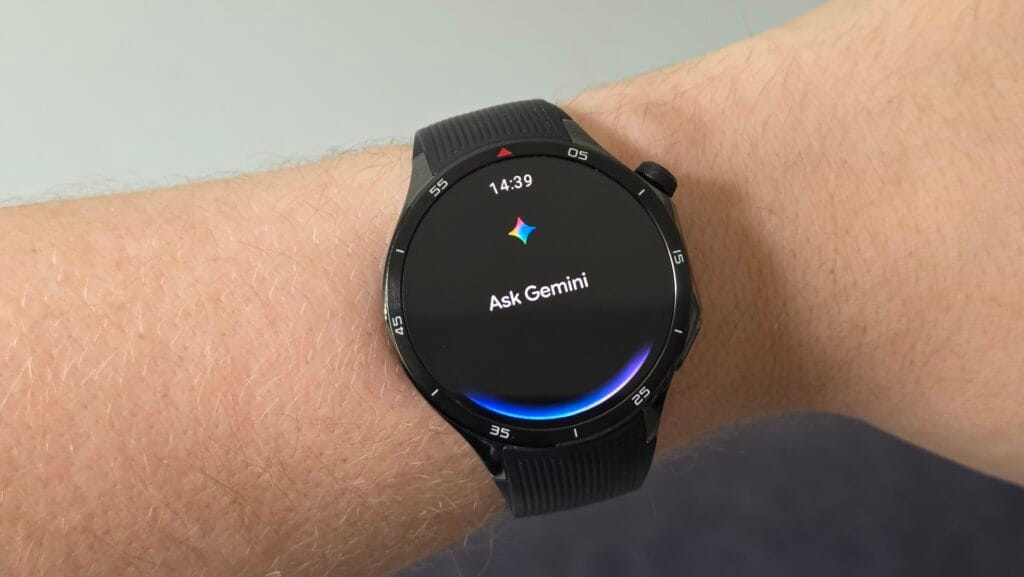
Efficiency – not needing to take out your phone for every little task – is one of the main benefits of owning an Android smartwatch. With deeper automation, AI-powered reasoning, and quicker, more natural voice control, Google Gemini‘s Wear OS app – which will formally replace Google Assistant – helps optimize that efficiency on Wear OS. Consider Gemini as the chaperone on your wrist, providing you with immediate access to nearly all of the features you would expect from a wristwatch, including the ability to check the weather, create reminders, send messages via applications like Telegram or WhatsApp, make calls, set up meetings, and operate smart home devices.
Additionally, Gemini enhances your smartwatch’s fitness app control. Workouts may be precisely started, stopped, and paused without the need for your hands. Whether you’re on a walk, in the gym, or in the middle of a run, you can instantly ask queries about fitness or health thanks to its built-in Google connectivity. Gemini can significantly increase your email efficiency if you use Gmail. It can read emails aloud to you, summarize them, offer suggestions for responses, and even assist with writing comprehensive responses.
The Gemini voice assistant’s capacity to comprehend natural, conversational language and manage multi-step, multimodal activities is very remarkable. Google Assistant and other more basic voice assistants would never be able to accomplish this. For instance, you can ask Gemini to locate the best Italian eateries in your area and text a friend to meet you there at 8 p.m. with just one command, and it will take care of the rest.
Strava
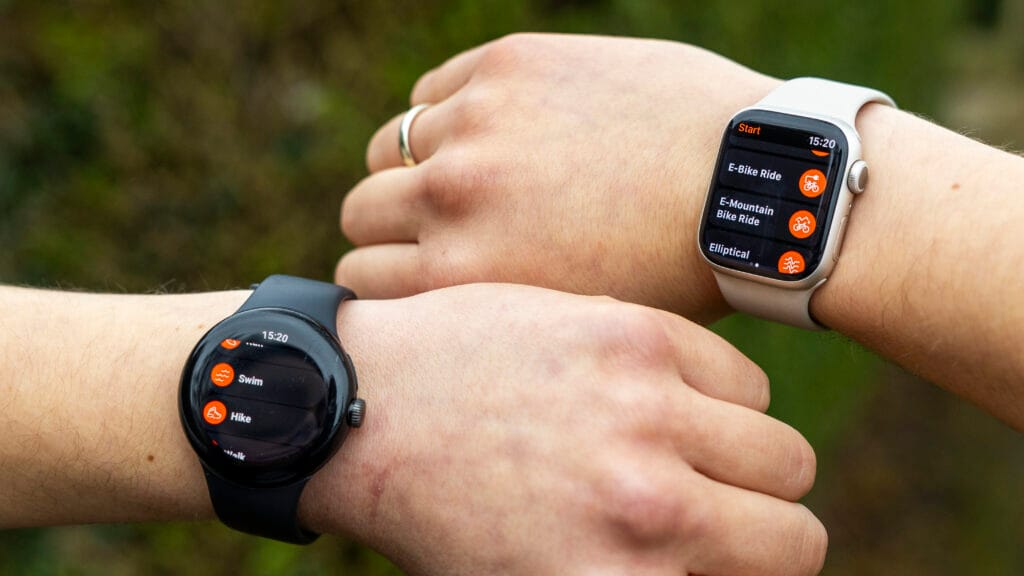
One may argue that Strava doesn’t require an introduction. It’s a unique combination of a social platform and a fitness tracker that has made it one of the most widely used apps worldwide. The Strava wristwatch software allows you to track activities like walking, cycling, running, and hiking right from your wrist after you’ve set it up with your smartphone. Large, glove-friendly buttons, haptic confirmation for starts and stops, and the ability to automatically pause and resume activity recording when you stop moving are all included.
You don’t even need to bring your phone when you go out because of Strava. This solves one of the main issues with contemporary fitness tracking: phones are still difficult to carry when riding or jogging, despite their relative small weight. By recording your journey using your smartwatch’s built-in GPS and gathering important parameters like pace, distance traveled, time, and heart rate, Strava removes that friction. Everything automatically syncs to the Strava mobile app once you finish an activity, providing you with a comprehensive summary of your statistics and route map.
Even while you can’t truly interact with Strava’s social features—like the activity feed, leaderboards, likes, and comments—through its wristwatch software, the convenience of having Strava on your wrist still gives you the much-needed boost to stay competitive.
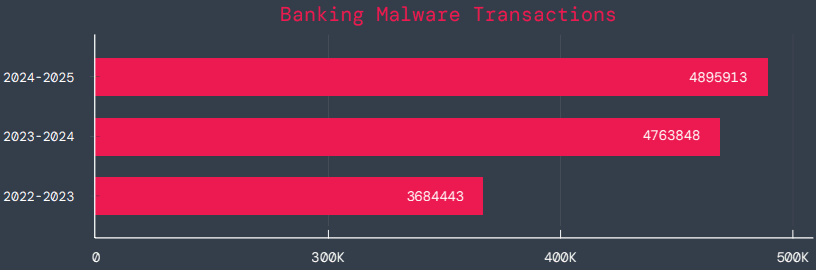
According to a survey by cloud security firm Zscaler, hundreds of malicious Android apps on Google Play were downloaded over 40 million times between June 2024 and May 2025.
The company saw a 67% year-over-year increase in malware that targeted mobile devices during that time, with banking trojans and spyware being the most common threats.
According to telemetry data, threat actors are leveraging phishing, smishing, SIM-swapping, and payment frauds to take advantage of mobile payments instead of traditional card fraud.
The shift to social engineering assaults can be explained by the widespread use of mobile payments and enhanced security standards like chip-and-PIN technology.
According to Zscaler, “to carry out these assaults, fraudsters use phishing trojans and malicious programs designed to steal financial information and login passwords.”
Zscaler estimates that it has found 239 harmful apps in the official Android store, with a total of 42 million downloads, compared to 200 malware apps on Google Play last year.
The emergence of adware as the most significant threat in the Android ecosystem, which now accounts for over 69% of all detections—nearly twice as many as the previous year—is another noteworthy trend observed at that time.
After leading with 38% the previous year, the Joker info-stealer is currently in second position with 23%.
The SpyNote, SpyLoan, and BadBazaar families—which are used for identity theft, extortion, and surveillance—were the primary drivers of the notable 220% year-over-year (YoY) increase in spyware.
Geographically speaking, 55% of all attacks were directed towards the United States, Canada, and India. Attacks against Israel and Italy also showed substantial increases, ranging from 800% to 4000% YoY, according to Zscaler.
Malicious Android apps and malware
In its annual study, Zscaler identifies three malware families that significantly affected Android users. The first is Anatsa, a banking trojan that occasionally enters Google Play through productivity and utility apps and receives hundreds of thousands of downloads each time.
Since its discovery in 2020, anatsa has undergone continuous evolution. The most recent version is capable of stealing data from bitcoin sites, more than 831 financial institutions, and new areas like South Korea and Germany.
The second is Android Void (Vo1d), a backdoor malware that targets Android TV boxes and has infected at least 1.6 million devices with out-of-date Android Open Source Project (AOSP) versions, mostly in Brazil and India.
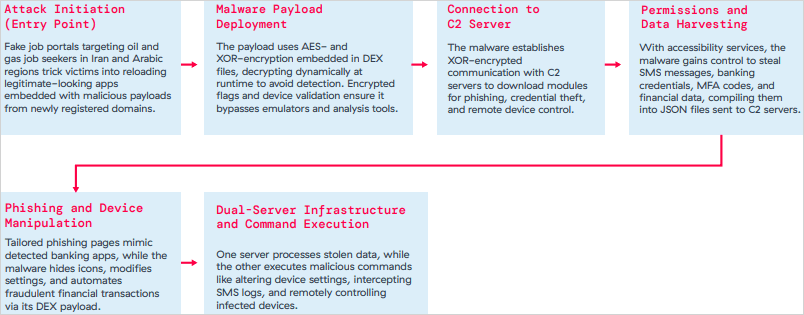
The third is Xnotice, a brand-new Android remote access trojan (RAT) that specifically targets job seekers in the oil and gas sector in Iran and Arabic-speaking areas.
Xnotice propagates via applications that are disseminated through phony employment websites and pose as tools for registering for exams or applying for jobs.
Through overlays, multi-factor authentication (MFA) codes, SMS messages, and screenshots, the spyware targets banking credentials.
Users are encouraged to install security updates, only trust reliable publishers, reject or restrict accessibility permissions, refrain from downloading unnecessary apps, and routinely run Play Protect scans in order to protect themselves from Android malware threats, including those from Google Play.
Routers continued to be the most targeted IoT equipment this year, according to Zscaler’s study. Hackers added routers to botnets or used them as proxies to spread malware by taking advantage of command injection flaws.
The majority of IoT attacks took place in the United States, with rising hotbeds in Hong Kong, Germany, India, and China following, suggesting that attackers are targeting devices throughout a larger geographic area.
The cybersecurity company advises businesses to harden IoT and cellular gateways by keeping an eye out for anomalies and implementing firmware-level protections, as well as to deploy zero-trust solutions for key networks.
Strict application control guidelines, security against phishing attacks, and monitoring SIM-level communications for anomalies should all be part of mobile endpoint protections.
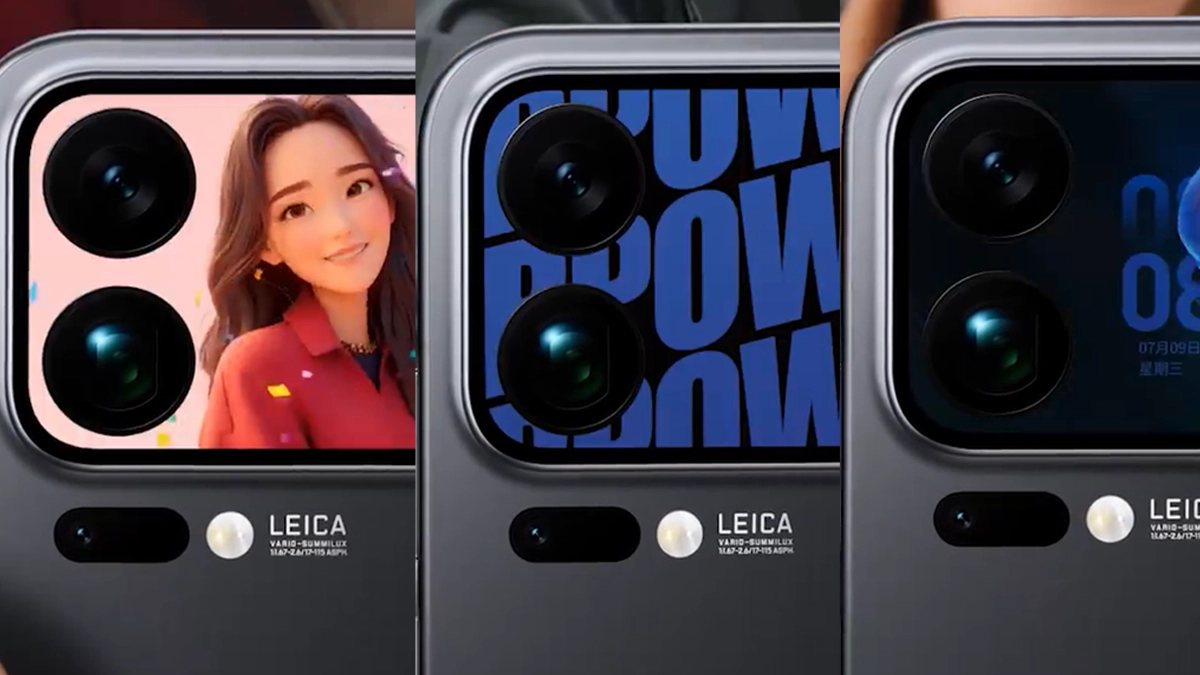
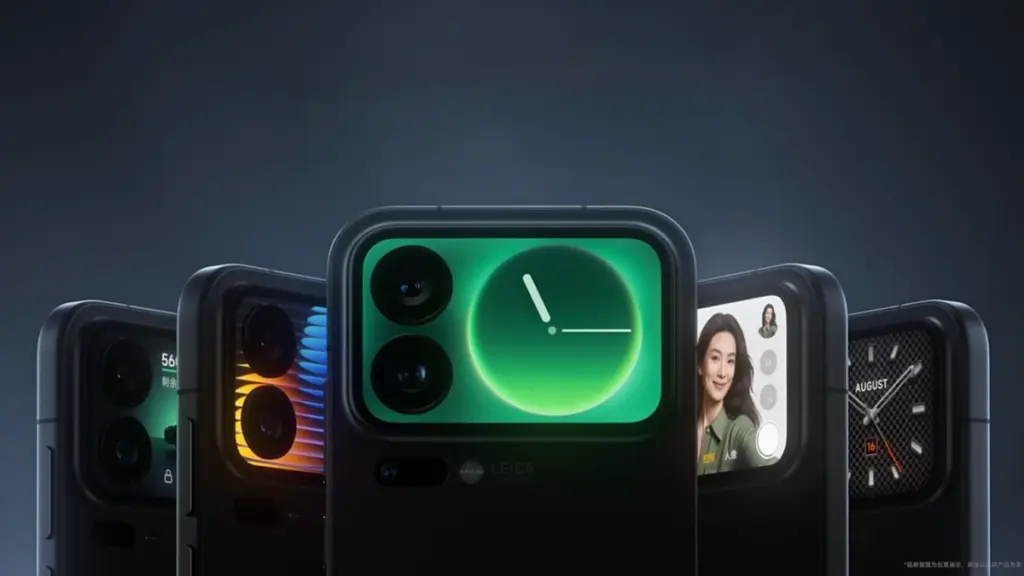
For the Xiaomi 17 Pro series, Xiaomi has released a new software update that enhances the secondary display with a number of interactive features. The launch includes dynamic avatars, real-time translation, five live wallpapers, and two portable games, according to the company’s HyperOS Weibo post.
Animated profile photographs can now be set on the back screen, and by mid-November, new bright-style themes will be available. Users can converse in Chinese on the main display and see translated text on the back panel thanks to a conversation translation feature.
Xiaomi 17 PRO get new visuals and games
Along with two games, Plants vs. Zombies and Snowman Sokoban, the update also includes five live wallpapers with themes related to technology, nature, and pets. You can manually update the Entertainment Box from the app store to access these. With new features scheduled every month, Xiaomi previously stated that the rear display will continue to be a major design priority for its upcoming smartphones. TCL Huaxing panels, measuring 6.3 and 6.9 inches, respectively, with a maximum brightness of 3500 nits and Xiaomi Dragon Crystal Glass protection, are used in both the 17 Pro and 17 Pro Max.
The Xiaomi 17 Pro’s innovative rear screen has practical applications in addition to aesthetics. When the phone is inactive or on a desk, it makes the user’s daily phone time more lively and vibrant. The company wants to transform the back screen from a mirror or clock into a tool for work and enjoyment. Cute loops, small critters, and light art forms can now be set as live images by users. More improvements will be made next mo
The new games aid in evaluating the rear panel’s touch and speed. Every one of them utilizes the entire small display and operates smoothly. According to Xiaomi, the objective is to provide customers who want light entertainment in their free time with a “soft joy.” To give it a more authentic sense, the company is also incorporating little sound effects. The fix is currently being released in stages, and more devices will receive this update in the days to come. To locate the update, users can look at the HyperOS setup’s update tab. According to Xiaomi, the update will be available on all devices by the middle of November.
After setting up a new Samsung Galaxy, you should think about the apps you use and don’t use.
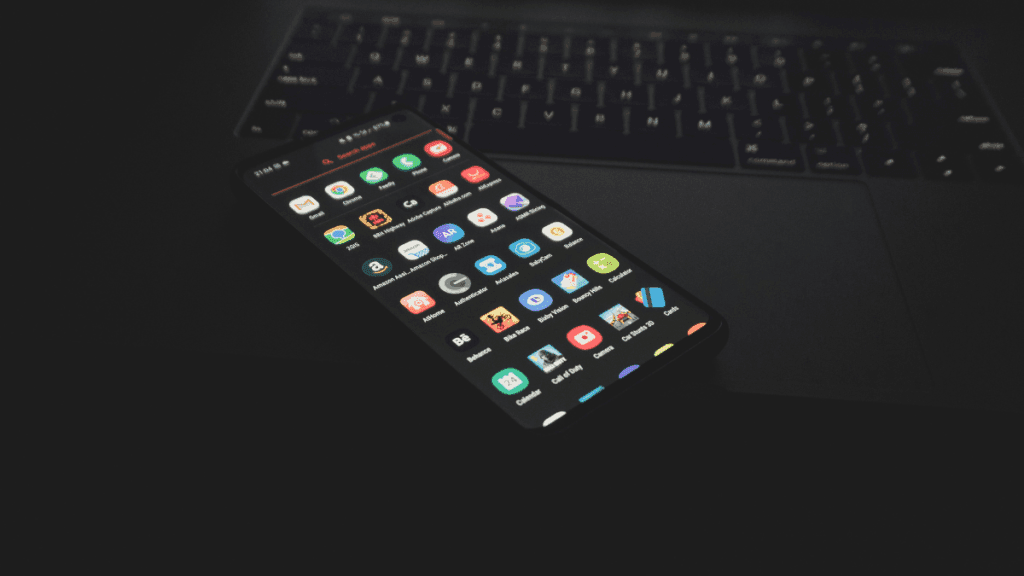
There are many unnecessary preinstalled apps on your phone that don’t always enhance the user experience. Therefore, it is safe to remove any bloatware and superfluous apps.
These apps clog your home screen, suck up storage space, and slow down your phone.
All of Samsung’s devices, from the most recent high-end Galaxy phones to the most affordable variants, come with these apps.
When setting your Samsung Galaxy device, stay away from adding bloatware.
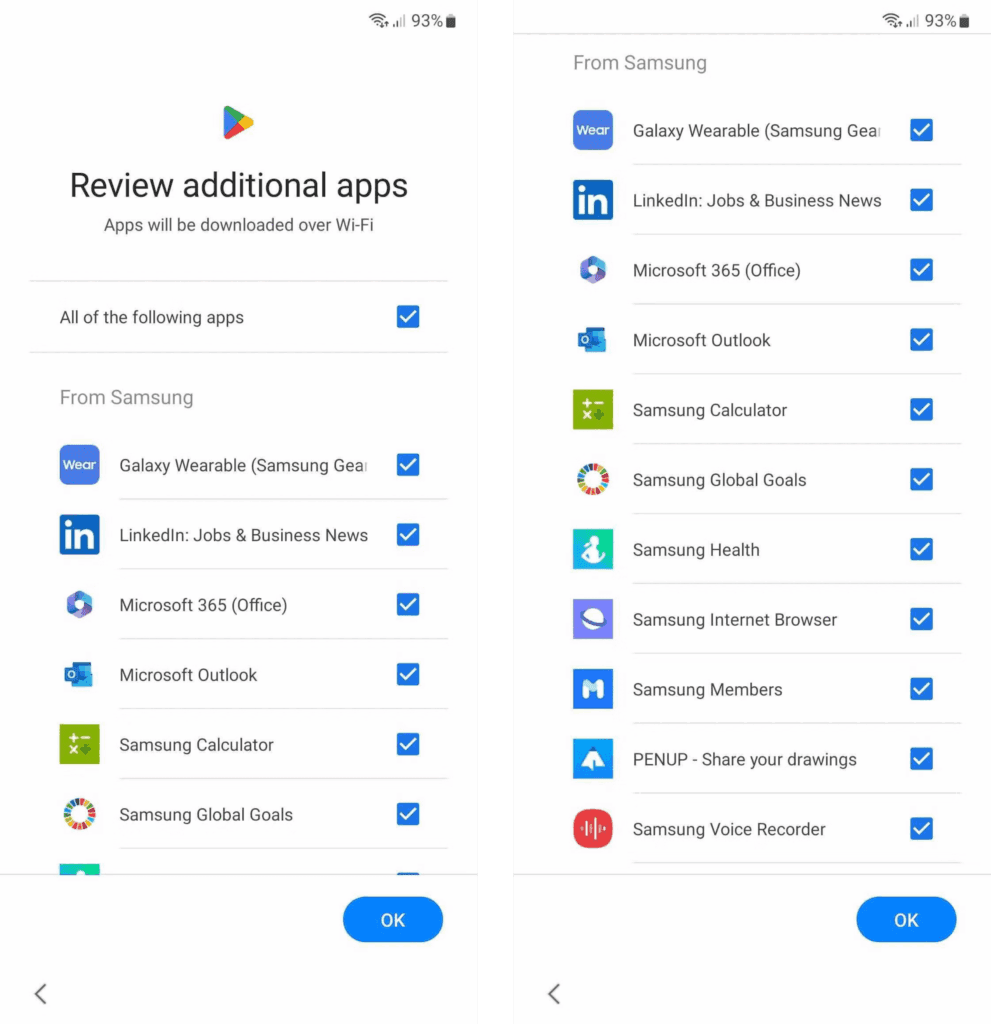
You are prompted to install extra apps when you set up a new Samsung device.
Take your time and uncheck the apps you don’t need because it automatically chooses the ones on that list. This is a simple method of avoiding additional bloatware.
If not, you’ll have to take them out by hand when you decide they’re useless.
Which apps on your Samsung Galaxy phone are safe to remove or deactivate?
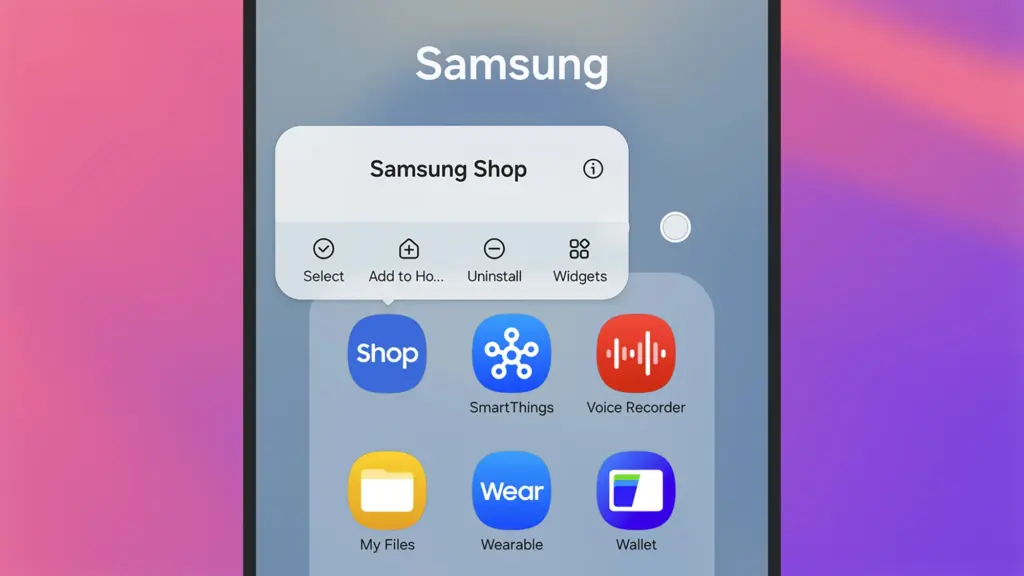
On a Samsung phone, deleting and uninstalling apps is simple. The Settings menu allows you to remove or deactivate the majority of apps; for others, you can use ADB commands.
Many preloaded system-related apps can be securely removed, although we don’t advise the typical user to do so.
Although these apps don’t take up much space, you may need to factory reset your phone in order to restore it if you remove the incorrect one.
Additionally, you are unable to remove or disable apps that are essential to the phone’s operation. Put them in a different folder if you want them hidden.
The popular apps that you can remove or disable from your Samsung Galaxy phone are listed below. You might see different apps than those on this list depending on your area or carrier.
Many of them are Samsung’s substitutes for Google apps like Drive or Chrome. Since they don’t interfere with how your device functions, you can safely uninstall them—especially if you like Google’s app suite.
These are some great alternatives that you can download from the Play Store if you don’t want to utilize Google or Samsung apps.
Get the best possible performance out of your new Samsung Galaxy mobile.
One of the first things you should do when configuring your Samsung Galaxy phone is to remove any unneeded software. Performance can be enhanced, particularly on low-cost Samsung phones.
Additionally, removing bloatware frees up space on your Samsung phone. Installing Good Lock modules will help you take advantage of this.
Exclusive to Samsung phones, these customization options provide access to intriguing features.