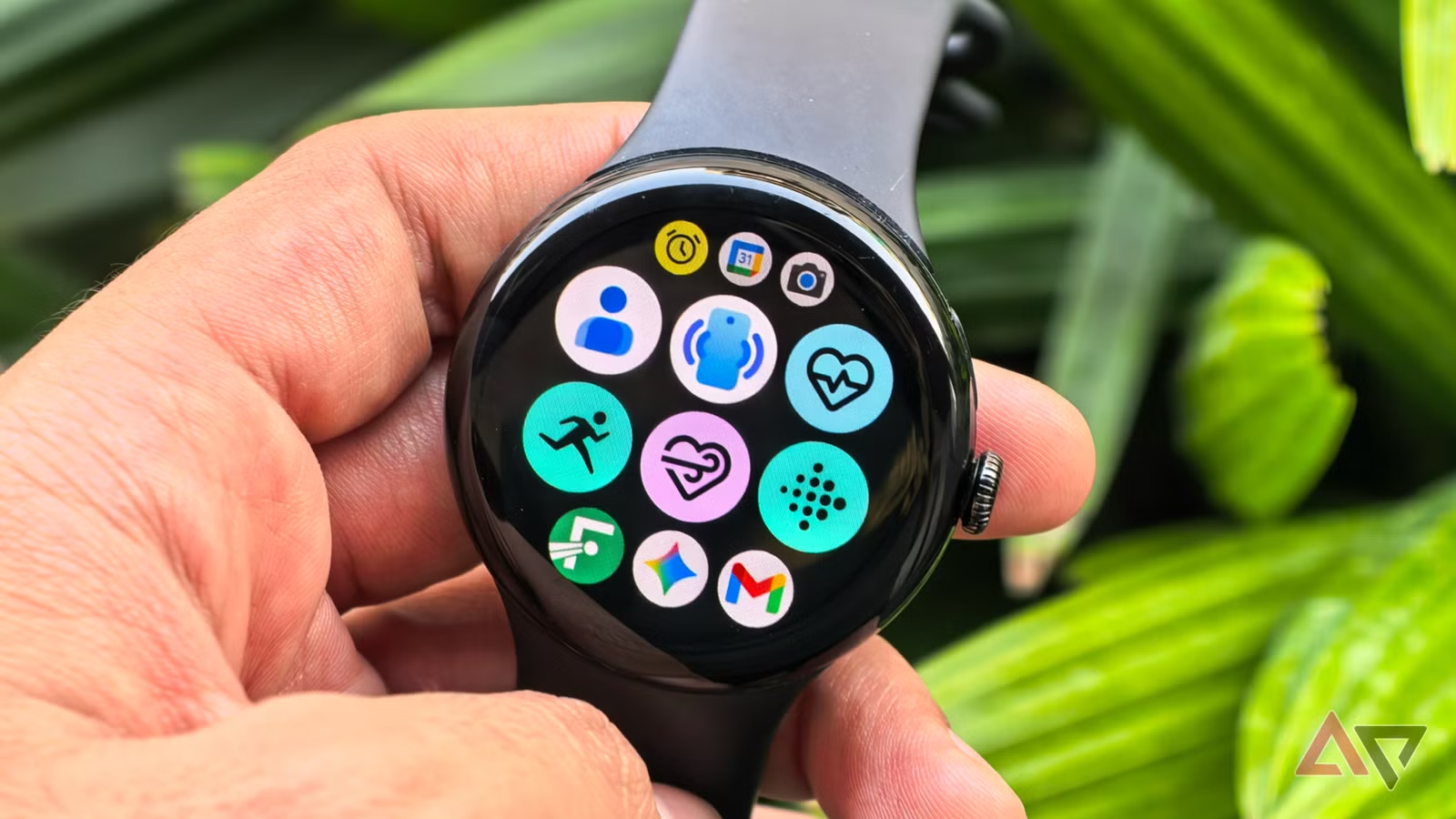
The sheer number of options in the Play Store can be daunting when you first buy your new Android smartwatch. However, downloading everything at once will quickly clutter your watch face and deplete battery life, so it’s best to resist the temptation. How helpful—or annoying—your first week with your smartwatch is largely determined by the apps you install early on.
Starting with a limited selection of essential programs like Google Gemini, Google Keep, and Strava can help you maximize your investment right away. When taken as a whole, they address the fundamental pillars of the wearable experience: everyday ease, communication, productivity, and tracking fitness and health.
There isn’t a single “proper” order to download the hundreds of Android smartwatch apps that are accessible. Although personal tastes will always come into play, starting with these four apps provides you a solid basis, making it easier to improve your smartwatch experience over time and assisting you in completing tasks more quickly.
Google Keep
Installing Google Keep, one of the most widely used note-taking apps, on your Android smartwatch can significantly increase productivity. It allows you to record ideas and notes using both voice and text. The key feature here is voice input, which lets you record ideas even while you’re driving or jogging and can’t take out your phone. When waiting is not an option, such when you need to rapidly jot down a work idea before forgetting it or set an essential reminder (a meeting, birthday, etc.), it will be quite helpful.
Google Keep seamlessly integrates with the watch’s tiles and complexities in addition to allowing you to make notes and lists, including grocery and to-do lists, set reminders, and even cross things off once you’ve finished activities. With the tile function, all you have to do is swipe left or right from your watch face to create a new note or list. Better yet, you can use a particular note as a tile.
It guarantees that an important piece of information is in front of your eyes every time you look at your smartwatch, even though only the first few lines of the message will be visible. Conversely, complications function similarly to the watch face’s widgets. By just tapping it, you may add a new note or list without opening the Google Keep app and navigating through several options.
The option to completely alter already-written notes is the only functionality that Google Keep still lacks on smartwatches. That’s hardly a gripe, though, because you’ll primarily be using it to quickly capture ideas rather than organize them (which is easier to do on your computer or phone otherwise).
Gemini
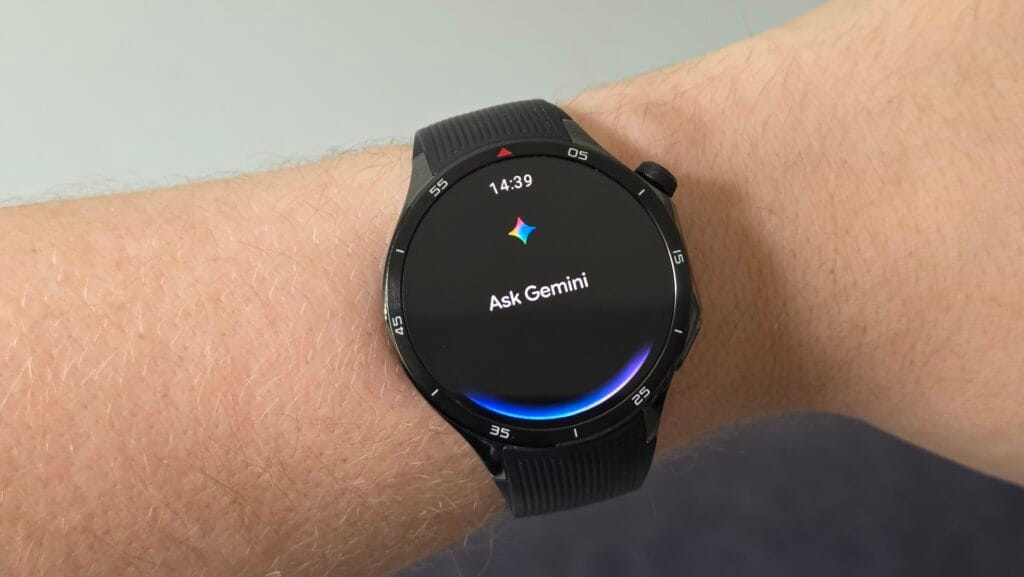
Efficiency – not needing to take out your phone for every little task – is one of the main benefits of owning an Android smartwatch. With deeper automation, AI-powered reasoning, and quicker, more natural voice control, Google Gemini‘s Wear OS app – which will formally replace Google Assistant – helps optimize that efficiency on Wear OS. Consider Gemini as the chaperone on your wrist, providing you with immediate access to nearly all of the features you would expect from a wristwatch, including the ability to check the weather, create reminders, send messages via applications like Telegram or WhatsApp, make calls, set up meetings, and operate smart home devices.
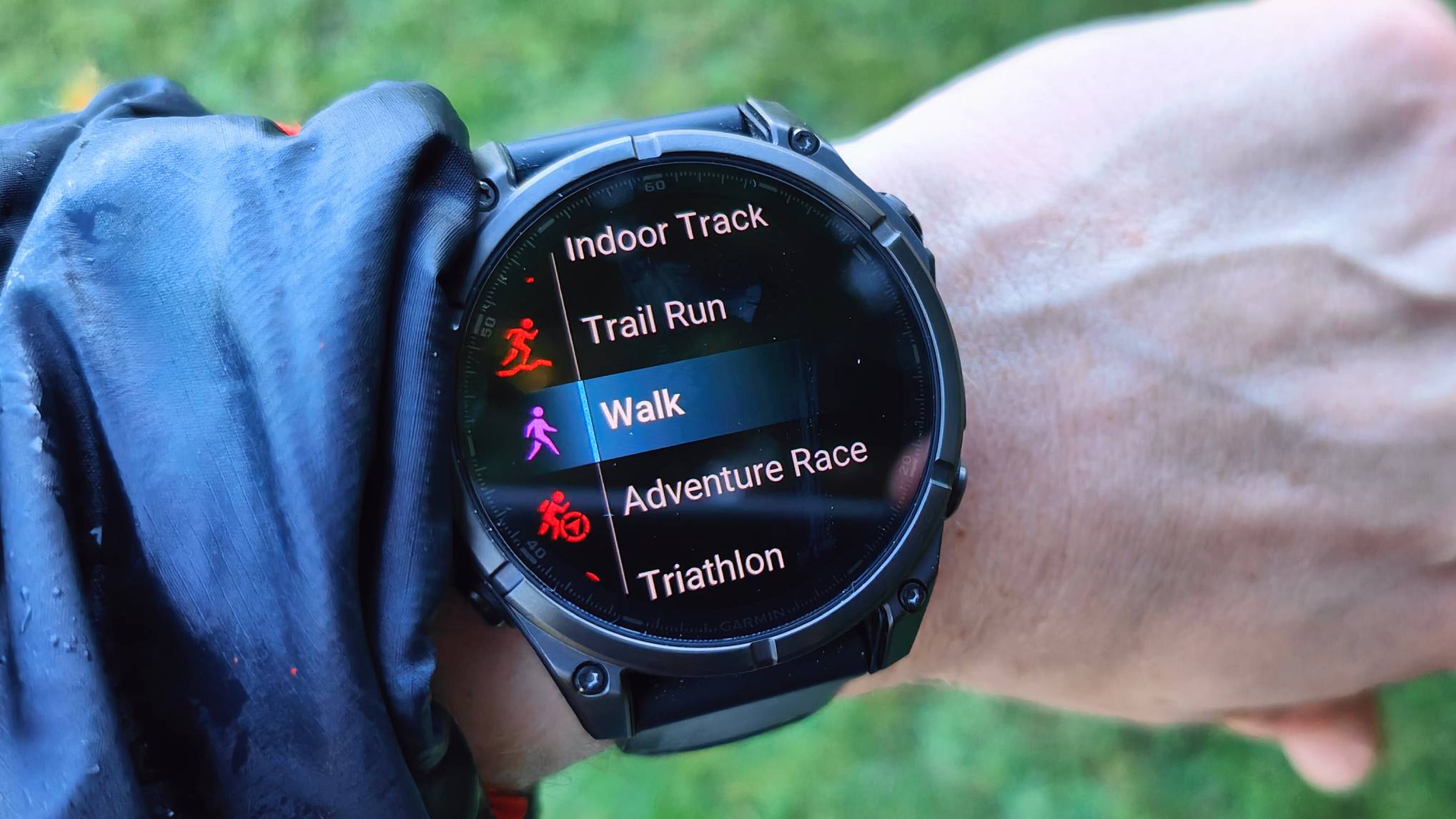
Additionally, Gemini enhances your smartwatch’s fitness app control. Workouts may be precisely started, stopped, and paused without the need for your hands. Whether you’re on a walk, in the gym, or in the middle of a run, you can instantly ask queries about fitness or health thanks to its built-in Google connectivity. Gemini can significantly increase your email efficiency if you use Gmail. It can read emails aloud to you, summarize them, offer suggestions for responses, and even assist with writing comprehensive responses.
The Gemini voice assistant’s capacity to comprehend natural, conversational language and manage multi-step, multimodal activities is very remarkable. Google Assistant and other more basic voice assistants would never be able to accomplish this. For instance, you can ask Gemini to locate the best Italian eateries in your area and text a friend to meet you there at 8 p.m. with just one command, and it will take care of the rest.
Strava
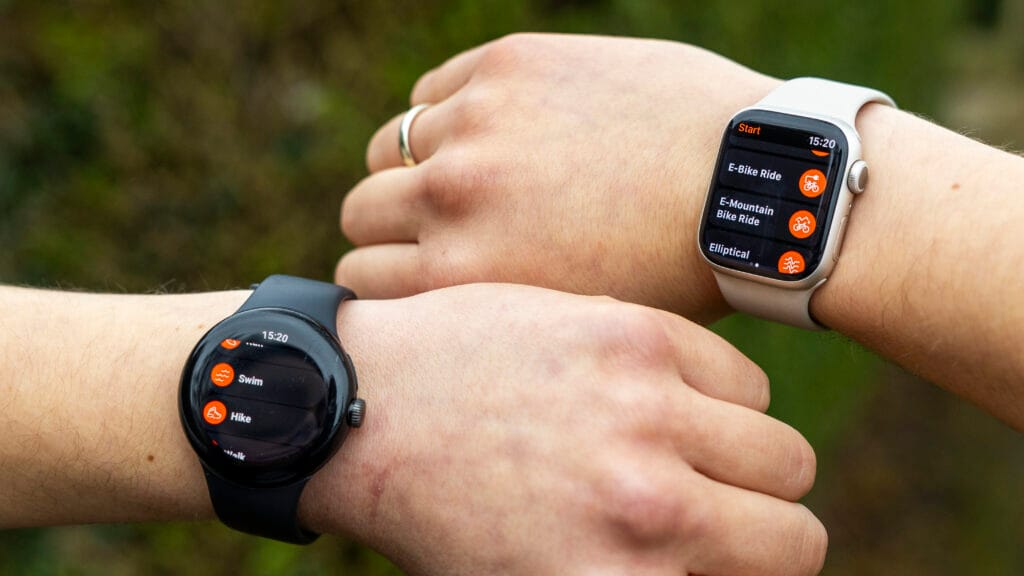
One may argue that Strava doesn’t require an introduction. It’s a unique combination of a social platform and a fitness tracker that has made it one of the most widely used apps worldwide. The Strava wristwatch software allows you to track activities like walking, cycling, running, and hiking right from your wrist after you’ve set it up with your smartphone. Large, glove-friendly buttons, haptic confirmation for starts and stops, and the ability to automatically pause and resume activity recording when you stop moving are all included.
You don’t even need to bring your phone when you go out because of Strava. This solves one of the main issues with contemporary fitness tracking: phones are still difficult to carry when riding or jogging, despite their relative small weight. By recording your journey using your smartwatch’s built-in GPS and gathering important parameters like pace, distance traveled, time, and heart rate, Strava removes that friction. Everything automatically syncs to the Strava mobile app once you finish an activity, providing you with a comprehensive summary of your statistics and route map.
Even while you can’t truly interact with Strava’s social features—like the activity feed, leaderboards, likes, and comments—through its wristwatch software, the convenience of having Strava on your wrist still gives you the much-needed boost to stay competitive.