Tag: risk

  • This hidden Pixel feature can significantly boost battery life

    This hidden Pixel feature can significantly boost battery life

    Is this the end of battery issues on Pixel smartphones? The November update includes a power‑saving mode that employs the always‑on display to conserve energy, providing greater screen time for navigation and daily use. Here’s how it works.

    Compared to other competing smartphones, Pixel handsets are not known for having the best battery life. However, Google has progressively added intelligent features over the years to help stretch screen time. The most recent is a new Google Maps power-saving function that was added with the November update and is currently being made available to more Pixel 10 owners.
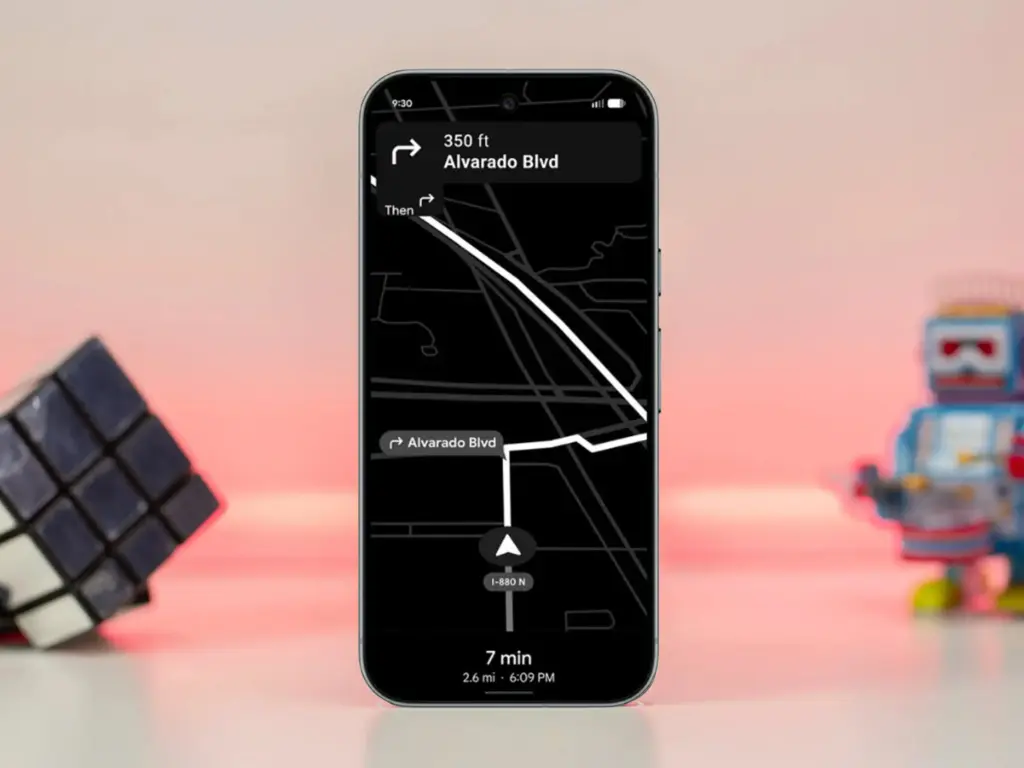
    How to save battery while using Google Maps

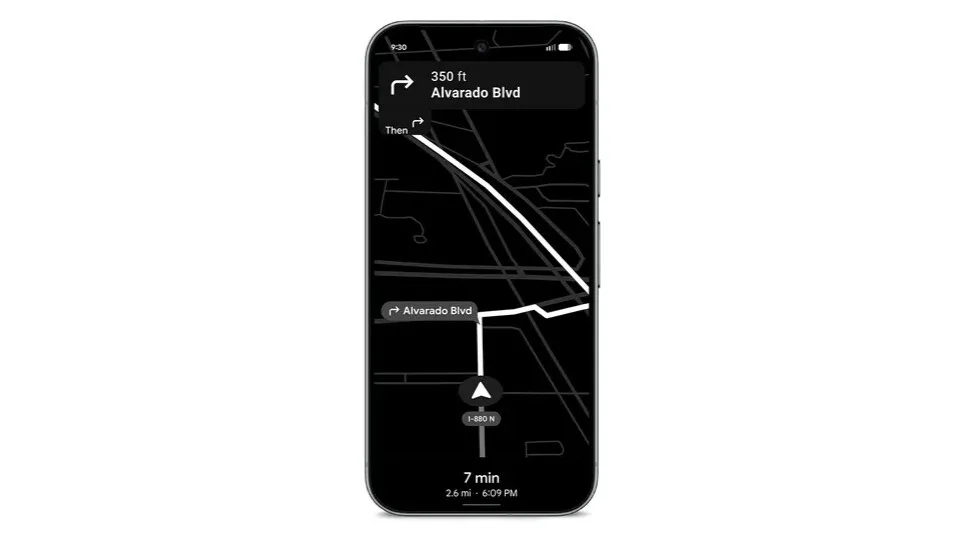
    The addition, as its name suggests, offers a power saver mode to Google Maps. In theory, it makes use of the Pixel 10’s always-on display when navigating. This saves battery compared to fully utilizing the normal OLED panel, since most elements transition to black and white with inactive pixels switched off.

    In addition, the mode lowers the screen refresh rate and brightness to further preserve power. Some UI components and metrics in Google Maps won’t be available when enabled, and only portrait orientation is supported.

    Google Maps Power Saver: how to turn it on

    If the feature is accessible on your Pixel 10 or Pixel 10 Pro, you’ll see a pop‑up card pointing you to the option in driving settings. Alternatively, you may manually activate it by going into Maps settings and finding it under driving choices.

    It’s unclear why Google is limiting the feature to the Pixel 10 series, especially given earlier versions like the Pixel 9 and Pixel 9 Pro use the same LTPO OLED displays. However, it’s feasible that Google will increase support later on.

    Google is also working on another battery‑saving feature for Pixel and Android devices: a smarter always‑on display that automatically shuts off when the device isn’t in use or after a specified duration.

  • Pixel Watch 4: battery life takes center stage

    Pixel Watch 4: battery life takes center stage

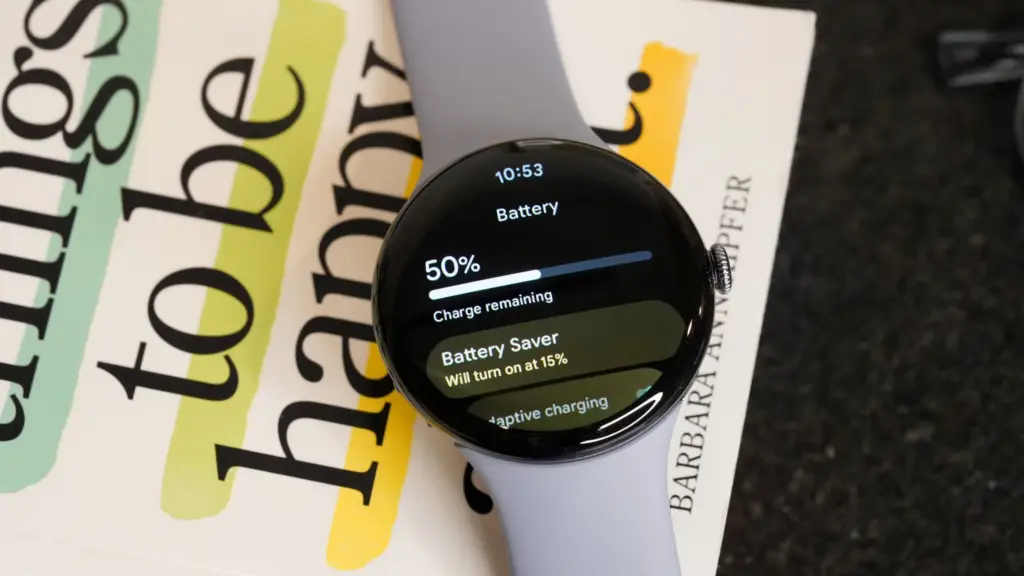
    The battery life would be the main justification for purchasing a Pixel Watch 4. Yes, this device has many useful features, but since I reviewed it, the battery life has improved, and I’ve seen a lot of positive reviews for Google’s newest wristwatch.

    Referring back to my evaluation from early October, I found that the Pixel Watch 4‘s battery life (on the 45mm variant) was as good as Google had promised, with some days being shockingly long. Thus, we’re talking about using the always-on display for around 40 hours and turning it off for about 48 hours. However, there were a few crazy days when I used the watch extensively—5.5 hours of exercise and complete sleep tracking—and it lasted more than 48 hours.

    pixel watch 4 battery

    As I said in my review, the moment I switched on the “Raise to talk” feature, which activates Gemini, the battery life dropped from that high. I subsequently reduced the sensitivity significantly before turning it off entirely. Both of those have been beneficial. I’m not sure if I’m back to that degree of battery madness, but I’ve noticed that I think about battery life far less and that the watch is on the charger much less frequently each week.

    Google Pixel Watch 4

    The Google Pixel Watch 4 is a stunning display of precision craftsmanship, with Gemini, your built-in AI assistant, Google’s longest-lasting battery, and comprehensive tools for next-level health and fitness performance

    $399.99Amazon

    I’m not by myself either. A user displayed a 76% battery left status in a Reddit discussion after 16 hours without a charger and with AOD activated. Some were dubious, but after looking at my own stats in the last few weeks, I think it’s true. In same discussion, another user attested to the fact that their usage was either comparable to or significantly less than that of the Pixel Watch 3.

    One user described battery life as “amazing” in another discussion before praising the excellent charging conditions. I also discussed that in my review. Compared to earlier Pixel Watch versions, nearly all of which took more than an hour to fully charge, I was able to charge from 20% to 100% in about 40 minutes. According to a different Redditor, they tested the charger twice between 0 and 100% and essentially reached the 40-minute threshold. Additionally, the innovative magnetic charger transforms your tiny watch into a little desk or bedside clock and is incredibly easy to use.