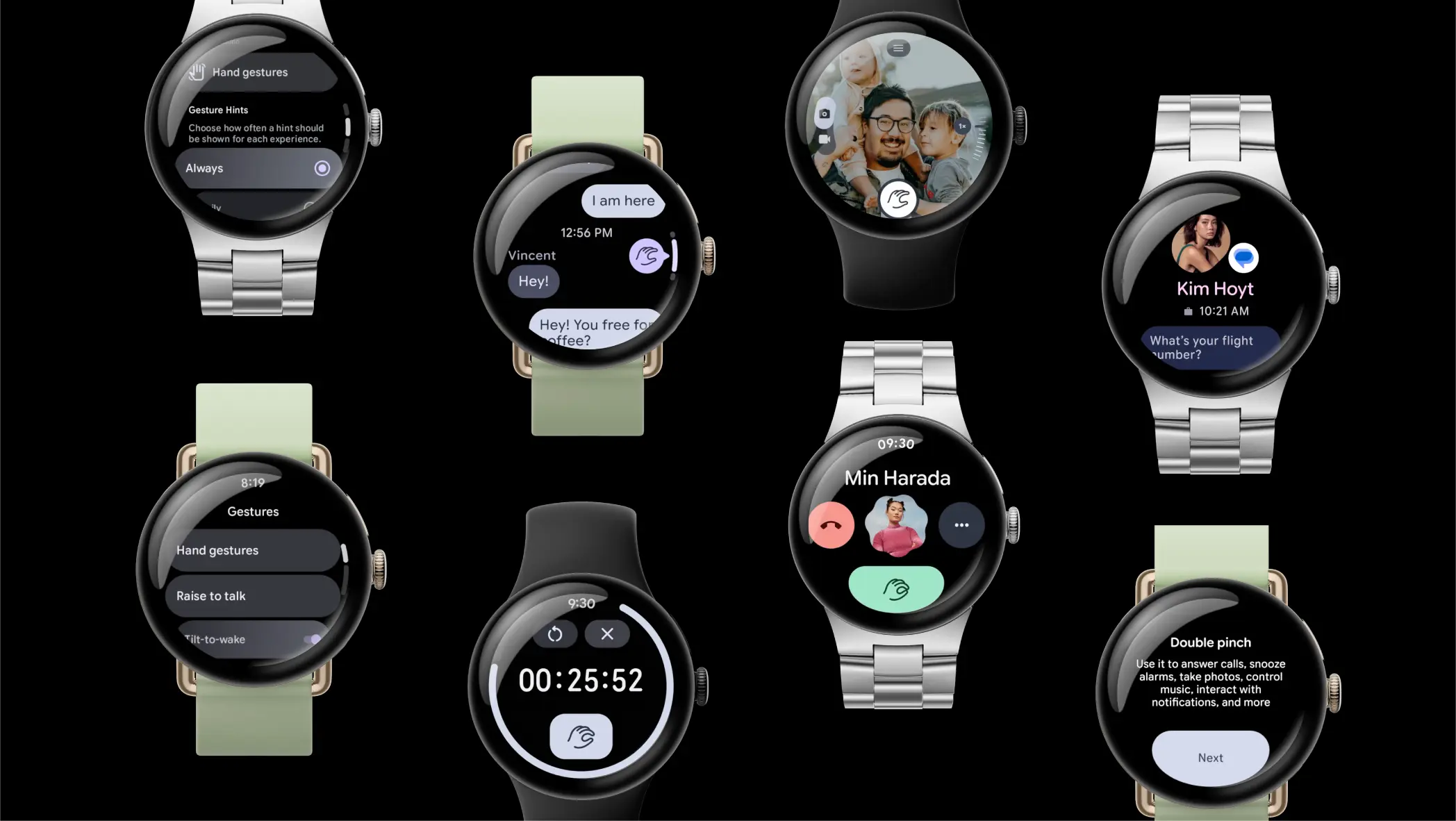
We keep a close watch on the Google Pixel device update schedule, so we’ll notify you before anybody else when those upgrades are coming out and when your Pixel device may cease getting them. Although Pixel phones have received most of our attention over the years, we believed that as Google’s line of smartwatches approaches its first end-of-life moment, a dedicated space for Pixel Watch updates might be necessary.
In contrast to Pixel phones, the Pixel Watch line is only eligible for three years of updates rather than seven. Depending on your watch, you may still have years of support left or the end may be very close. That 3-year countdown begins “when the gadget initially became accessible on the Google Store in the US.”
Google decided to stop producing the first Pixel Watch in October 2025. Although they recently released an October update that might be the final one, they have not yet announced that the Pixel Watch 1 is finished. We still have months or years left before the remaining Pixel Watch models – the 2, 3, and 4 – are discontinued.
Pixel Watch update schedule
Pixel Watch 1: October 2025
Pixel Watch 4: October 2028
Pixel Watch 3: October 2027
Pixel Watch 2: October 2026
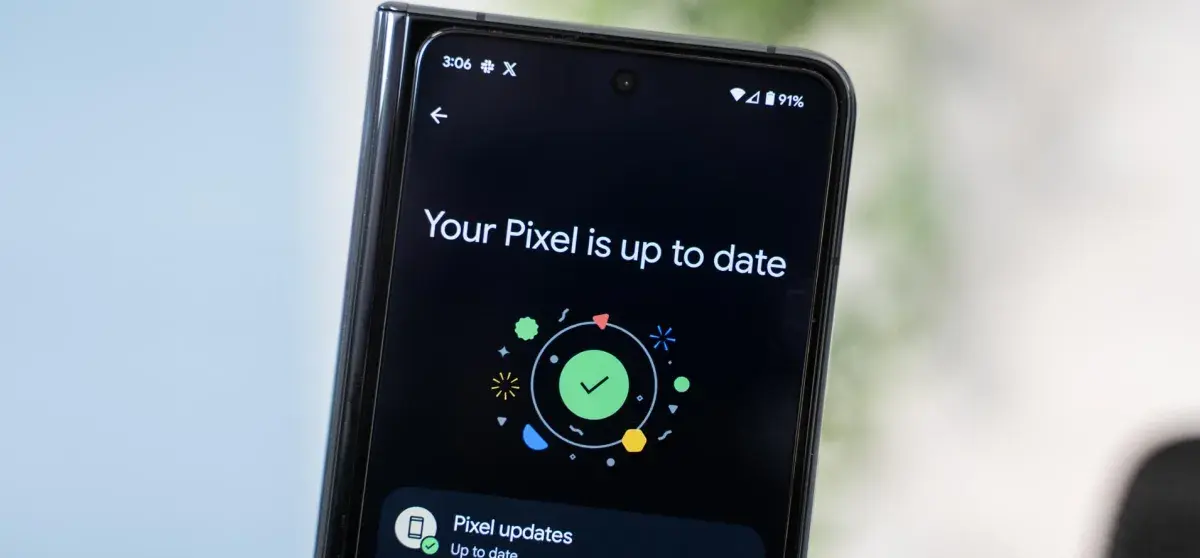
You may check if a build is available on your Pixel Watch by going into Settings>System>System updates. To force an update to download and install, you can also attempt this time-tested tapping method.
Are you still shopping for Christmas? There are a few discounts that might come in time, even though the deadlines for the majority of things have passed. The 41mm Google Pixel Watch 4 is a good option for anyone searching for a reliable Android smartwatch.
Amazon has reduced the price by 14%, bringing it down to $300 from its usual selling price of $350. You can guarantee that your orders will arrive before Christmas by placing them today. For an additional $15, you may also choose same-day delivery. All customers can take advantage of the offer, which is valid for all color choices. Do you prefer simple wearables? The obsidian band on the matte black aluminum case is gorgeous.
Do you want to add a splash of color? The lemongrass-banded champagne case is sure to draw attention. In addition, the merchant is including a complimentary two-month Audible trial with your purchase. Please be aware that the price is only available for a little period of time, so it’s better to place your orders without
Google Pixel Watch 4
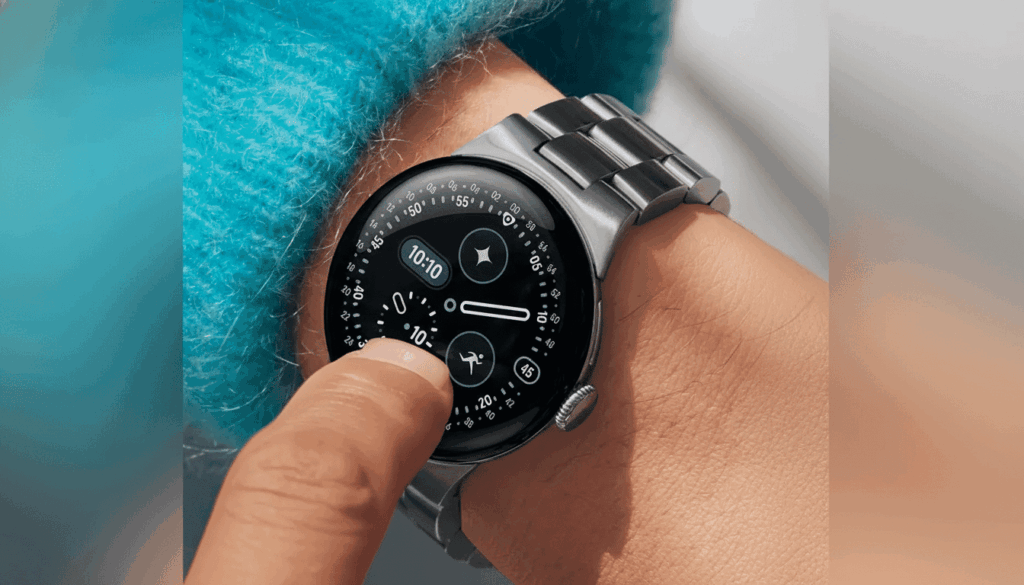
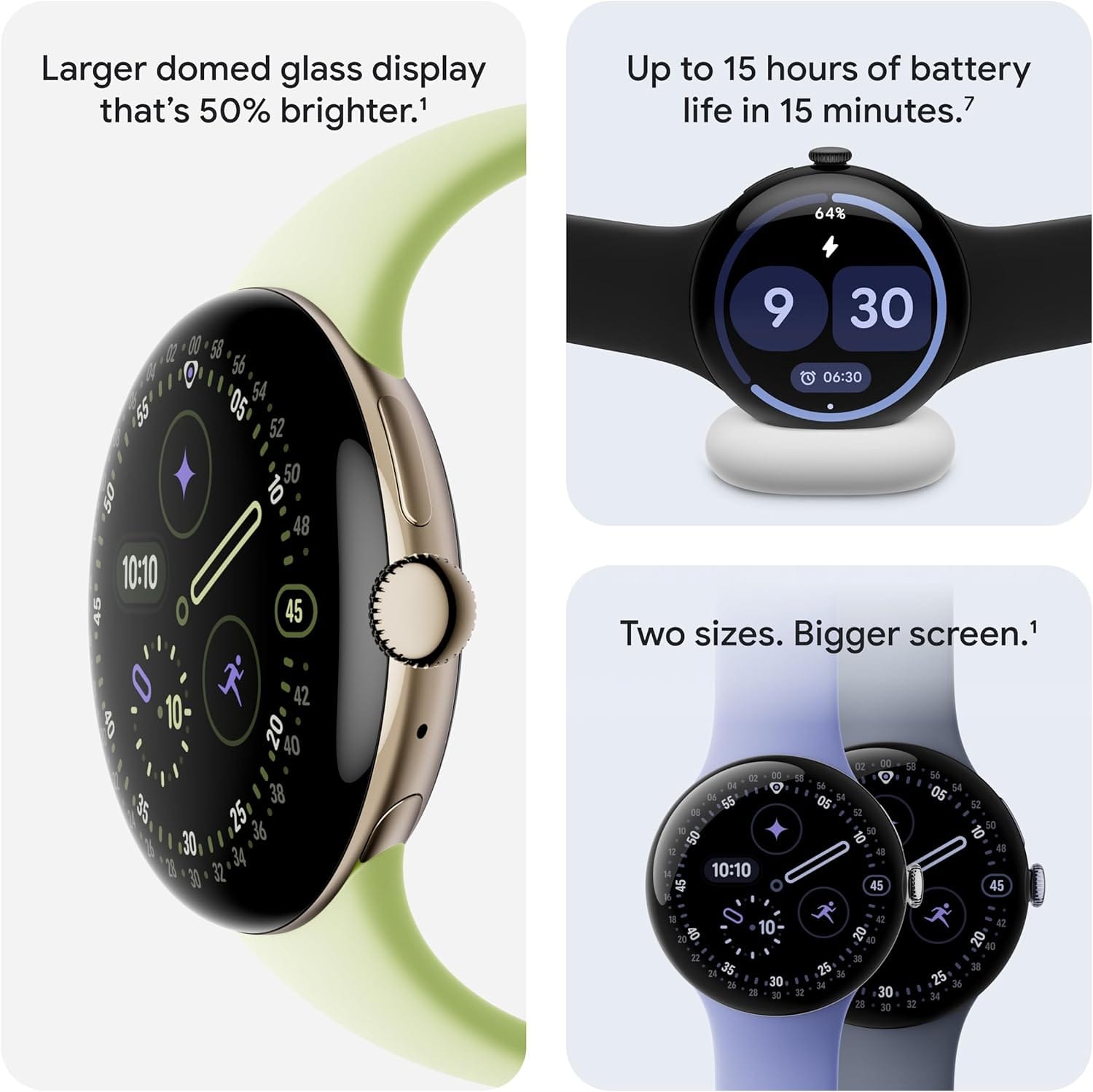
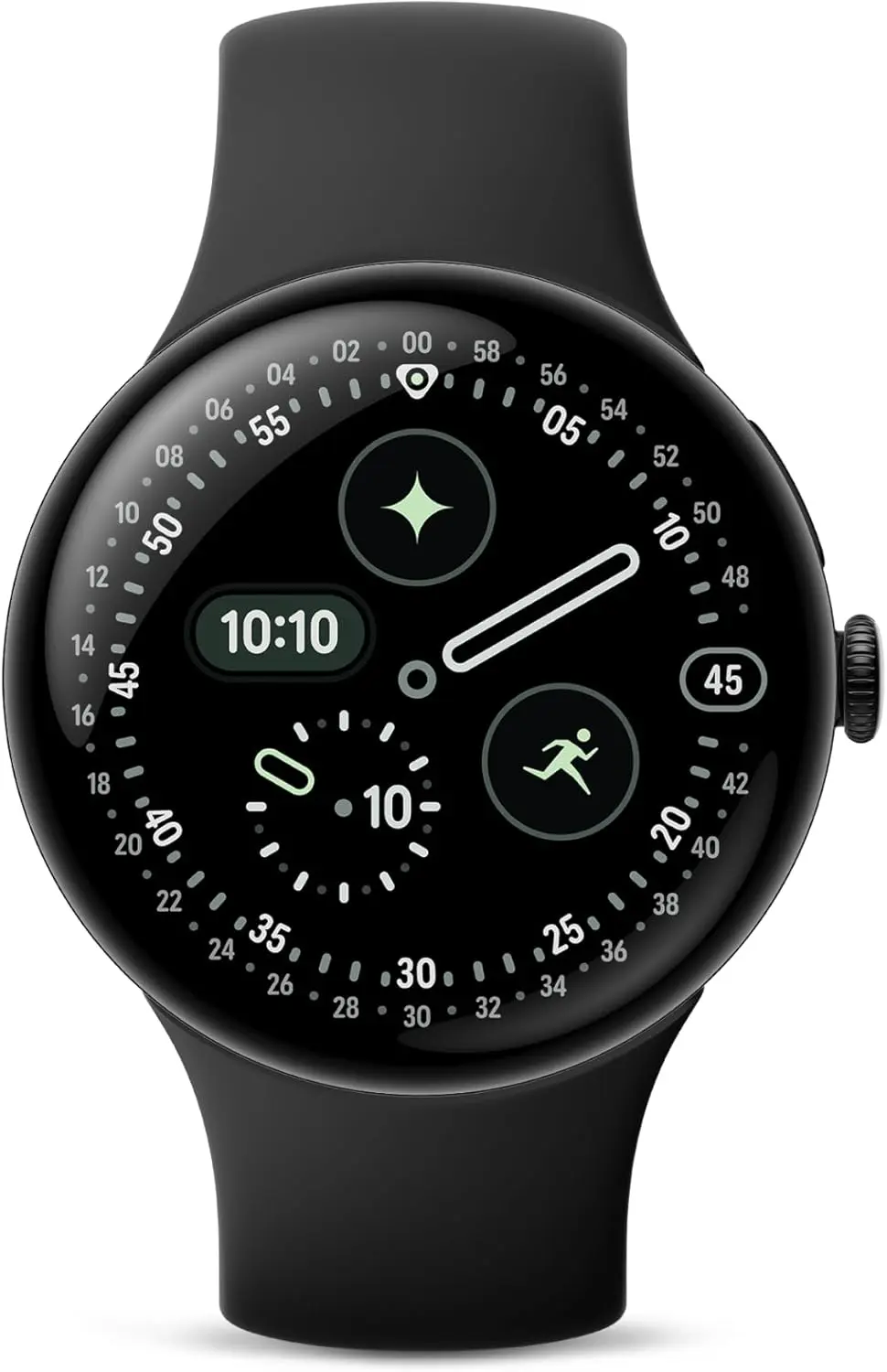
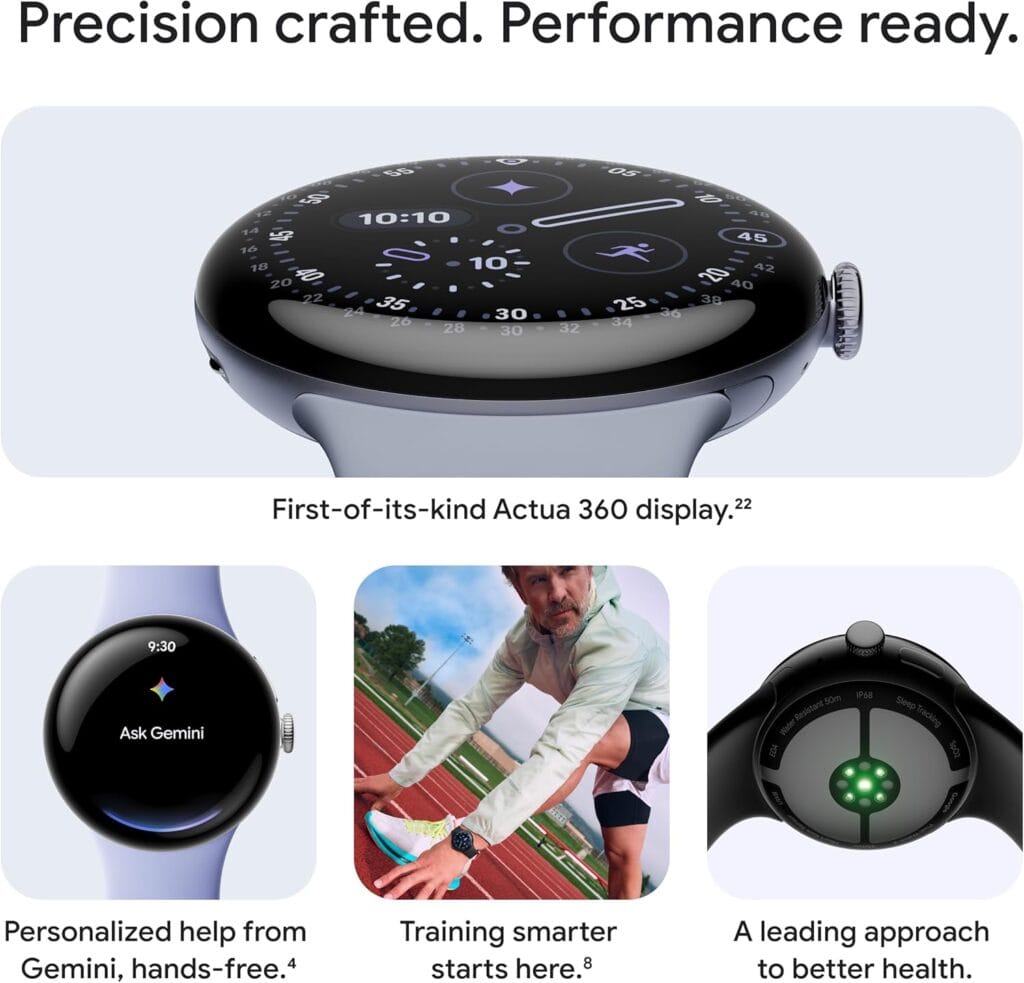
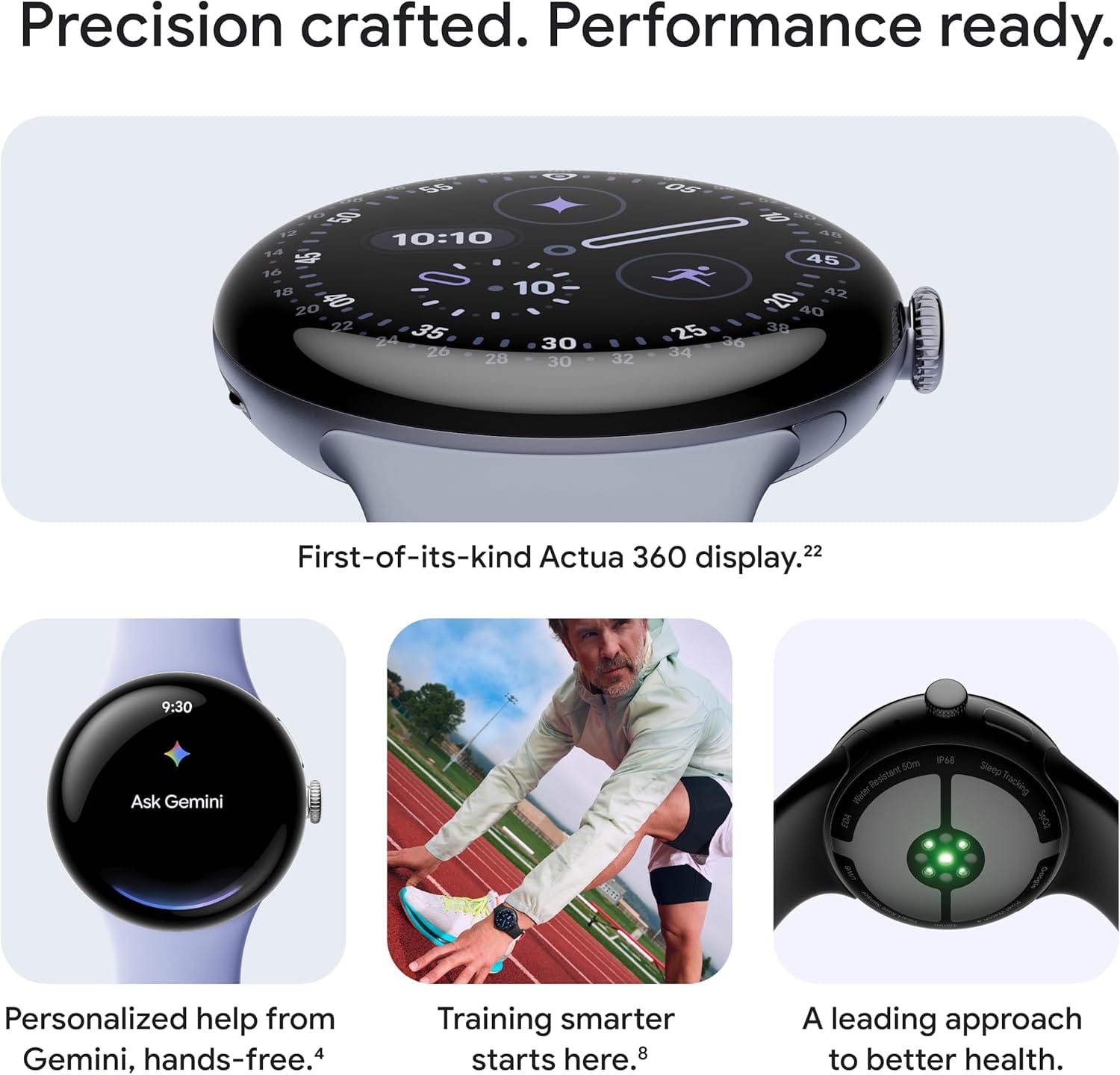
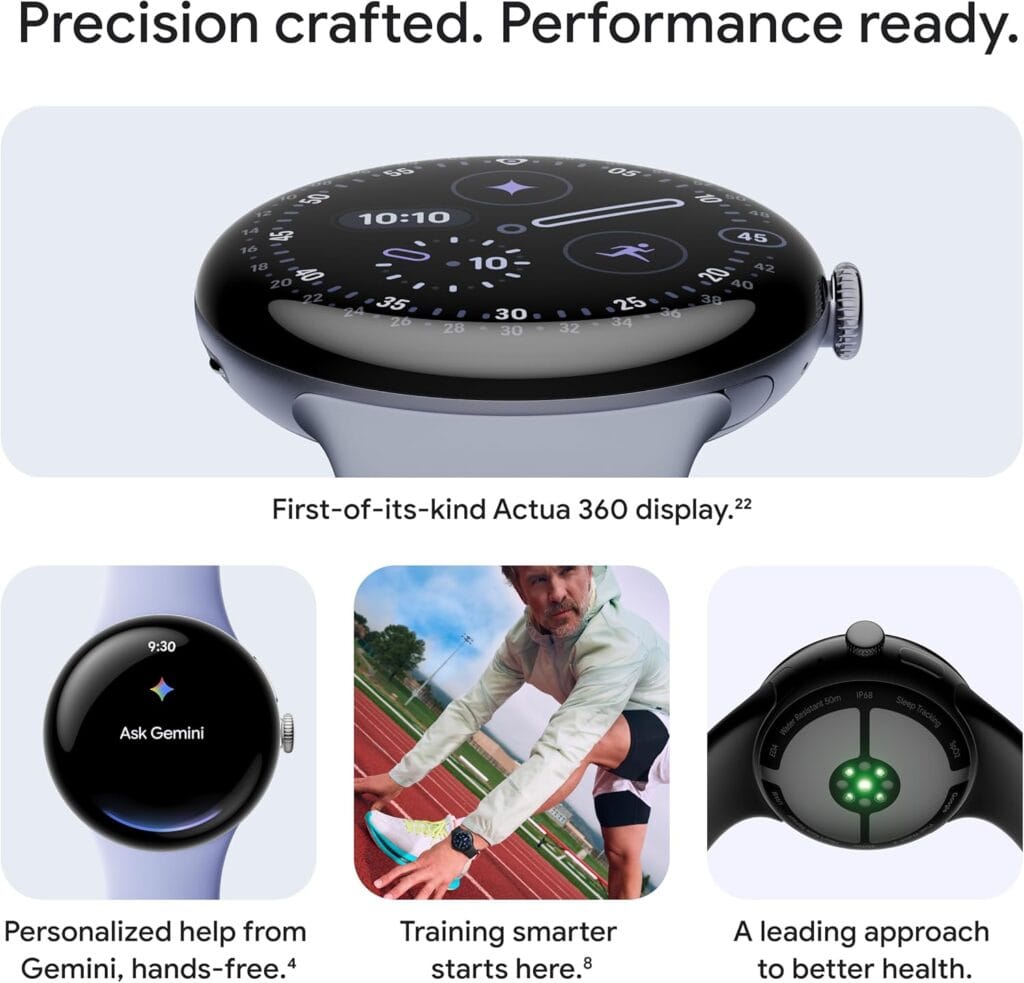
The Google Pixel Watch 4 is a stunning display of precision craftsmanship, with Gemini, your built-in AI assistant, Google’s longest-lasting battery, and comprehensive tools for next-level health and fitness performance.
Pixel Watch 4 – one of the best smartwatches on the market
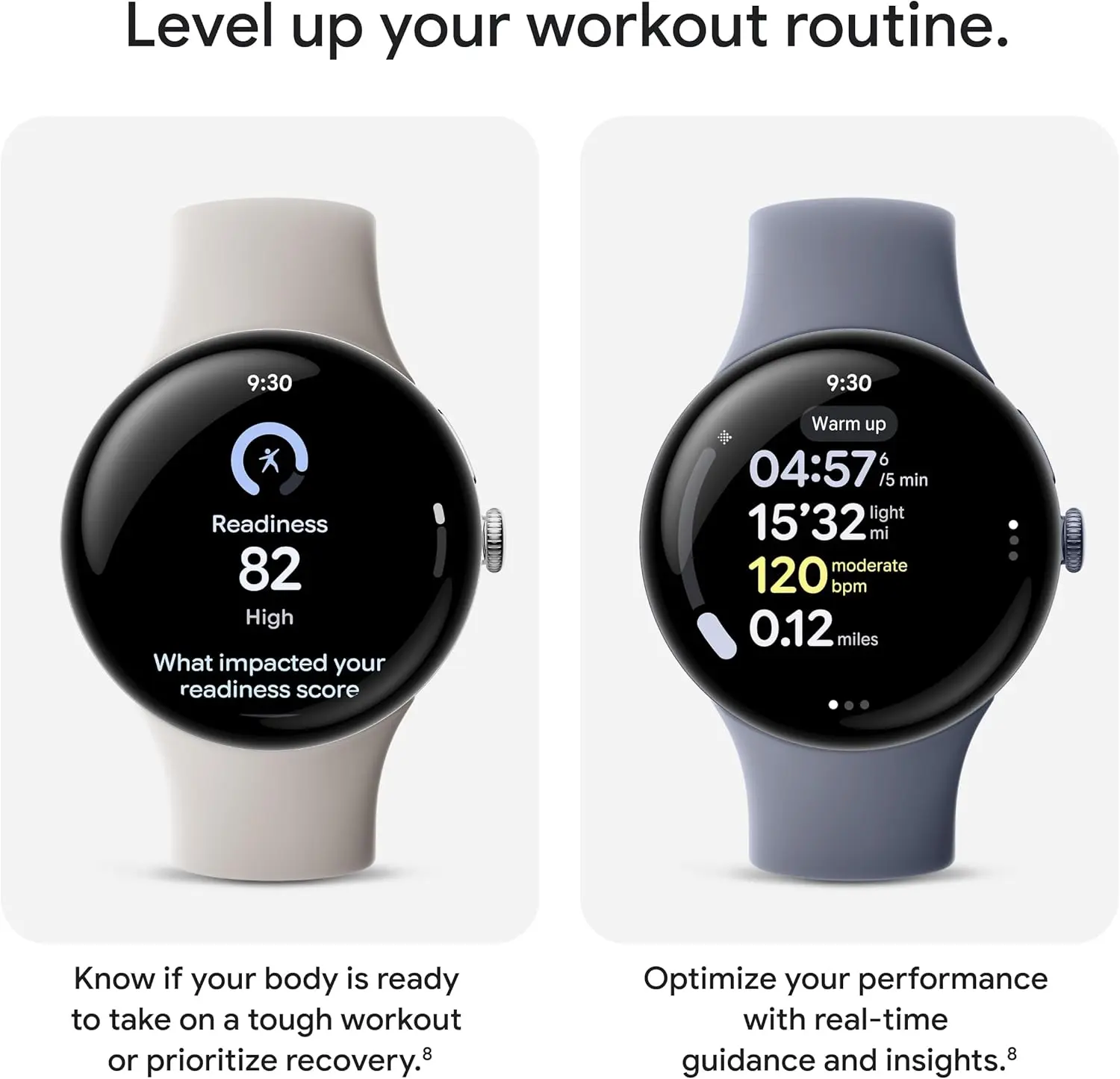
Google has included a number of fitness and health-related features in the Pixel Watch 4. We’re talking about more than 40 activity modes that allow you to log a variety of activities and receive real-time performance data on your wrist. Light stretches should be done first thing in the morning, cardio should be done at midday, and after work, you should do a fast run. Additionally, the watch has high-precision dual-frequency GPS, which allows you to trace your journey more precisely while hiking and running.
In terms of health, the watch offers important health measures like SpO2, HRV, and more, coupled with Google’s most precise heart rate tracking and sleep insights. The best part is that it’s intelligent enough to recognize a lack of pulse and instantly alert emergency personnel via geostationary satellites, which can be useful in distant areas. The aerospace-grade aluminum housing, which shields it from normal wear and tear, provides stability. The Pixel Watch 4 is ideal for certain aquatic excursions because it can withstand water up to 50 meters.
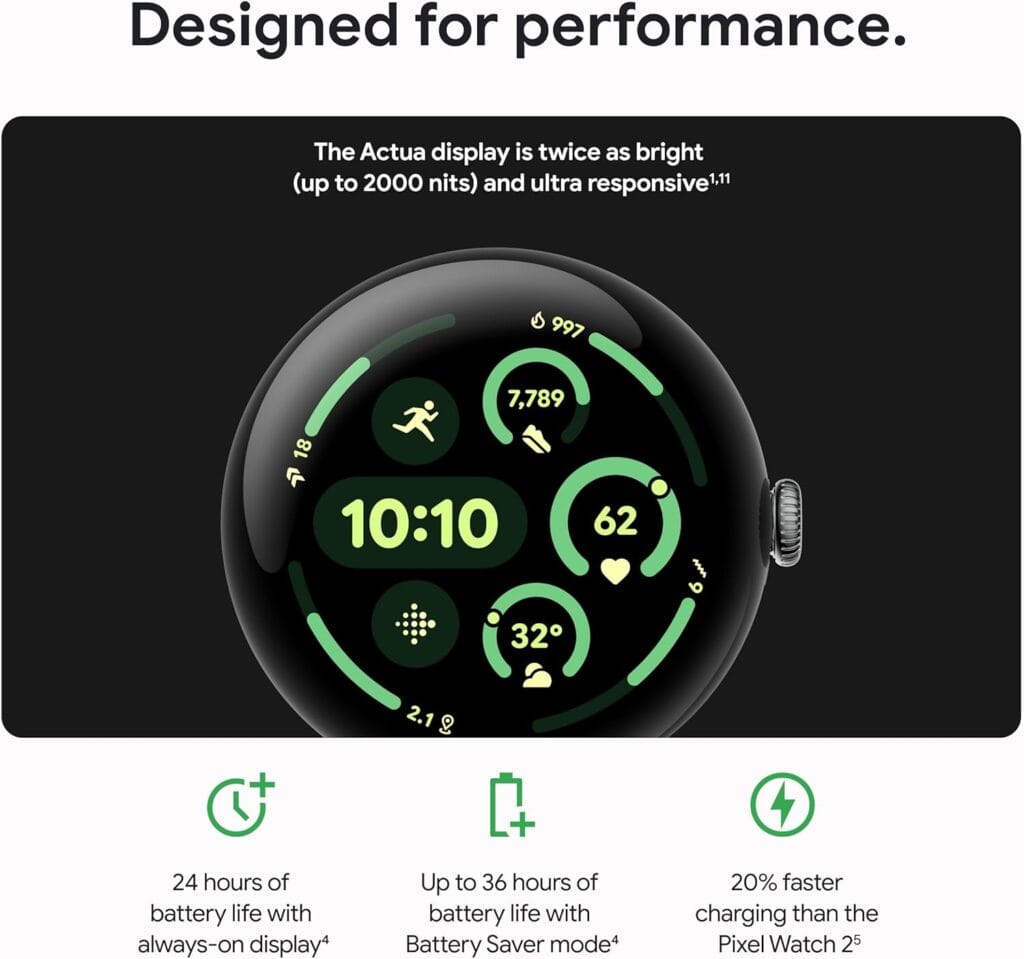
Gemini is integrated, making it simple to use the smart assistant for a number of purposes without taking out your phone. Throughout the day, you may use it to make playlists, conduct fast searches, receive suggestions for replies, and much more. The battery lasts about 40 hours on a single charge, which is relevant to day-long use. That is more than sufficient to avoid having to top it off for a few days.
Google Pixel Watch 4
The Google Pixel Watch 4 is a stunning display of precision craftsmanship, with Gemini, your built-in AI assistant, Google’s longest-lasting battery, and comprehensive tools for next-level health and fitness performance.
In terms of compatibility, a variety of Android devices work well with the watch. You can use it to see your Nest Cam or Nest doorbell stream, manage your Pixel camera from your wrist, and connect your headphones to enjoy your favorite music while on the road! This well regarded Android smartwatch has much more to offer, especially now that it is $50 off. It’s one of the greatest options available, and you can get them before Christmas if you place your orders now. The deal is probably going to end shortly, so act quickly to take advantage of it.
The newest smartwatch os from Google has already been released and is currently being distributed to compatible devices. In contrast to previous rumors, Wear OS 6 is a live software version that powers a number of new smartwatches today rather than an impending update. With an emphasis on convenience, efficiency, and long-term platform stability, the upgrade is Google’s most refined wearable operating system to yet.
Now that the Wear OS 6 release date has passed, focus is now on device support and rollout progress. Only a few watches are still pending, whereas the majority of significant Wear OS users have already made progress. With this update, Android smartwatches are now closer than ever to a sophisticated, unified experience across brands, marking a clear turning point.
Wear OS 6 already here
Earlier this year, Google confirmed the Wear OS 6 release date along with its most recent wearable lineup. Wear OS 6 was preinstalled on a number of watches when they were first released, while other watches got the update soon after via over-the-air updates.
Wear OS 6 was released in a more developed condition than earlier iterations, which required months to settle. Manufacturers were able to release the software more quickly as a result. Because of this, the majority of people who own the most recent flagship Wear OS watches are currently utilizing the updated version.
Crucially, the Wear OS 6 release date is applicable worldwide; however, rollout timing is still contingent upon the upgrade schedules of individual manufacturers. Many users have been upgraded as a result, but some are still waiting even if their hardware is capable.
Features focused on performance
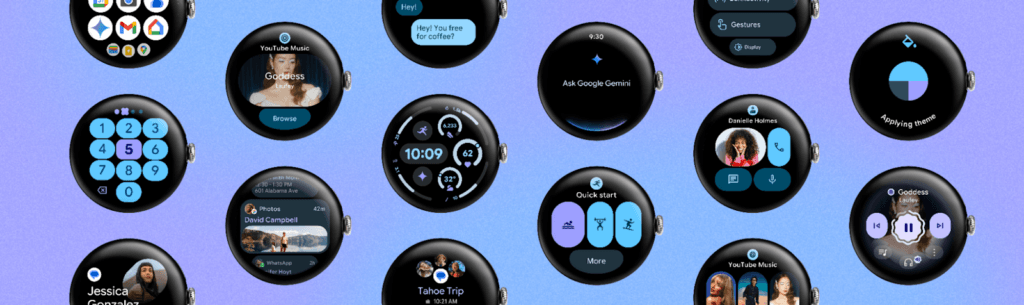
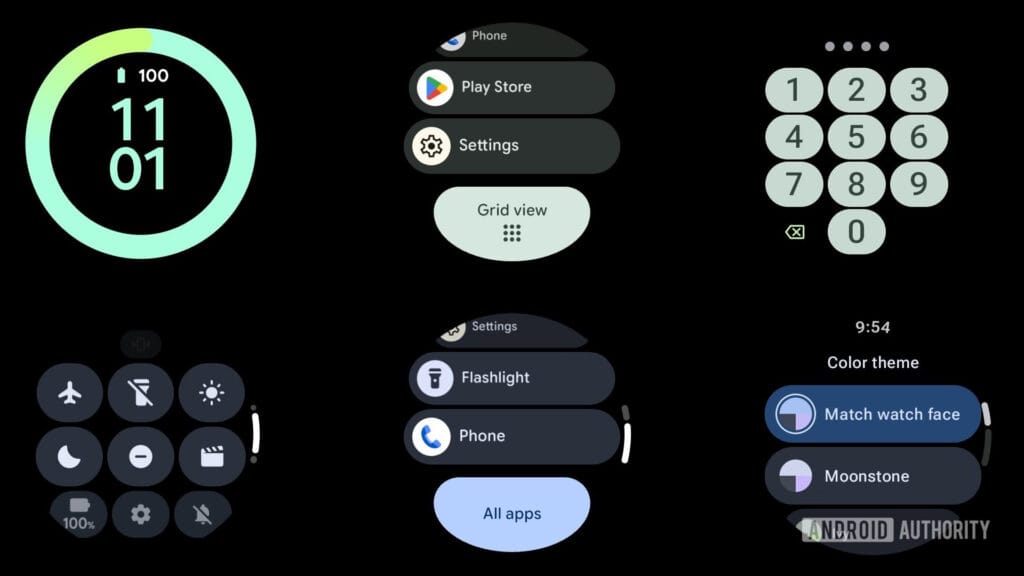
The refinement of Wear OS 6 features is their greatest asset. Google concentrated on streamlining animations, cutting lag, and enhancing overall system responsiveness rather than drastic redesigns. Commonplace tasks like switching tiles, starting apps, and scrolling through notifications now feel quicker and more natural.
Additionally, battery efficiency has increased. It features minimize needless power consumption with more intelligent background task management, extending the life of watches without compromising notifications or health tracking. Although benefits in battery life differ depending on the device, many users find discernible improvements.
Deeper AI integration is another important improvement. Contextual understanding has improved, voice commands are more natural, and replies are faster. Wear OS 6 improvements, along with a more streamlined UI and improved typography, give smartwatches a sense of purpose rather than clutter.
Wear OS 6 update experience
The update is distributed wirelessly to compatible devices and installs similarly to earlier iterations. Installation usually takes less than an hour, and users are notified when the update becomes ready. Although a full charge is advised before to upgrading, no data loss is anticipated.
The upgrade to Wear OS 6 is totally free. No paid software tiers or subscriptions linked to the operating system itself have been introduced by Google. This guarantees that platform enhancements benefit users at no extra expense.
Compatible devices
The majority of modern smartwatches are already included in the list of devices that are compatible with Wear OS 6. Samsung’s Galaxy Watch series and Google’s Pixel Watch lineup were among the first to use the new platform, either with fast upgrades or preinstallation.
Stronger platform alignment than in previous years is indicated by the fact that several other manufacturers have also deployed the Wear OS 6 update to their most recent models. This increased compatibility demonstrates Google’s renewed emphasis on ecosystem stability and long-term maintenance.
The OnePlus Watch 2 and OnePlus Watch 3 are currently the only noteworthy outliers. Both devices have not yet gotten the Wear OS 6 update, despite having contemporary hardware; upgrades are anticipated later than for other brands.
Wear OS 6 going forward
The update serves as Google’s declaration of intent. The platform prioritizes dependability, efficiency, and practical utility over innovation. After years of inconsistent development, this change may ultimately settle the Wear OS ecosystem.
Wear OS 6 offers a notably improved everyday experience for consumers who have already upgraded. When the update is released, it promises significant improvements for those who are still waiting. In any case, Wear OS 6 establishes a new standard for Android smartwatches that prioritize reliability over innovation.
Google added a few entertaining updates for 2025, making the Pixel Watch 4 a watch winner. After a year of availability, the Pixel Watch 3 is not far behind it, and if you go shopping for it now, it’s quite affordable.
Google Pixel Watch 3 (45mm)
The Google Pixel Watch 3 is designed for performance, with advanced fitness from Fitbit; the 45mm screen is twice as bright and 40% larger than before, making it easier to see your stats and info
Pixel Watch 3 LTE models comes with substantial discounts too.
For instance, the LTE (45mm) version, the model I would suggest for the majority of folks, is currently discounted by a full $175. We anticipate a price reduction from $399 to $224. This is the greatest price it has ever been at, based on my little Amazon pricing history tracker.
You must choose the Polished Silver case with the Porcelain band in order to receive the entire $275 off, but most people shouldn’t have any trouble doing that. The band element can be replaced with something that would suit your style, but the silver case is definitely my favorite.
Google Pixel Watch 3 (45mm)
The Google Pixel Watch 3 is designed for performance, with advanced fitness from Fitbit; the 45mm screen is twice as bright and 40% larger than before, making it easier to see your stats and info
One of the greatest smartwatches of the year is the Google Pixel Watch 4, which is particularly beneficial for owners of Pixel smartphones—especially during sales like the current one. Currently available for $299.98, the 41mm Bluetooth/WiFi version of this watch would normally cost $349.99. This is both the lowest price on Amazon in the last 30 days and the lowest price ever. In actuality, it is one cent less than it was a few weeks ago. Savings!
Google Pixel Watch 4 (41mm)
The Google Pixel Watch 4 is a stunning display of precision craftsmanship, with Gemini, your built-in AI assistant, Google’s longest-lasting battery, and comprehensive tools for next-level health and fitness performance
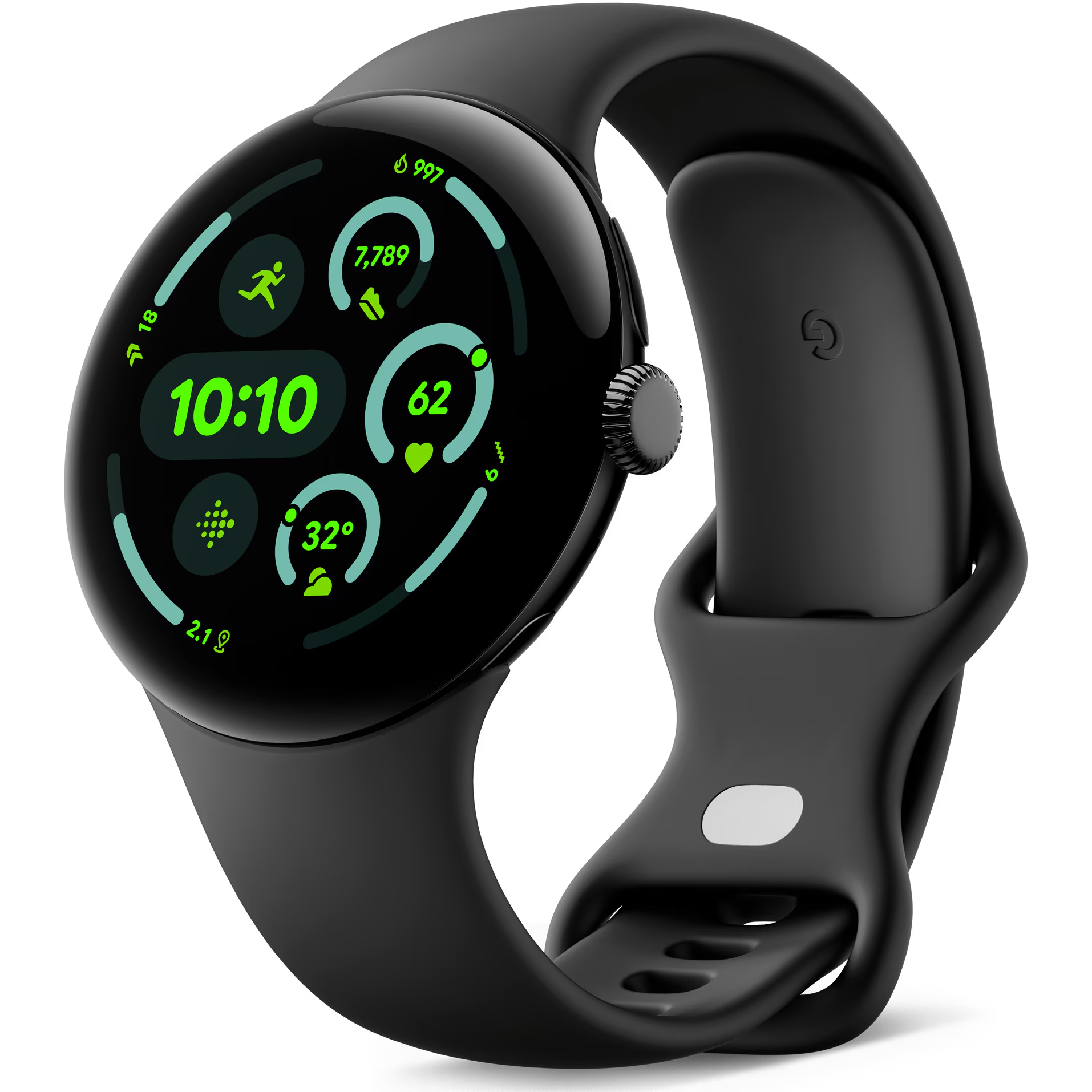
Google hasn’t altered the Pixel Watch 4’s ever-elegant design, which is what makes it so great. With the exception of the magnetic charging pins on the side of the watch casing rather than the bottom, the watch resembles the previous three models, which is ideal because those models look fantastic. If you don’t wear the watch to bed, you may use it as an alarm clock thanks to the new magnetic charging pins on the side.
The Pixel Watch 4 also boasts a 30-hour battery life. That’s more than enough to get you through the day, but if you don’t wear the watch all day, the battery might last you a few days or longer. The Gemini Raise-To-Talk functionality is one incredibly useful feature that you will adore. Once this is enabled, you may ask Gemini anything by simply raising your wrist to communicate with it. It’s quite handy for asking a straightforward query or receiving directions.
Google Pixel Watch 4 (41mm)
The Google Pixel Watch 4 is a stunning display of precision craftsmanship, with Gemini, your built-in AI assistant, Google’s longest-lasting battery, and comprehensive tools for next-level health and fitness performance
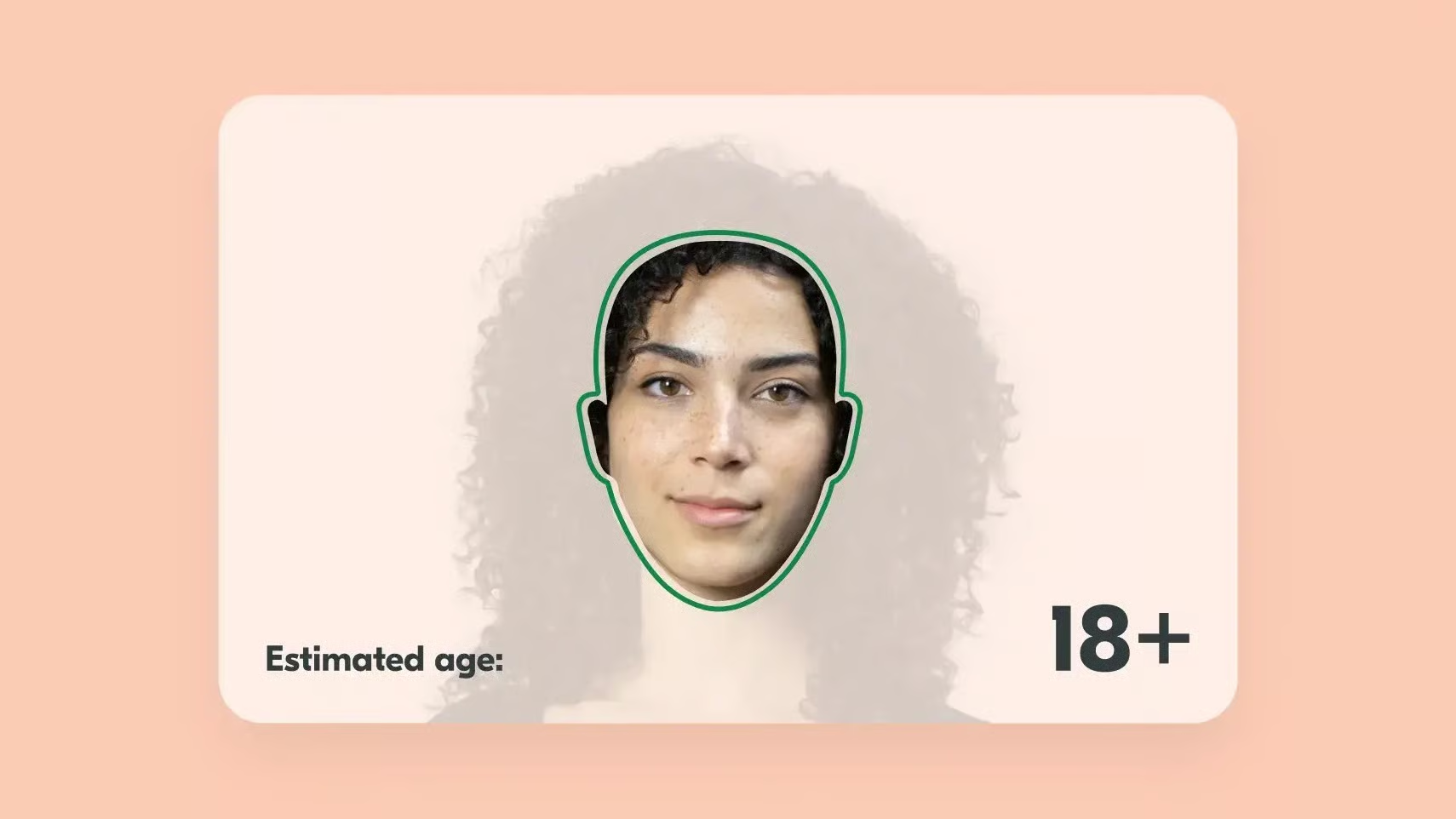
Age checks are currently largely pointless. It just inquires as to whether you are older than a specific age, and it is simple to fabricate your birthdate. However, in 2025, businesses like Google are taking proactive measures to confirm a user’s age. Both Anthropic and OpenAI are now contributing by revealing new methods for identifying minors.
OpenAI, Anthropic announce ways of predicting underage users with these AI tools
Four new principles for users under the age of eighteen will be included in the ChatGPT model specification, according to OpenAI. The list includes prioritizing teen safety, which OpenAI says will take precedence above other objectives. By fostering offline connections, it will also increase support in the real world.
Additionally, teens will receive “warmth and respect,” which means that they will be treated as young people rather than adults rather than with patronizing responses. These are significant adjustments, particularly in light of stories of a few suicide deaths caused by users interacting with AI models that consistently agreed with them.
Anthropic already prohibits anyone under the age of 18 from using its Claude model. Changes that can identify and disable accounts belonging to minors are also being implemented. This is accomplished by identifying specific conversational cues that suggest the user may be underage.
Could this go wrong?
AI is undeniably intelligent and knowledgeable, but it is not flawless. AI has been used to create viruses in certain cases. Additionally, there is the prevalent problem of hallucinations, an AI phenomena in which the model spontaneously produces entirely false and incorrect responses.
As a result, even while we value what OpenAI and Anthropic are doing to forecast underage users, it’s difficult to avoid doubting its efficacy. Additionally, Google introduced comparable age-verification technologies earlier this year, as previously mentioned. Sadly, it was also far from flawless.
Numerous customers claimed that Google’s systems misdiagnosed them despite the fact that they were older than a specific age. Users can overcome this by providing documentation proving their age, but it’s a needless obstacle when all they want to do is browse the internet or view a movie. Will Anthropic and OpenAI fare better? We’ll have to wait and see.
Google has gradually incorporated Gemini into all of its products and services, despite having a slower start to the AI space than competitors like OpenAI and Microsoft.
Gemini has been included into nearly every Google tool we use on a daily basis, including Google Docs, Gmail, Drive, and even Google Assistant for Android.
Gemini is an AI, and not everyone feels comfortable using it, even if it is excellent at many things and occasionally even replaces apps on our phones.
Some users are uncomfortable providing their data with Google in apps like Gmail or Google Photos, and not everyone wants Gemini in Google Workspace apps.
If you share my annoyance with Gemini, there is a way to get rid of Gemini from the majority of Google services and apps.
You can manually disable Gemini across many Google apps, but it’s not as easy as it would seem.
Tap your profile icon in the upper-right corner and select Google Photos settings.
Tap Preferences.
Tap Gemini features and disable the Use Gemini in photos toggle.
Disable AI Overviews in Google Search
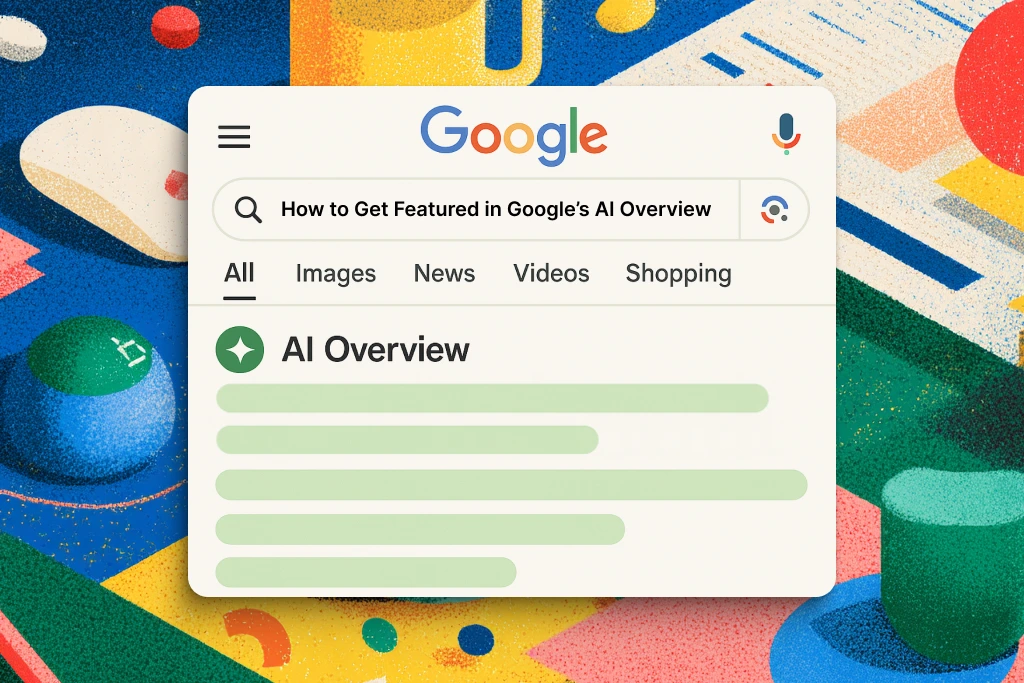
AI Overviews replaced Google Search in recent months.
Google Search has drastically altered in a short amount of time, despite the company’s efforts to improve them by adding more sources and more inline links to reliable websites.
There is a quick and easy method to restore the traditional Google Search experience if you prefer cleaner, more natural results without any AI features or AI Overviews obstructing what you are actually attempting to seek up.
Simply add “-ai” to the end of your Google search the next time you want to avoid all the AI garbage. This eliminates AI Overviews from taking over your screen and yields much cleaner and more conventional Google Search results.
The best part is that this method is compatible with all platforms, including cellphones and PCs.
Remove Gemini features inside Google Chrome
Chrome has been among Google’s services and apps with the slowest Gemini integration.
This is probably due to its enormous user base and Google’s desire to refine its AI features before releasing them in the browser.
However, Google Chrome’s Gemini has begun to roll out. Users in the US who use Chrome in English and are older than eighteen can access this function.
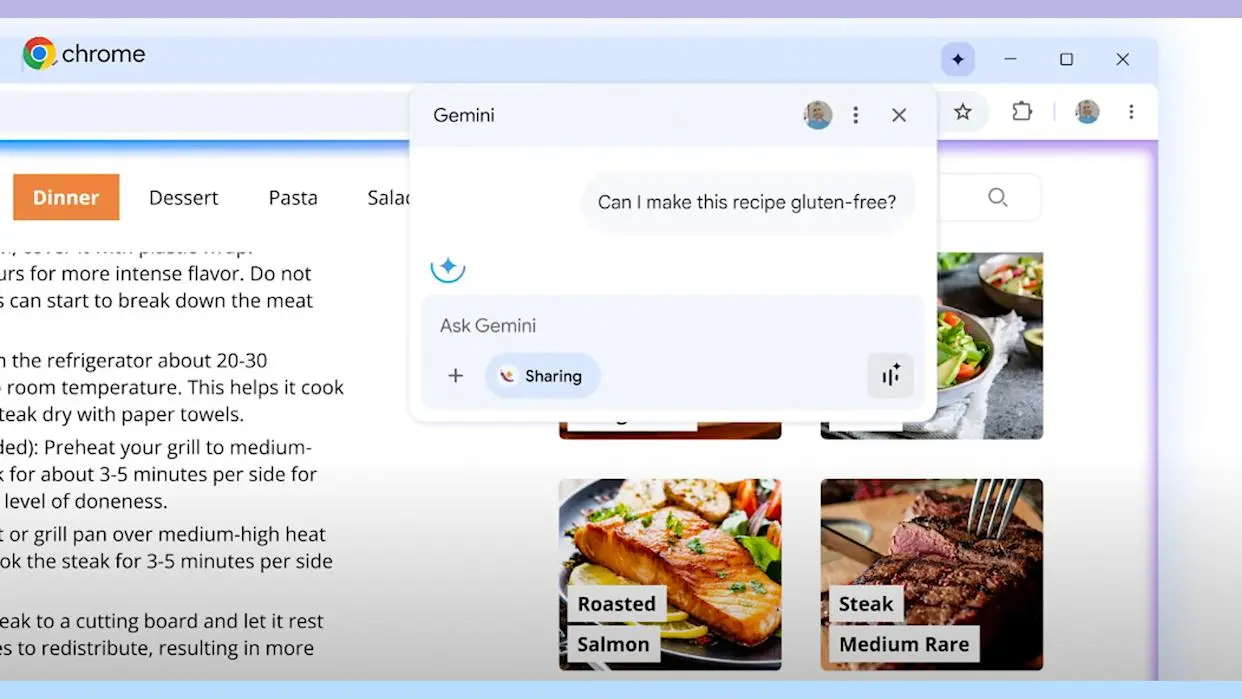
Gemini in Chrome allows you to use gen AI writing tools, search your surfing history in natural language, and ask questions of the chatbot from anywhere in the browser.
Here’s how to turn off Gemini on your computer, though, if you don’t want it to see your browsing history or Chrome data:
Open Google Chrome.
Click the three-dot menu in the upper-right corner and select Settings.
On the left sidebar, select AI innovations.
Select History search, powered by AI and Help me write and toggle them off.
Turn off Gemini in Drive, Docs, and other Workspace apps
Integrating Gemini into its Workspace apps has been one of Google’s major initiatives.
Gemini connectivity is available through services like Gmail, Drive, Docs, and others, each of which has a unique feature set.
For instance, you may ask Gemini in Gmail to quickly scan your emails and extract pertinent information. It can assist you in comprehending the contents of a folder in Drive. It can assist you with writing and formatting information in Docs.
However, you can simply turn off all of the smart Gemini features in all of the Workspace apps at once if you don’t want Gemini to interfere with your workflow.
Open the Google Drive desktop website (drive.google.com) and click the gear icon (Settings) in the upper-right corner.
Select Privacy and then tap Manage Workspace smart feature settings.
Toggle Smart features in Google Workspace to off.
It’s important to note that you can also turn off Smart features in other Google products, but doing so will also turn off Gemini in apps like Calendar and Maps.
Even simple AI-powered capabilities like suggested tickets and loyalty cards in the Wallet app, as well as suggestions and answers in the Gemini app, will no longer be available from Google.
You can turn off this feature if you wish to entirely eliminate Gemini across all Google apps. If not, you can proceed by just turning off the first option.
As it steps up efforts to control the nation’s digital domain, Russia is thinking of completely blocking all Google services. The formal proposal comes after lawmakers issued further cautions. They contend that there may be a national security danger associated with Google’s handling of user data. The likelihood of a total ban keeps growing as hostilities between the government and the tech behemoth worsen.
Russia considers countrywide ban on Google services
According to Russian legislator Andrei Svintsov, Google services could be blocked by the government because the country’s citizens’ data is currently being held elsewhere. He contends that Russia and its economy are seriously threatened by the storage of citizens’ data abroad. He goes on to say that it could lead to future penalties and allow foreign monitoring of domestic businesses.
Svintsov had previously attacked Google-owned sites, speculating that following recent service interruptions, even Google Meet would be banned. He is still in favor of the Russian government’s insistence that international companies keep local residents’ data inside their borders. They are adamantly opposed to user data being stored abroad.
New restrictions risk deepening digital isolation in the state
Stricter measures are on the horizon, as evidenced by the presentation of a new bill in the State Duma to reinforce regulations governing the transfer of personal data overseas. The goal, according to the MPs, is to apply a gentle pressure that “encourages” US tech firms to completely withdraw from the Russian market. The nation has already prohibited a number of other well-known websites and applications. To access these platforms, citizens must use VPNs.
The goal of the Russian government is to improve internal control nationwide. Recently, authorities have imposed restrictions on access to a number of Western platforms, such as Roblox, FaceTime, and Snapchat, on the grounds that they carry extremist content or facilitate dangerous acts. Additionally, a complete ban on WhatsApp was recently threatened. The government’s current course suggests further state control and greater digital isolation.
Android 16 QPR2 has made Google’s Pixel smartphones safer and smarter. Discover why you should get this update immediately, including new lock screen widgets, AI-powered notifications, and an essential security fix.
Google is finally releasing Android 16 QPR2 to compatible Pixel devices after much testing. Based on the most recent version of Android, this is the second quarterly release. It offers well-considered features and modifications, much like the initial release. More significantly, it contains the security update from December, which fixes a number of worrisome vulnerabilities.
The Pixel 10, Pixel 9, Pixel 8, Pixel 7, Pixel 6, Pixel Tablet, and Pixel Fold are all compatible with Android 16 QPR2. On my Pixel 9 Pro XL, the update is roughly 800 MB+ in size.
Improved screen customizations
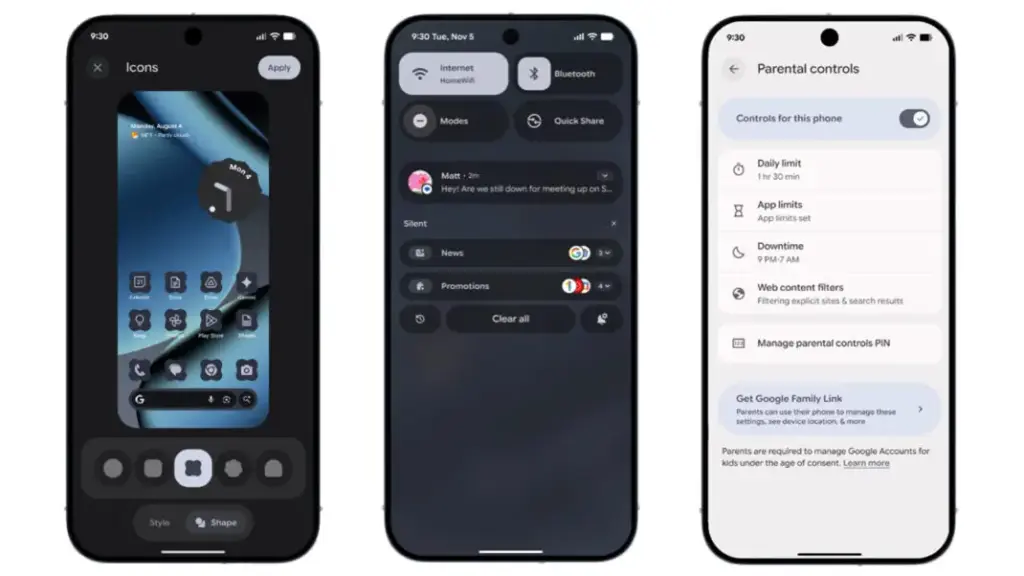
Google is still improving Android 16 QPR2’s user interface. Users may now add new shape options for app icons on the home screen, such as circle, squircle, four-sided cookie, seven-sided cookie, and arch.
Additionally, users of Pixel phones now add widgets to the lock screen—a function that was previously exclusive to tablets. Although there are fewer widgets and layouts than on the home screen, you can still access them by swiping left on the lock screen.
A new low-light setting for the screen saver, which turns on a dim clock in dull scenes to conserve battery life, is one of the other lock screen modifications. Furthermore, fingerprint scanning can now operate on a switched-off display without requiring the screen to be woken.
We highlighted in the beta the ability to minimize or eliminate blur effects in background components like the quick settings and alerts panel. All users can now utilize this functionality. For better accessibility, blur can be disabled under the Color and Motion area and replaced with plain color.
Expanded dark mode, which compels apps that don’t support dark themes to switch to dark mode, is another accessibility improvement. Better yet, you can program expanded dark mode to activate on its own.
Additionally, Android 16 QPR2 has an upgraded HDR feature that allows you to change the HDR intensity. You can select brightness levels from dimmer to more vibrant using a slider.
More usability and productivity
In addition to 50:50, 70:30, and 30:70 ratios, the update offers a more adaptable split-screen arrangement that supports ratios like 90:10.
Additionally, Google is adding two new features to its AI-powered notifications: a notification organizer and notification summary. While the organizer automatically organizes alerts in the panel, summaries condense lengthy messages from apps. The apps that are included can be customized by users. The Pixel 9 and more recent variants with Gemini Nano support these functionalities.
Additionally, parental controls have been reinforced. More apps now allow parents to set secure PINs, set screen-time limits, plan downtime, and control timers right from the settings.
Additional accessibility-related features include Expressive Captions, which are real-time captions in social media apps and video communications that are enhanced with emoticons and ambient sound overlays. Google has improved Circle to Search to allow users to flag and report problematic messages in order to fight spam and scams. Additionally, the new Call Reason function will alert suspected spam calls or classify calls according to urgency.
New security patch
The December security patch for Android 16 QPR2 addresses a number of issues. The update fixes vulnerabilities ranging from high to critical severity, some of which have already been exploited by attackers, according to Google’s security alert.
In addition to the eye-catching new features, Pixel owners should apply this update right now to lower the chance of attacks and keep safe from threats.
Other companies, including as Samsung, Xiaomi, and OnePlus, will also implement the December security patch, though the exact release date may differ.
Is this the end of battery issues on Pixel smartphones? The November update includes a power‑saving mode that employs the always‑on display to conserve energy, providing greater screen time for navigation and daily use. Here’s how it works.
Compared to other competing smartphones, Pixel handsets are not known for having the best battery life. However, Google has progressively added intelligent features over the years to help stretch screen time. The most recent is a new Google Maps power-saving function that was added with the November update and is currently being made available to more Pixel 10 owners.
How to save battery while using Google Maps
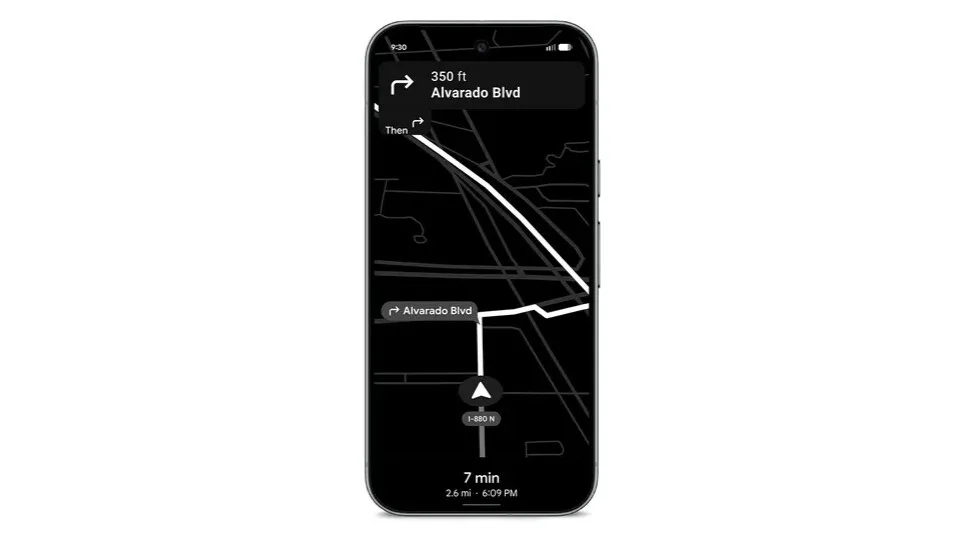
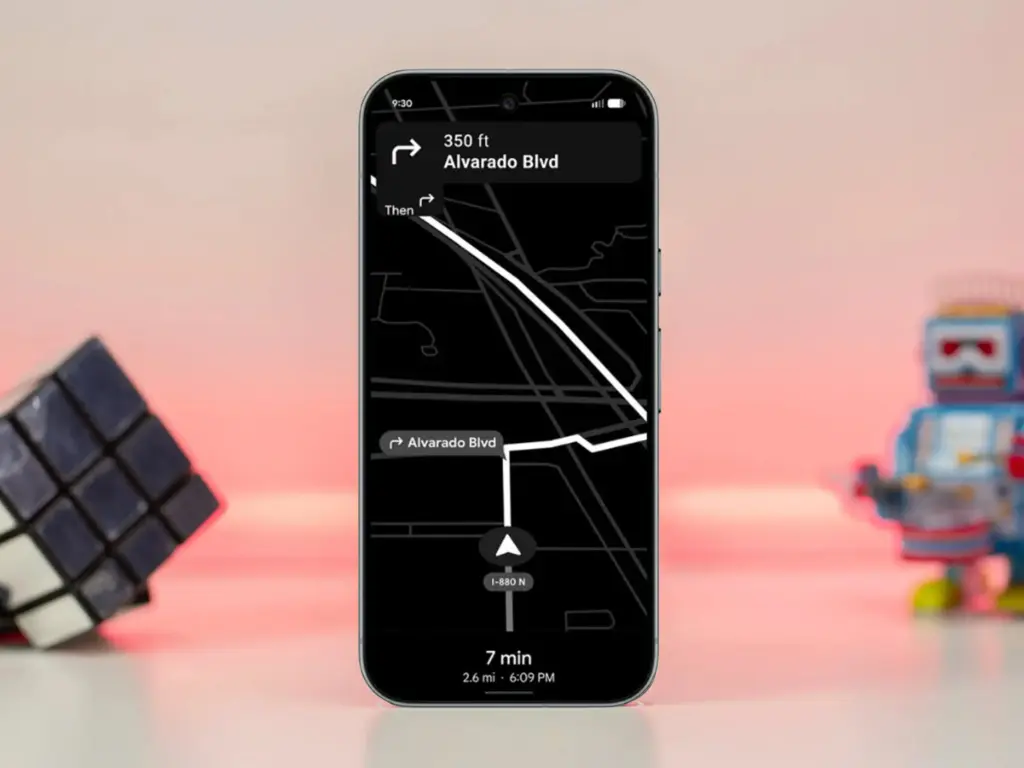
The addition, as its name suggests, offers a power saver mode to Google Maps. In theory, it makes use of the Pixel 10’s always-on display when navigating. This saves battery compared to fully utilizing the normal OLED panel, since most elements transition to black and white with inactive pixels switched off.
In addition, the mode lowers the screen refresh rate and brightness to further preserve power. Some UI components and metrics in Google Maps won’t be available when enabled, and only portrait orientation is supported.
Google Maps Power Saver: how to turn it on
If the feature is accessible on your Pixel 10 or Pixel 10 Pro, you’ll see a pop‑up card pointing you to the option in driving settings. Alternatively, you may manually activate it by going into Maps settings and finding it under driving choices.
It’s unclear why Google is limiting the feature to the Pixel 10 series, especially given earlier versions like the Pixel 9 and Pixel 9 Pro use the same LTPO OLED displays. However, it’s feasible that Google will increase support later on.
Google is also working on another battery‑saving feature for Pixel and Android devices: a smarter always‑on display that automatically shuts off when the device isn’t in use or after a specified duration.