Tag: app

  • ChatGPT App Store explained: features, functionality, and use cases

    ChatGPT App Store explained: features, functionality, and use cases

    With little fanfare, OpenAI has made a significant advancement in ChatGPT’s development. We can now find, install, and utilize tools that increase the assistant’s functionality straight from ChatGPT’s interface thanks to the addition of a new app directory. We’ll soon see a lot more apps made especially for the chatbot as this new functionality coincides with the release of its SDK for developers.

    Sam Altman had been hinting at the company’s desire to provide “all the things we would expect from a complete platform” for a few weeks. The introduction of the App Store demonstrates that ChatGPT is much more than just a text or image generator; it now enables us to engage with our apps while staying in the chat.
    chatgpt app store

    An app directory directly inside ChatGPT

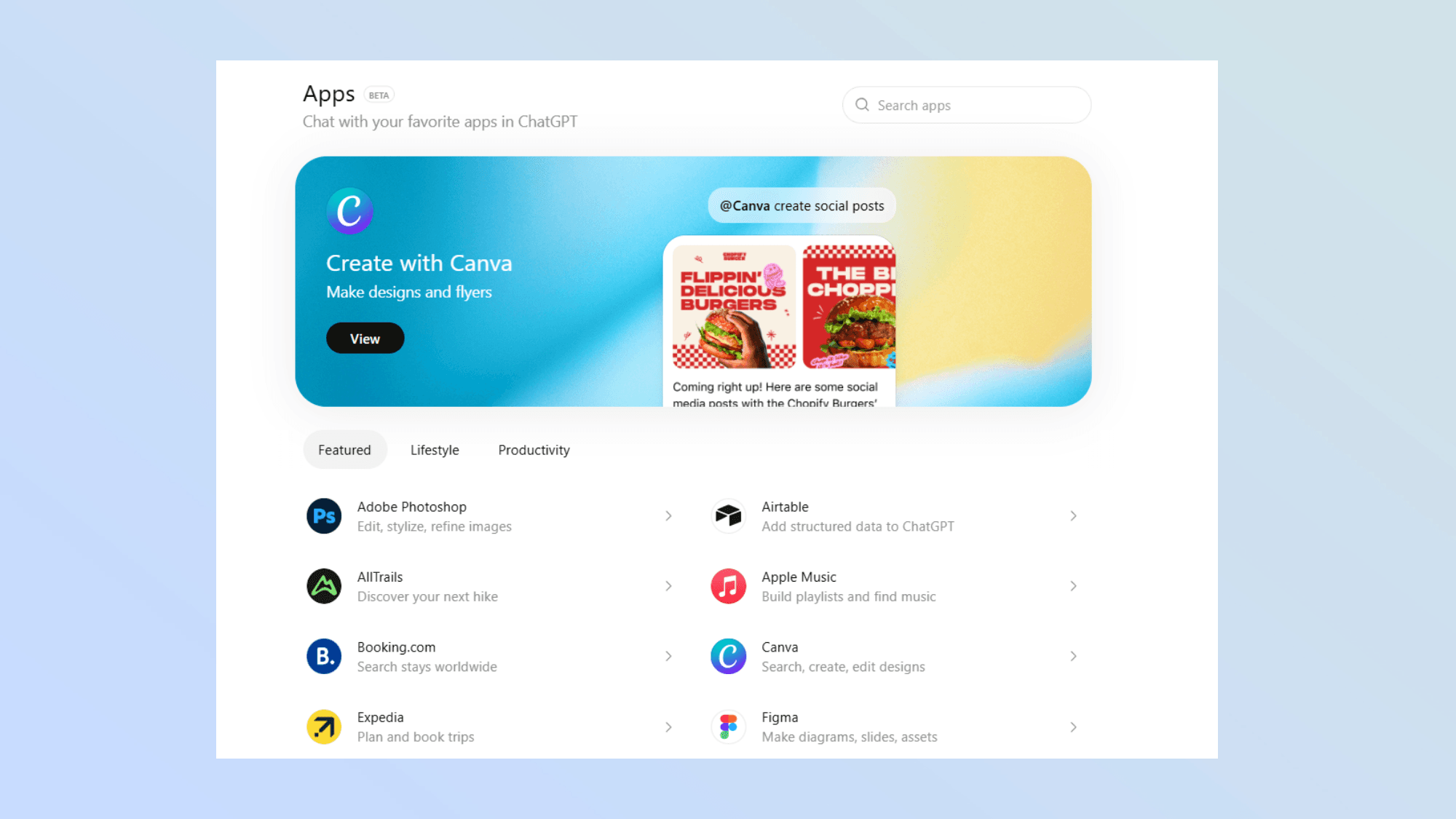
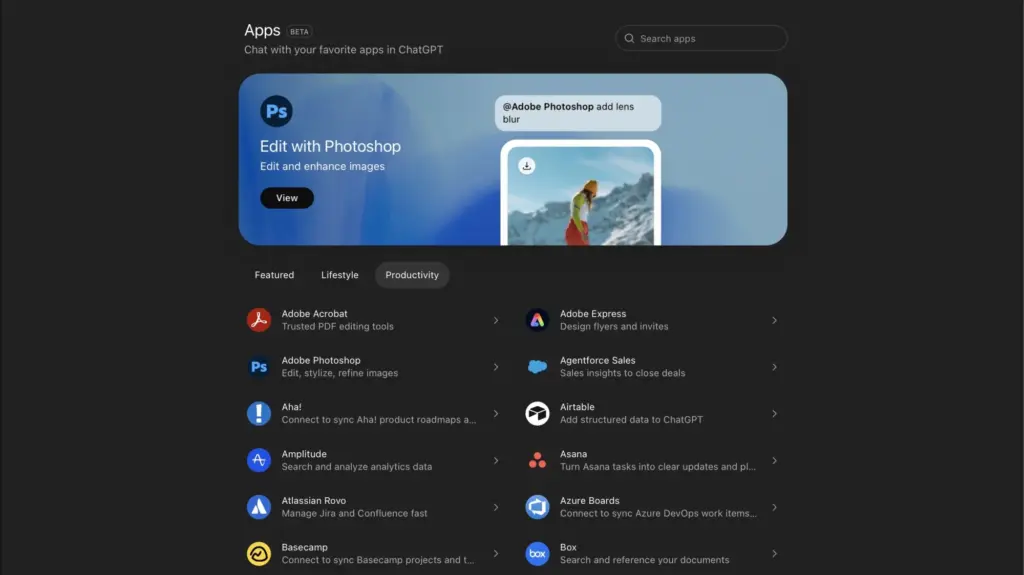
    Up until recently, ChatGPT provided us with the so-called connectors, which gave us access to third-party services like Dropbox and Google Drive. These integrations have now been renamed as apps within ChatGPT by OpenAI, and a directory has been developed that we can access directly at chatgpt.com/apps or through the tools menu.

    Spotify, Apple Music, Adobe Photoshop, Zillow, Canva, and DoorDash are just a few of the highlighted apps that we may explore or search for. For instance, we may use the Spotify app to ask ChatGPT to make new playlists and choose music without ever leaving the chat, while DoorDash uses AI to transform grocery lists or recipes into orders that are ready to be placed.

    As if that weren’t enough, we can choose these applications from the tools menu or mention them with “-name” to activate them in the middle of a chat.

    In a similar vein, OpenAI has begun to display contextual recommendations for certain applications depending on our conversation. Everything is set up so that these elements blend in organically, enhancing rather than interfering with the discourse.

    How these tools work and the opportunities they create
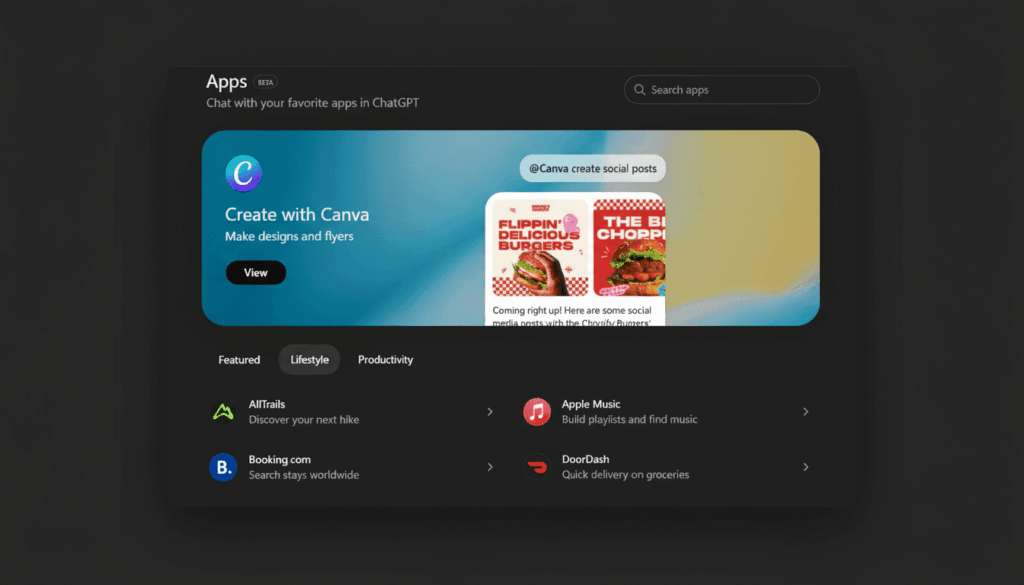
    chatgpt new app store

    These programs operate in a very straightforward manner. When we connect an app, ChatGPT displays its privacy policy and lets us know what information can be shared with the service (especially if we want to log in). Naturally, we can disconnect it at any time, which instantly prevents access to any data.

    Developers may now create apps that are entirely native to ChatGPT thanks to the Apps SDK, which is currently in beta. According to OpenAI, the best apps are simple, easy to use, and directly address particular demands in the chat without requiring us to switch between tools. As a result, we will soon be able to plan trips, make presentations, or do our everyday responsibilities while still interacting with ChatGPT.

    By doing this, OpenAI converts ChatGPT into a comprehensive platform that translates thoughts and discussions into actions. A tiny adjustment? Perhaps because it hasn’t received much attention in the tech industry, but it’s a significant move. There is a significant difference when it comes to utilizing specific programs, where we may eventually choose the ease of a command or request over navigating an interface, as well as when it comes to using the chat, where we get many new possibilities.

    With ChatGPT’s App Store, we’re looking at an assistant that transforms from a text or image generator into an interactive operations hub that can link to our services and apps in the most seamless and natural way. This is a new way to engage with technology.
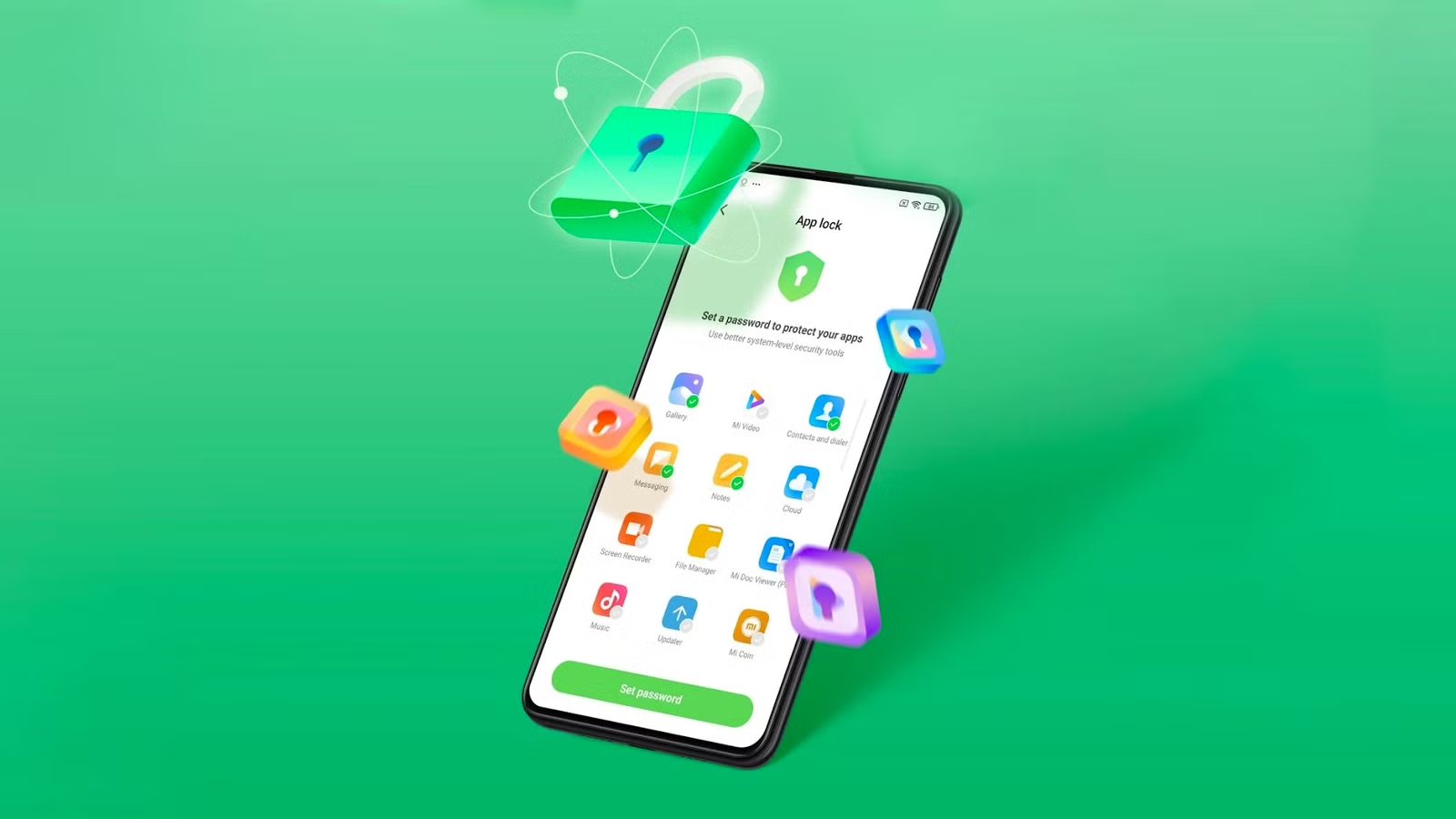
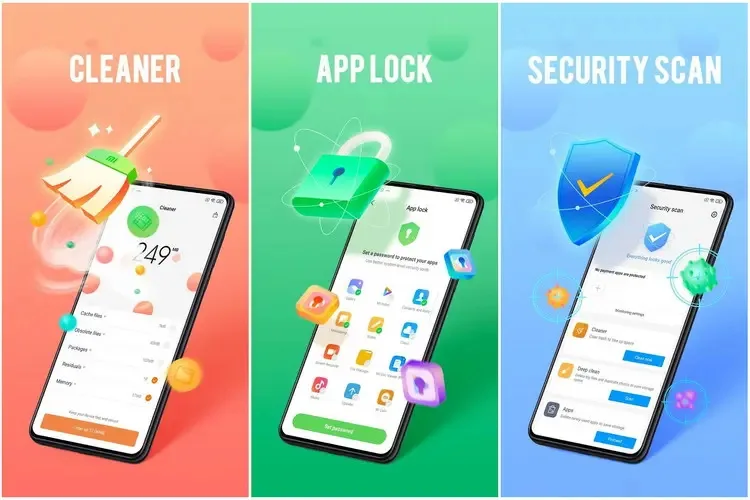
  • Xiaomi rolls out major Security V12 update with improved Game Turbo

    Xiaomi rolls out major Security V12 update with improved Game Turbo

    The Security V12 generation of Xiaomi’s standard Security app has finally been released with a significant update. The most recent build, V12.0.3-251114.1.1, is mostly concerned with modifications to the system infrastructure. However, as the new build offers a whole redesign of the Game Turbo interface and sophisticated system optimization logic, this would be quite intriguing for those waiting for the release of the next HyperOS stage. With this upgrade, Xiaomi is at last getting ready for a significant change in the management of background operations and the optimization of gaming performance on devices throughout the world.

    Xiaomi rolls out major Security V12 update

    Increased optimization in new Security V12

    The Security V12 branch has been made available to the public for the first time with this build. The Security V12 series is a package deal of significant architectural improvements that align with next system versions, in contrast to the incremental updates that preceded it. The improved optimization engine, which promises to clear caches and free up memory without disrupting user activity, is especially noteworthy in the changelog. Thus, the move to version 12.0.3 would suggest that Xiaomi is preparing for more demanding software applications, maintaining devices’ responsiveness and fluidity during more taxing operations.

    Enhanced gaming capabilities

    However, the improved Game Turbo module is the most notable feature of this version. Performance modes and floating windows can now be accessed more quickly thanks to Xiaomi’s UI optimization. In order to prioritize frame rates and network stability during gameplay, new optimization algorithms operate in the background in silent mode. With much lower latency and input lag, enthusiasts who use their devices for competitive gaming will notice how much more seamless the transition from the game to system notific

    How to update

    To update the Security app on Xiaomi devices, open the Security app and scroll to the bottom until you see the Settings or About section. Tap Update (or Check for updates) if available. You can also update it through the GetApps store by searching for Security and installing the latest version. If the update doesn’t appear, make sure your phone is connected to the internet and running the latest MIUI/HyperOS system version, as some Security app updates are bundled with system updates.

    Keeping system applications updated is very crucial for maintaining the security and performance stability of any device. Among such capabilities are unlocking hidden Xiaomi settings, updating other system applications seamlessly, and managing screen refresh rates, among the common updater features.

  • HyperOS 3: Xiaomi Confirms Poco Phones Eligible for the Android 16 Update

    HyperOS 3: Xiaomi Confirms Poco Phones Eligible for the Android 16 Update

    Xiaomi is closing out the year with fresh Poco flagships and a huge HyperOS 3.0 update based on Android 16. From new phones to a revised UI, here’s what’s rolling out and when you can expect it on your smartphone.

    Xiaomi has more phones to release this year. The worldwide versions of the Poco F8 Pro and F8 Ultra were just released. The company has revised the HyperOS 3.0 deployment schedule, which is now expected to reach over a dozen Poco phones and tablets, in tandem with the surge of new hardware.

    The new Poco F8 Pro and Poco F8 Ultra flagships ship with Android 16 out of the box. Other models will be released on a staggered schedule.

    Xiaomi Confirms Poco Phones Eligible for the Android 16 Update

    Which Poco devices are confirmed to get HyperOS 3.0

    For the initial group of Poco devices, the deployment started in October and will last until the end of November. The Poco F7 and X7 series from the previous year, including its Ultra variants, are at the top of the list. Some users outside China have already reported receiving the software. However, it’s not uncommon for other devices to only receive notifications in the upcoming days, depending on variations.

    The Poco F6 (Pro), Poco X6 Pro, Poco M7, Poco M6 (Pro), and Poco C75 will lead the following batch in December.

    Between December 2025 and March 2026, a broader release that includes the Poco F5 (Pro), Poco X6, Poco M7 Pro, and Poco C85 is scheduled. Poco’s Android tablets, such as the Poco Pad, Poco Pad X1, and Poco Pad M1, will join these. Regretfully, Xiaomi has not disclosed the timing for every device.

    What’s new in HyperOS 3.0?

    HyperOS 3.0 is built on Android 16, which adds its own set of new features and customizations. Xiaomi’s version offers a substantial user interface overhaul, increased security, and superior optimization for longer battery life and smoother performance.

    The most noteworthy graphic modification is Super Island, inspired by iOS’s Dynamic Island. As a native feature of Android 16, it is integrated into the punch-hole camera region and shows live updates and dynamic widgets.

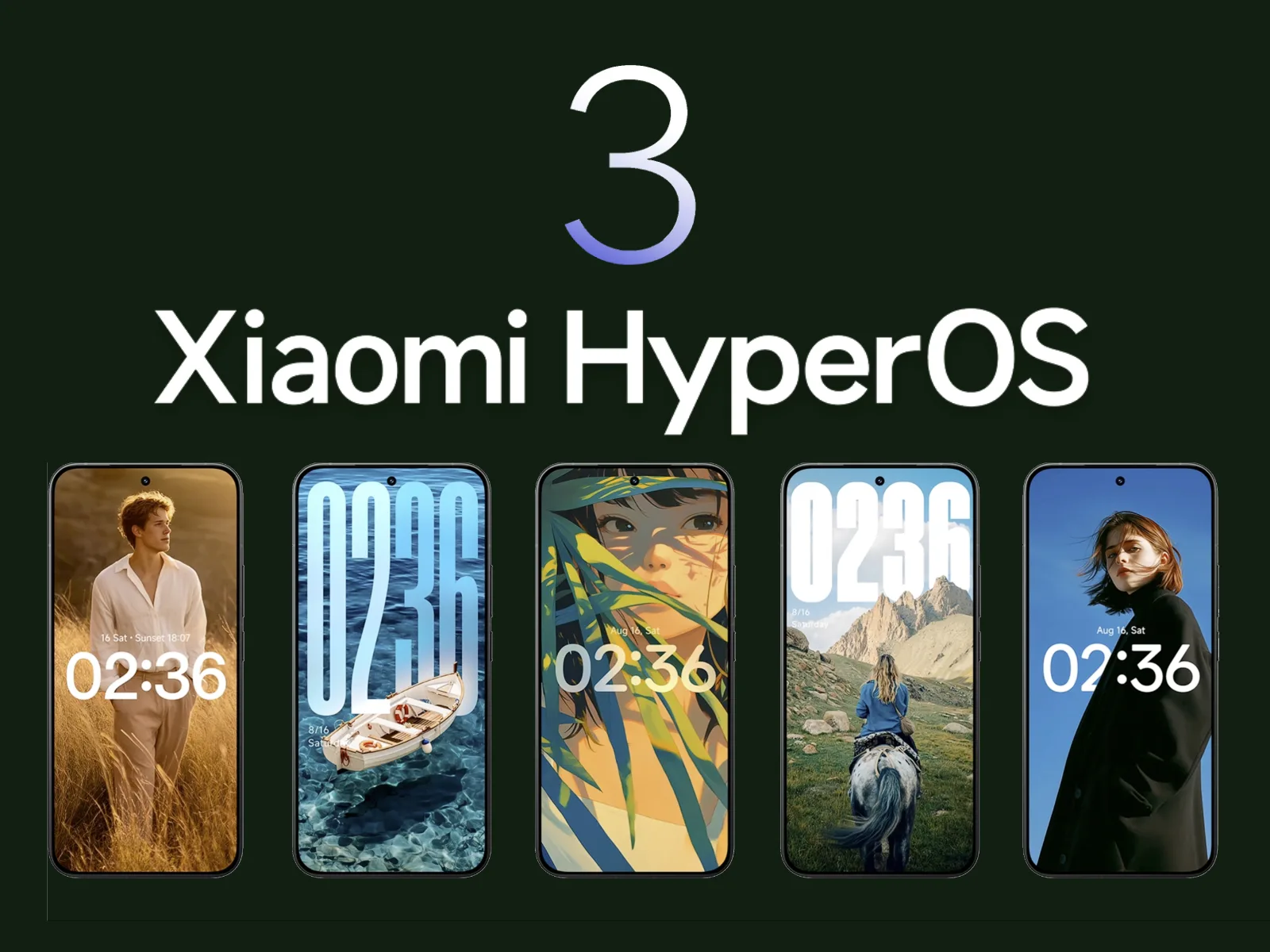
    The main UI has also been overhauled with transparent parts, blurred backgrounds, and redesigned app icons. Users receive new styles on the lock screen, like as live effects and AI-generated wallpapers.

    Additionally, Xiaomi promises enhanced usability and performance. Multitasking and app switching are stated to be snappier, while overall responsiveness is quicker.

    Permission limits and improved data protection have improved security. In other areas, HyperOS 3.0 provides closer connection with Xiaomi’s wider range of products.