Category: AI

AI section explores artificial intelligence tools, services, and innovations that are transforming modern technology.

  • Iran Issues Shocking Threat to Destroy OpenAI’s $30B AI Megacenter

    The Islamic Revolutionary Guard Corps (IRGC) of Iran has publicly warned the United States that any harm done to Iran’s electrical infrastructure will result in severe reprisal. The “full and utter annihilation” of Israeli and American sites was specifically threatened by IRGC spokesperson Brigadier General Ebrahim Zolfaghari. Later in the film, the $30 billion “secret” Stargate AI datacenter in Abu Dhabi was identified as a prime target for Iranian devastation. The warnings follow reports that Iran damaged enough Amazon AWS data centers with missile strikes to force them to shut down.

    Iran Issues Shocking Threat to Destroy OpenAI’s $30B AI Megacenter

    Zolfaghari’s main threats against American intervention in Iran can be heard and seen above. The military spokesperson states, “The following retaliatory steps shall be quickly enacted should the USA persist with its threats against Iran’s power plant facilities.” “The Zionist regime’s power plants, energy infrastructure, and information and communications technologies, as well as any similar businesses in the region with American stockholders, will be completely destroyed.”

    Following Zolfaghari‘s comments, the film cuts to a view of the Earth from space that uses Google Maps to zoom in on Abu Dhabi. Next, a region along the coast is highlighted, depicting a seemingly “empty” desert. On top of this depressing scene, nevertheless, is a sign that reads, “Nothing stays hidden to our gaze, though hidden by Google.” The entire Stargate AI datacenter in Abu Dhabi is visible when the video transitions to a “night vision” view of the same region of the globe.

    If it were conceivable, one may wonder why Iran hasn’t already attacked targets like the Stargate AI data center during the past month of fighting. It has already caused enough harm to cause several Amazon AWS data centers to experience operational disruptions. Maybe they were merely “lucky” shots that got past the Gulf States’ defenses. Furthermore, in recent weeks, Iran has threatened Nvidia, Microsoft, Apple, Google, and fourteen other American tech companies.

    We may actually find out whether Iran is capable of launching a devastating strike on U.S. business-related data centers, as neither side appears to be slowing down the rhetoric or reducing the use of force at this time. Naturally, there will be lives at risk because these facilities employ people, thus the $30 billion invested in these massive projects in the Middle East is not the only factor.
  • ChatGPT performance jumps by 76% after major improvements

    ChatGPT performance jumps by 76% after major improvements

    GPT-5.1-Codex-Max, OpenAI’s artificial intelligence model, has shown a significant improvement in performance, reaching 76% in capability evaluations. This development points to a substantial improvement in the model’s comprehension and production of natural language, which may have significant ramifications for a range of applications, including task automation and content production.

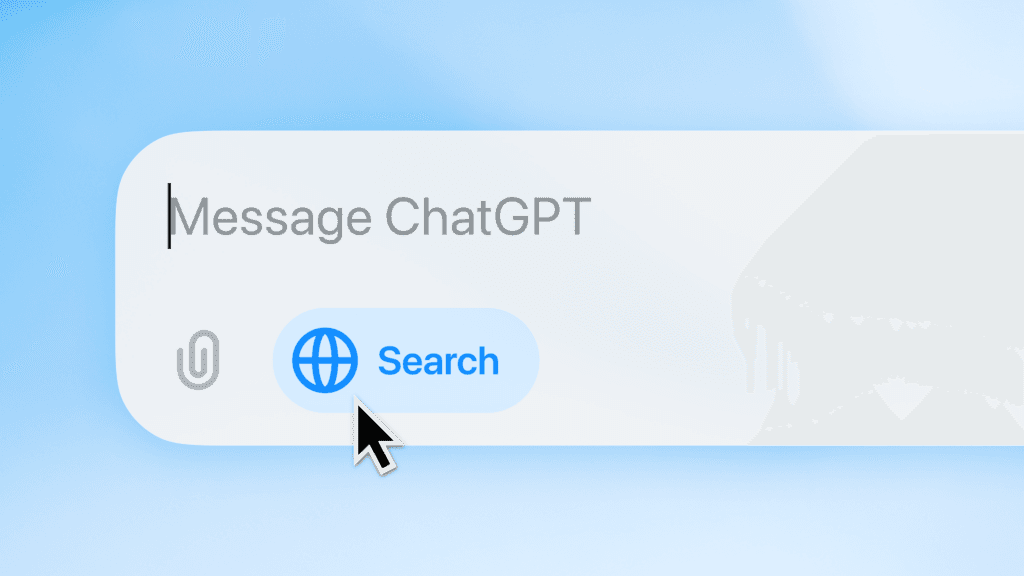
    chatgpt search bar

    ChatGPT sees increased adoption in workplace environments

    A number of tests that assess the precision, applicability, and originality of the answers produced by the model demonstrate this improvement, according to the data supplied by the business. The improvement in performance demonstrates OpenAI’s dedication to the ongoing development of technologies that maximize human-machine interaction, enabling users to have richer and more productive experiences.

    OpenAI has expressed excitement about these advancements, but it has also cautioned about the cybersecurity concerns associated with using its technology. The business highlights the need to exercise caution regarding the possible abuse of artificial intelligence, which might result in the production of false information or deceptive content. This is a problem for both creators and users of this cutting-edge technology.

    These advancements align with the IT industry’s rising interest in applying artificial intelligence to business and creative domains. It is evident that GPT-5.1-Codex-Max may have an impact on the creation and consumption of material, but it also necessitates a careful examination of how to guarantee that these tools are applied morally and responsibly.

  • You can remove Gemini from Google apps — here’s how

    You can remove Gemini from Google apps — here’s how

    Google has gradually incorporated Gemini into all of its products and services, despite having a slower start to the AI space than competitors like OpenAI and Microsoft.

    Gemini has been included into nearly every Google tool we use on a daily basis, including Google Docs, Gmail, Drive, and even Google Assistant for Android.

    Gemini is an AI, and not everyone feels comfortable using it, even if it is excellent at many things and occasionally even replaces apps on our phones.

    Some users are uncomfortable providing their data with Google in apps like Gmail or Google Photos, and not everyone wants Gemini in Google Workspace apps.

    If you share my annoyance with Gemini, there is a way to get rid of Gemini from the majority of Google services and apps.

    You can manually disable Gemini across many Google apps, but it’s not as easy as it would seem.

    Remove Gemini tools from Google Photos

    google gemini integration in Photos

    The Ask Photos feature in Google Photos was just introduced.

    Recalling information from your images, like a sunset from a trip or even the license plate number of your automobile, looks like a helpful function.

    Additionally, Ask Photos has grown to include image editing by allowing you to specify the adjustment you wish to make.

    You might not want to give Google access to your photos or associated information, though.

    Fortunately, you can simply turn off Google Photos’ Ask Photos and Gemini features directly from the Android app.

    How to disable:

    1. Open the Google Photos app on your phone.
    2. Tap your profile icon in the upper-right corner and select Google Photos settings.
    3. Tap Preferences.
    4. Tap Gemini features and disable the Use Gemini in photos toggle.

    Disable AI Overviews in Google Search

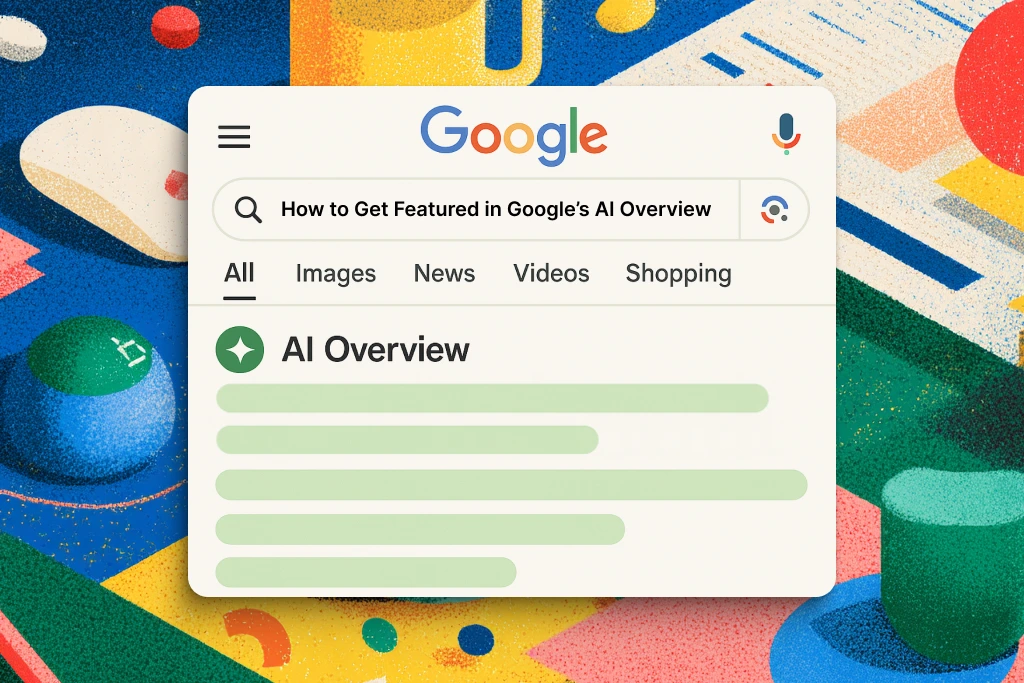
    AI Overviews in Google Search

    AI Overviews replaced Google Search in recent months.

    Google Search has drastically altered in a short amount of time, despite the company’s efforts to improve them by adding more sources and more inline links to reliable websites.

    There is a quick and easy method to restore the traditional Google Search experience if you prefer cleaner, more natural results without any AI features or AI Overviews obstructing what you are actually attempting to seek up.

    Simply add “-ai” to the end of your Google search the next time you want to avoid all the AI garbage. This eliminates AI Overviews from taking over your screen and yields much cleaner and more conventional Google Search results.

    The best part is that this method is compatible with all platforms, including cellphones and PCs.

    Remove Gemini features inside Google Chrome

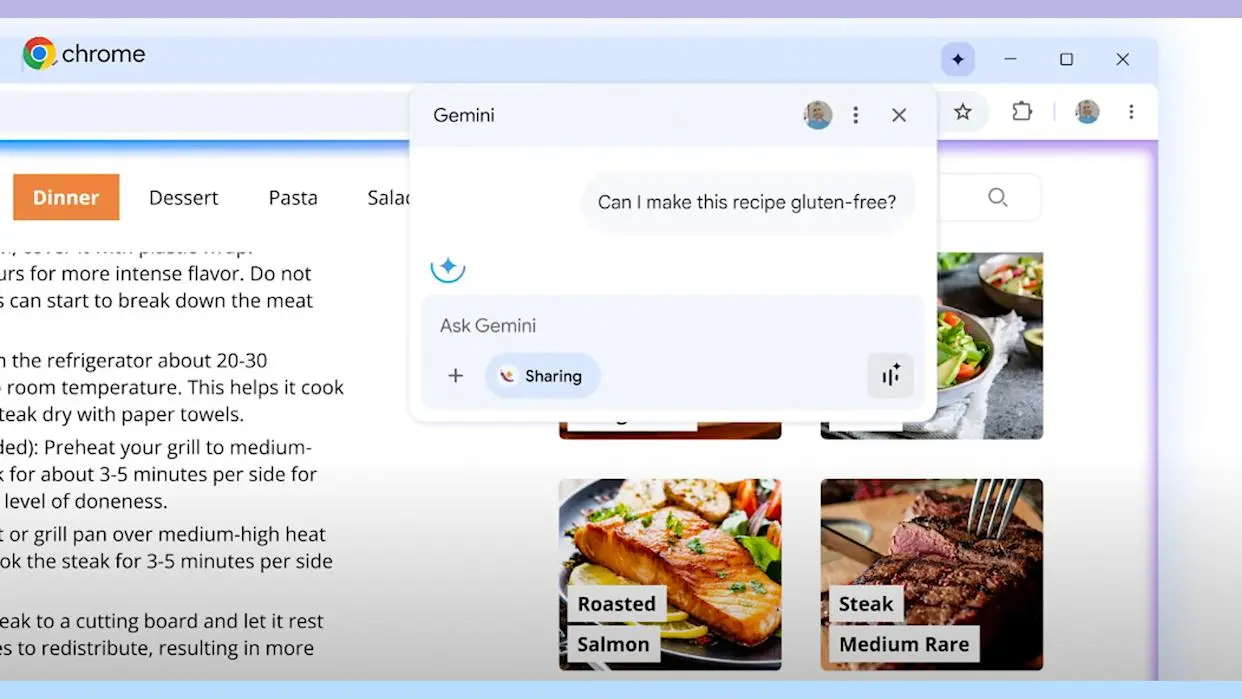
    Gemini features inside Google Chrome

    Chrome has been among Google’s services and apps with the slowest Gemini integration.

    This is probably due to its enormous user base and Google’s desire to refine its AI features before releasing them in the browser.

    However, Google Chrome’s Gemini has begun to roll out. Users in the US who use Chrome in English and are older than eighteen can access this function.

    Gemini in Chrome allows you to use gen AI writing tools, search your surfing history in natural language, and ask questions of the chatbot from anywhere in the browser.

    Here’s how to turn off Gemini on your computer, though, if you don’t want it to see your browsing history or Chrome data:

    1. Open Google Chrome.
    2. Click the three-dot menu in the upper-right corner and select Settings.
    3. On the left sidebar, select AI innovations.
    4. Select History search, powered by AI and Help me write and toggle them off.

    Turn off Gemini in Drive, Docs, and other Workspace apps

    Gemini in Drive, Docs, and other Workspace apps

    Integrating Gemini into its Workspace apps has been one of Google’s major initiatives.

    Gemini connectivity is available through services like Gmail, Drive, Docs, and others, each of which has a unique feature set.

    For instance, you may ask Gemini in Gmail to quickly scan your emails and extract pertinent information. It can assist you in comprehending the contents of a folder in Drive. It can assist you with writing and formatting information in Docs.

    However, you can simply turn off all of the smart Gemini features in all of the Workspace apps at once if you don’t want Gemini to interfere with your workflow.

    1. Open the Google Drive desktop website (drive.google.com) and click the gear icon (Settings) in the upper-right corner.
    2. Select Privacy and then tap Manage Workspace smart feature settings.
    3. Toggle Smart features in Google Workspace to off.

    It’s important to note that you can also turn off Smart features in other Google products, but doing so will also turn off Gemini in apps like Calendar and Maps.

    Even simple AI-powered capabilities like suggested tickets and loyalty cards in the Wallet app, as well as suggestions and answers in the Gemini app, will no longer be available from Google.

    You can turn off this feature if you wish to entirely eliminate Gemini across all Google apps. If not, you can proceed by just turning off the first option.